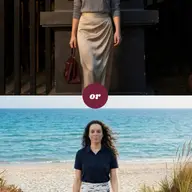
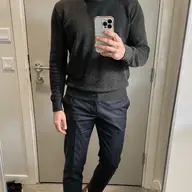
Virtual Try-On
Everywhere you shop
Before we begin, try it on yourself for real.
Upload a selfie. Pick an item or full outfit from any store. Clottr's AI renders you wearing it in high quality. Your body, your fit, your style.
Get Early AccessHow virtual try-on works
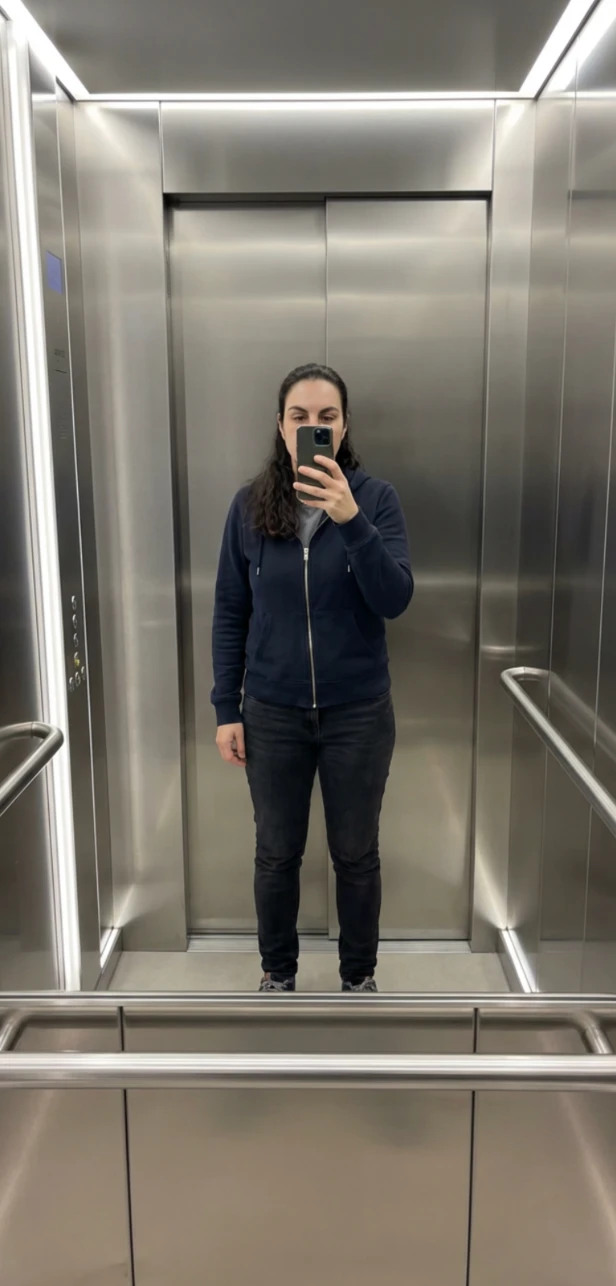
Upload a selfie
Your face, body shape, and proportions carry over from the photo, so every try-on looks like you.
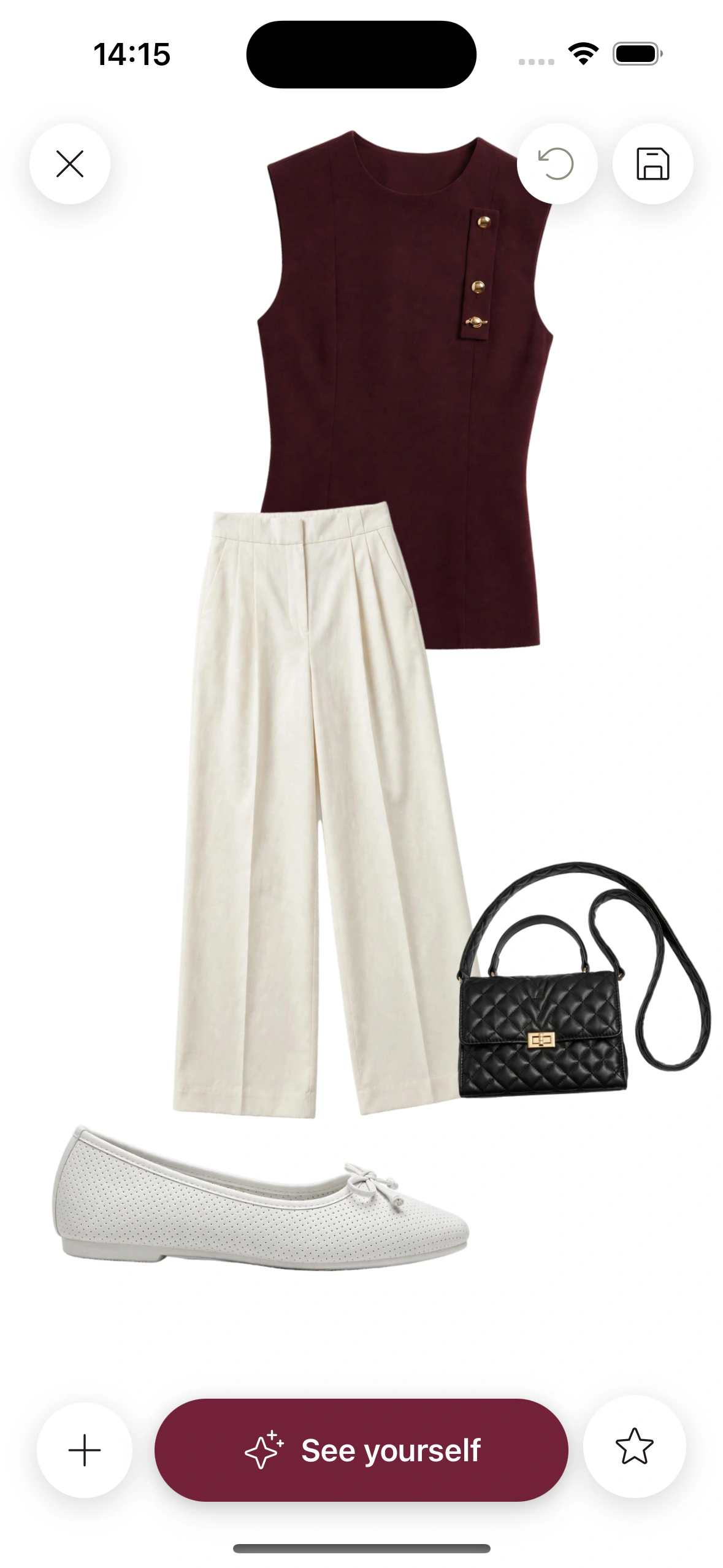
Select any clothing item
Pick from your wardrobe, browse an online store, or build a full outfit on the canvas. Anything goes.
See yourself wearing it
Clottr's AI generates a high-quality, realistic preview.

High-quality try-ons. Instant speed coming soon.
Most virtual try-on tools make you upload multiple photos or show you a generic model that looks nothing like you. Clottr uses a single selfie and our advanced AI pipeline to render a high-quality preview on your real body. Instant speed is coming soon.
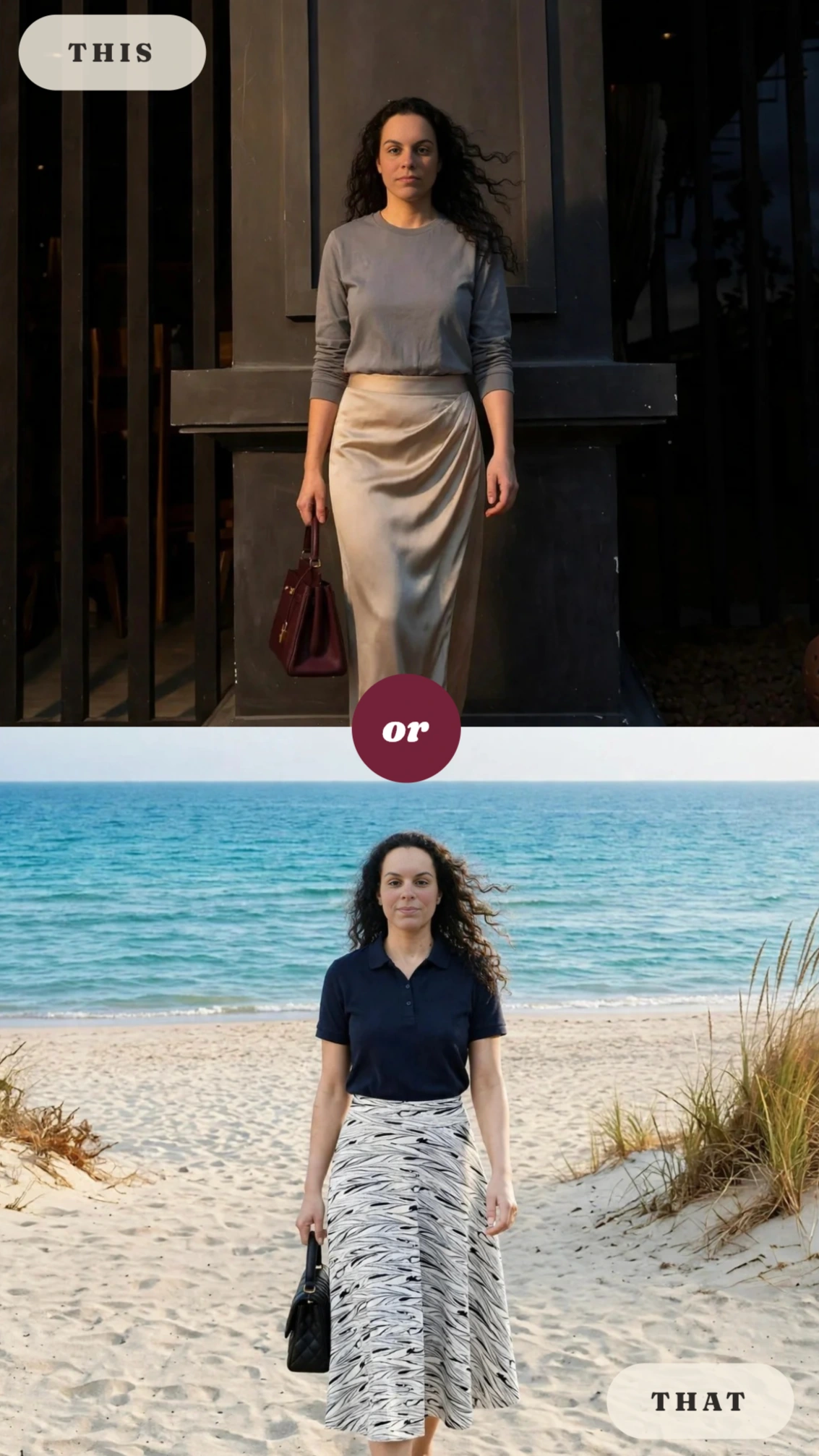
Single items or full outfits
Try on a single jacket to see if it works. Or build a complete outfit on the canvas: tops, bottom, shoes, accessories and see the whole look on you at once.
Mix items from your wardrobe with new pieces from any online store. Clottr makes it easy to experiment without the hassle of a fitting room.
Your photos stay yours
Clottr keeps your body selfie, the studio pose made from it, and your try-ons in secure storage. No biometric templates, no AI training on your photos. You can delete your data at any time.
Frequently Asked Questions
Is there a free virtual try-on I can use online?
Yes, on this page: upload a selfie, pick a piece and see it on you in about 30 seconds. One free try-on, no sign-up.
How does Clottr's virtual try-on work?
You upload one full-body selfie, and Clottr turns it into a clean studio pose of you. Pick any clothing item or full outfit, from your wardrobe or any online store, and Clottr's AI renders a high-quality preview of you wearing it. Your own face is preserved in the result.
What photo do I need for virtual try-on?
One full-body photo of you facing the camera, against a plain wall, in even light. A mirror selfie works fine as long as your whole body is in the frame. The try-on photo guide shows how to take it.
Is Clottr's virtual try-on accurate?
It's an approximation made for judging the look, not the fit. Try-on shows how a piece's color, style and proportions come together on your own body, but it does not tell you your size or exactly how a piece will fit. Results are AI-generated, so a render can occasionally change your face a little or blend layered pieces together; when that happens, run the try-on again. More in how accurate virtual try-on really is.
Does virtual try-on show the right size?
No. Virtual try-on shows how a piece looks on you, not which size to buy or exactly how it will fit. Check the store's size chart before you order.
Is Clottr's virtual try-on fast?
Speed comes second for now. Clottr puts quality first: high-quality try-ons today, with instant speed coming soon. Each render is built to look like you in the actual piece.
Is my selfie kept private?
Yes. Clottr stores your selfie, the pose image made from it and your try-ons; it creates no biometric templates and never uses your photos to train AI. Moderation is automated: a person looks at a specific image only if it is reported as breaching the Terms, if you send it to support, or if the law requires it. You can delete your data anytime from Profile settings, and encrypted backups are purged within 30 days (details in the privacy policy).
Do I need a new photo every time I try something on?
No. Clottr uses the one selfie you upload for every try-on after it, except rings and watches, which use a separate photo of your hand. You can update your photo anytime, but one is all you need for clothes.
Can I try on a full outfit or just individual items?
Both. Try on a single top or a pair of pants, or build a full outfit on the canvas (tops, bottoms, shoes, accessories) and see the whole look on you at once. You can mix pieces from your wardrobe with new ones from any online store.
Does virtual try-on work with any online store?
Yes. Paste a product link, upload a photo or screenshot of the piece, or use Clottr's browser extension to try it on without leaving the store page.
Can I try on glasses, sunglasses or jewelry?
Yes. Glasses and sunglasses, earrings and necklaces render on the same photo you use for clothes, while rings and watches need a separate photo of your hand. Scale is approximate, so use it to judge the look, not the fit or size.
Is Clottr's virtual try-on free?
Yes, there is a free tier: it covers try-ons, Should I Buy checks and outfit generation, plus wardrobe and fit management. An optional paid plan adds a bigger monthly allowance for the features you use most, with prices announced at public launch. See what's free and what the paid plan adds.
Explore more

AI Outfit Planner
Get daily outfit recommendations based on your wardrobe, weather, and calendar.
Stop Shopping Regret
Know if a new item works with your wardrobe before you buy it.
Browser Extension
Try on clothes from any online store without leaving the page.
How to Dress Better
A no-BS guide for people who don't know where to start.
Best Virtual Try-On Apps in 2026
An honest comparison of virtual try-on tools available today.
Stop guessing. Start wearing.
Join early. Discounted for life.