
Your closet, digitized
Your entire wardrobe, in your pocket.
Snap or import your clothes and Clottr's AI tags, organizes, and cuts out every piece — a searchable digital closet that powers every outfit you get.
Get Early Access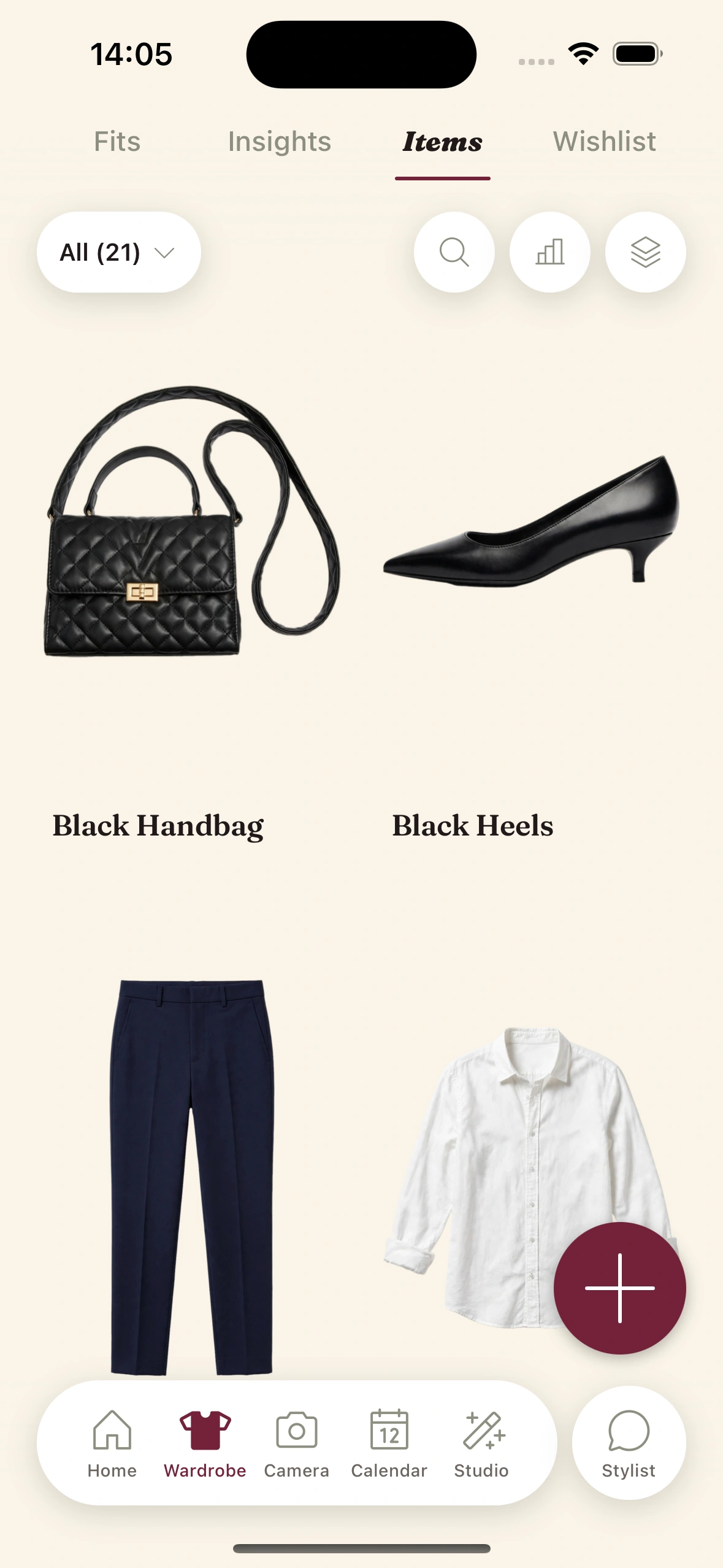
From pile of clothes to organized closet
Snap or import
Photograph a piece, upload from your camera roll, or import straight from any online store. One photo of a full outfit or a whole rack works too.
Auto-tagged in seconds
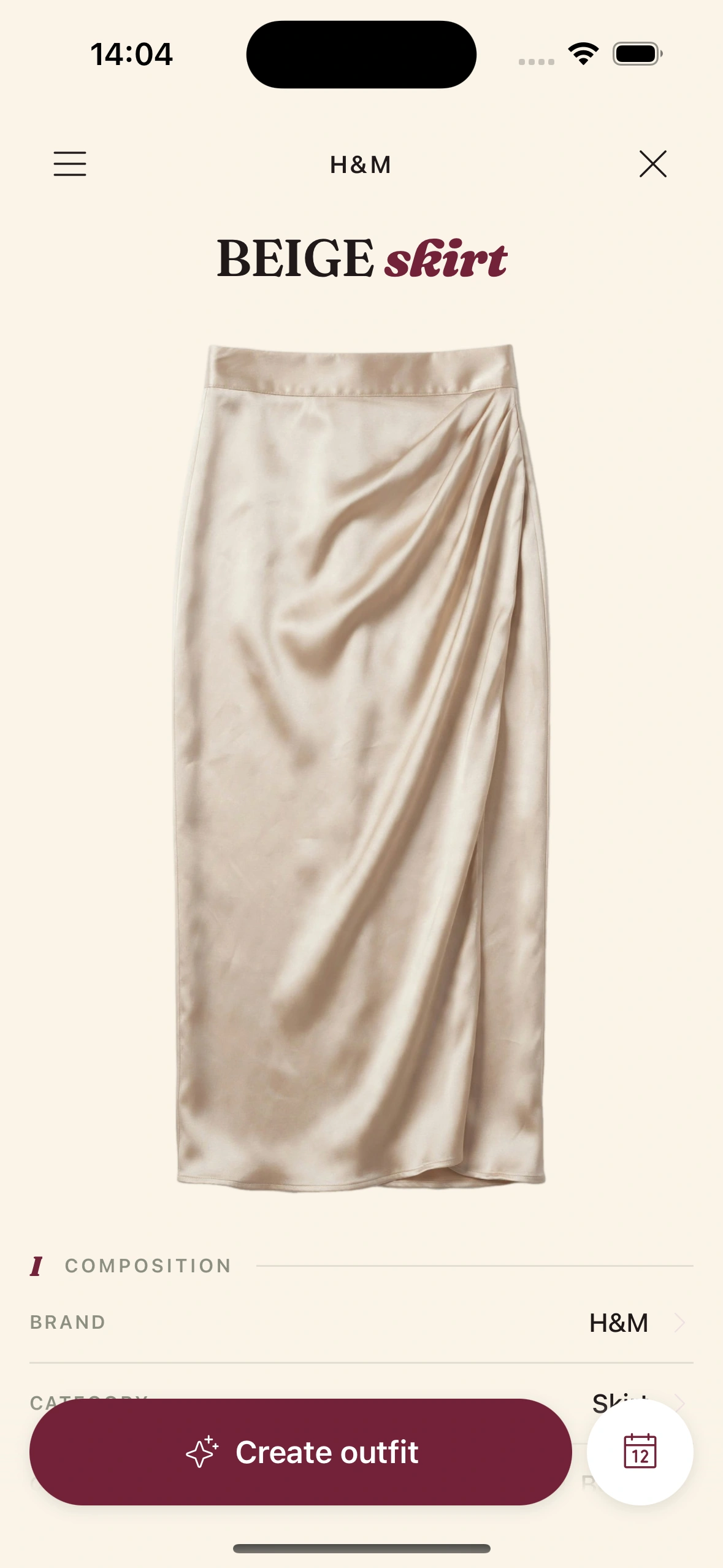
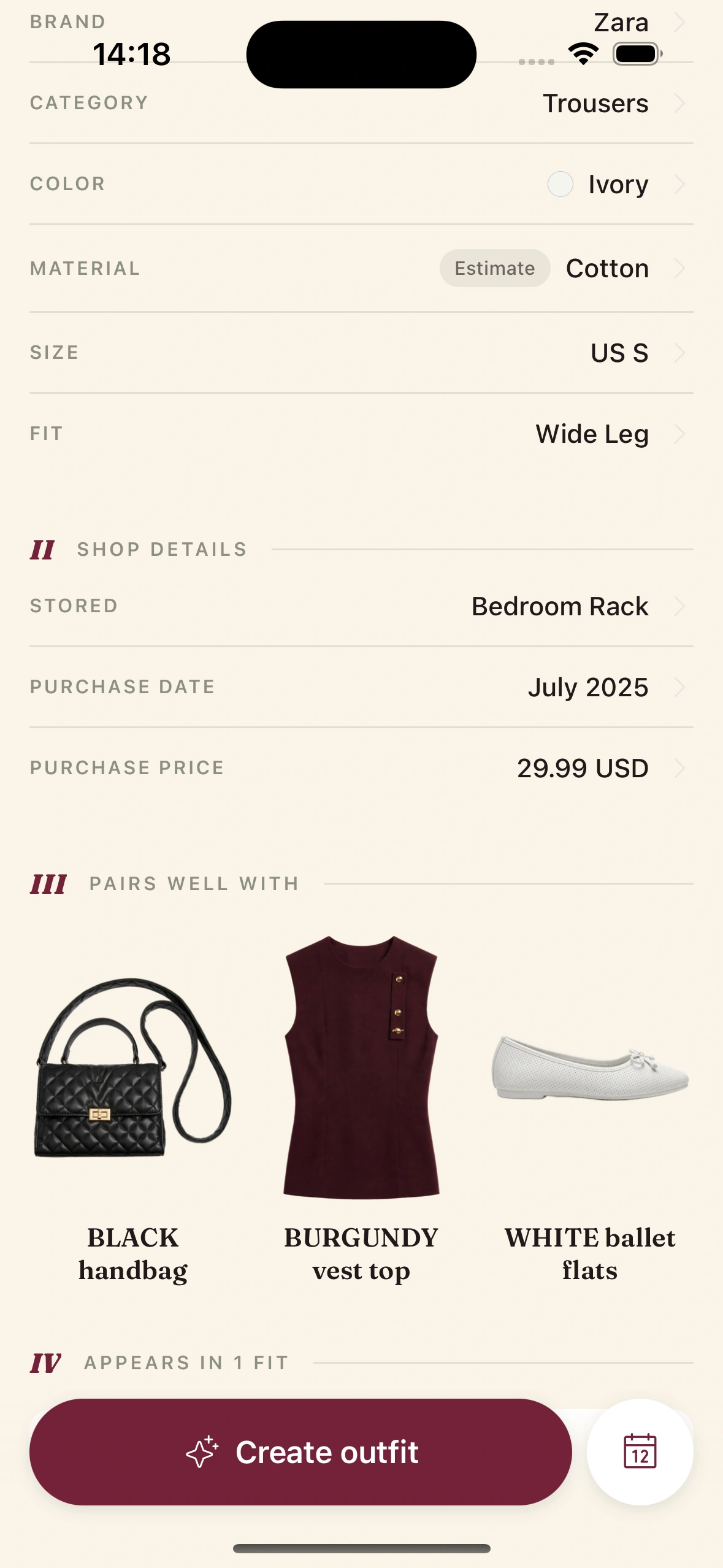
Clottr's AI removes the background to a clean cutout and tags each item across ~19 attributes — category, color, material, sleeve, fit, formality, season — no manual data entry.
Search, filter, wear
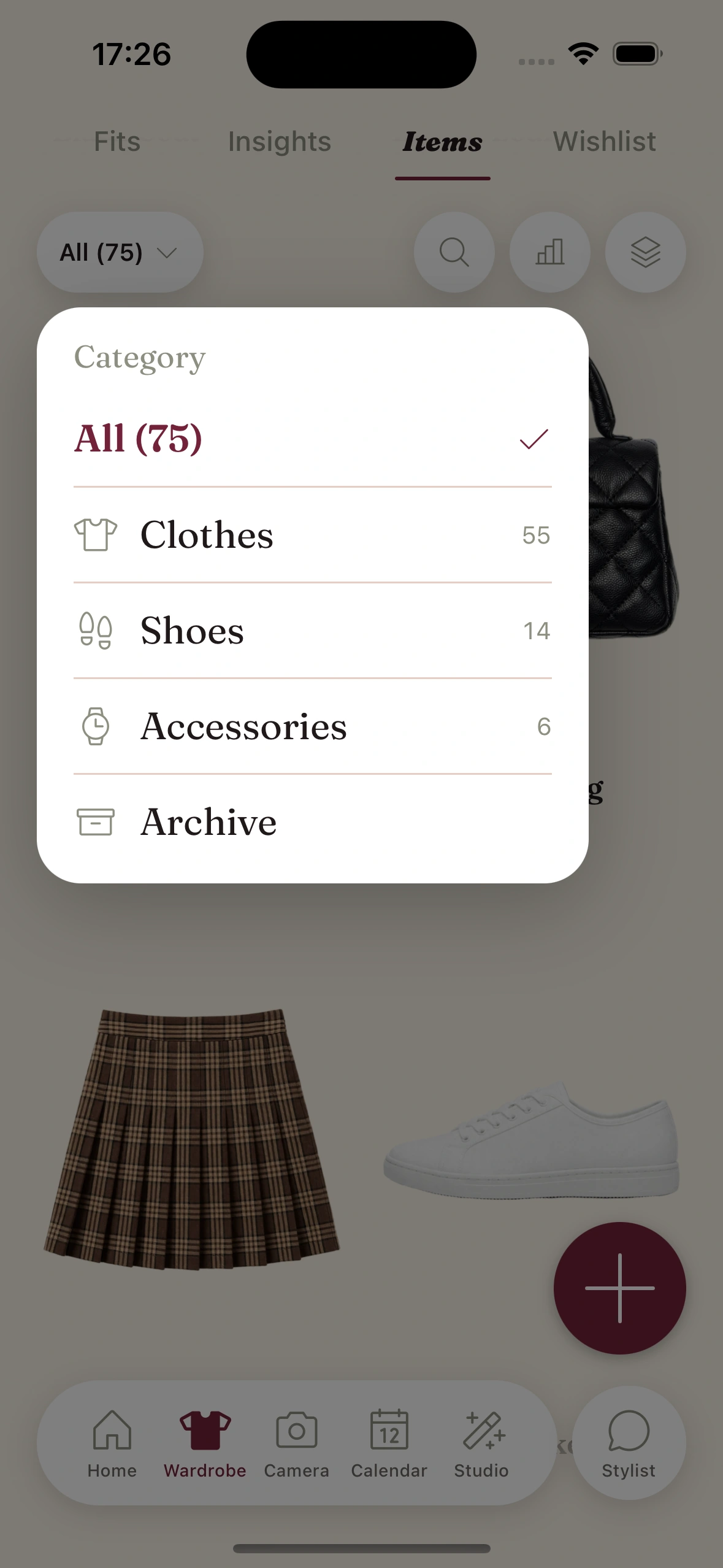
Your whole closet becomes searchable. Filter by color or season, see cost-per-wear, and every other Clottr feature — outfits, try-on, trips — draws on it.
Build your closet in minutes, not evenings
Adding clothes one photo at a time is why most wardrobe apps die on day two. Clottr fixes the on-ramp: point the camera at a full outfit you are wearing, or a rack of clothes, and the AI detects and extracts every garment as its own clean, flat-lay item.
Already have a collection elsewhere or a Pinterest board of your buys? Bulk-import a page of images at once — duplicates are detected and skipped automatically.
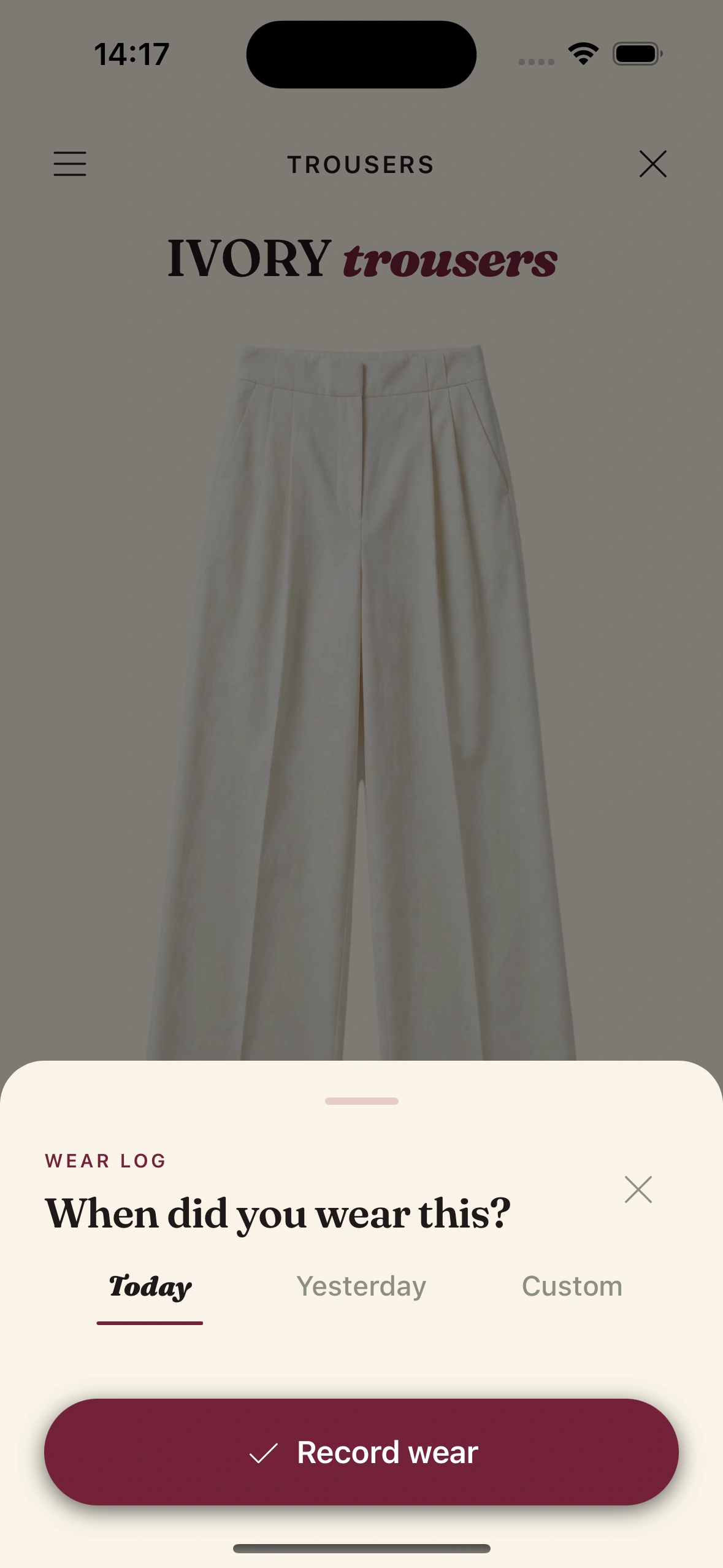
Know what every piece is actually worth
Each item carries its own analytics: cost-per-wear, how often you actually reach for it, how long it has sat untouched, and how many outfits it unlocks.
The result is a closet that tells you the truth — which pieces earn their keep, and which are dead weight worth selling or donating.
Frequently Asked Questions
How do I add my clothes to Clottr?
Three ways: snap a photo of a single item, photograph a full outfit or a rack to extract every garment at once, or import product images directly from any online store. The AI removes the background and tags each piece automatically.
Does Clottr tag my clothes automatically?
Yes. Every item is classified across roughly 19 attributes — category, color, material, sleeve length, fit, formality, season and more — so your closet is searchable without any manual data entry. You can edit any tag later.
Can I import my whole wardrobe at once?
Yes. Photograph a rack or a worn outfit and Clottr extracts each garment as its own item, or bulk-import a page of images. Duplicates are detected and skipped so you do not end up with the same shirt twice.
What is cost-per-wear and how does Clottr calculate it?
Cost-per-wear is an item's price divided by the number of times you have worn it. Log wears (or let calendar and daily fits log them for you) and Clottr tracks it per item, so you can see which pieces are genuinely worth the money.
Is my wardrobe private?
Yes. Your closet and photos are stored securely and used only to power your own recommendations and try-ons. You can export or delete your data at any time.
Explore more

AI Outfit Planner
Turn your catalogued closet into daily outfits, weather- and calendar-aware.
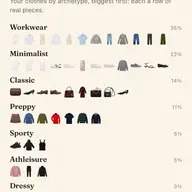
Wardrobe Insights
See your closet by the numbers — palette, cost-per-wear, most and least worn.

Virtual Try-On
See any item from your closet on you before you wear or buy it.

Best Wardrobe Apps in 2026
How Clottr compares to Whering, Indyx, Pureple, and Acloset.
Digitize your closet.
Join early. Discounted for life.