
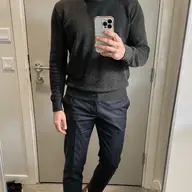
Field Guide № 06 · Day one
Set up your try-on photo.
One good selfie is the whole setup. Get it right once and every outfit — from your closet or any store — renders on your own body in high quality.
01
Take one full-body selfie.
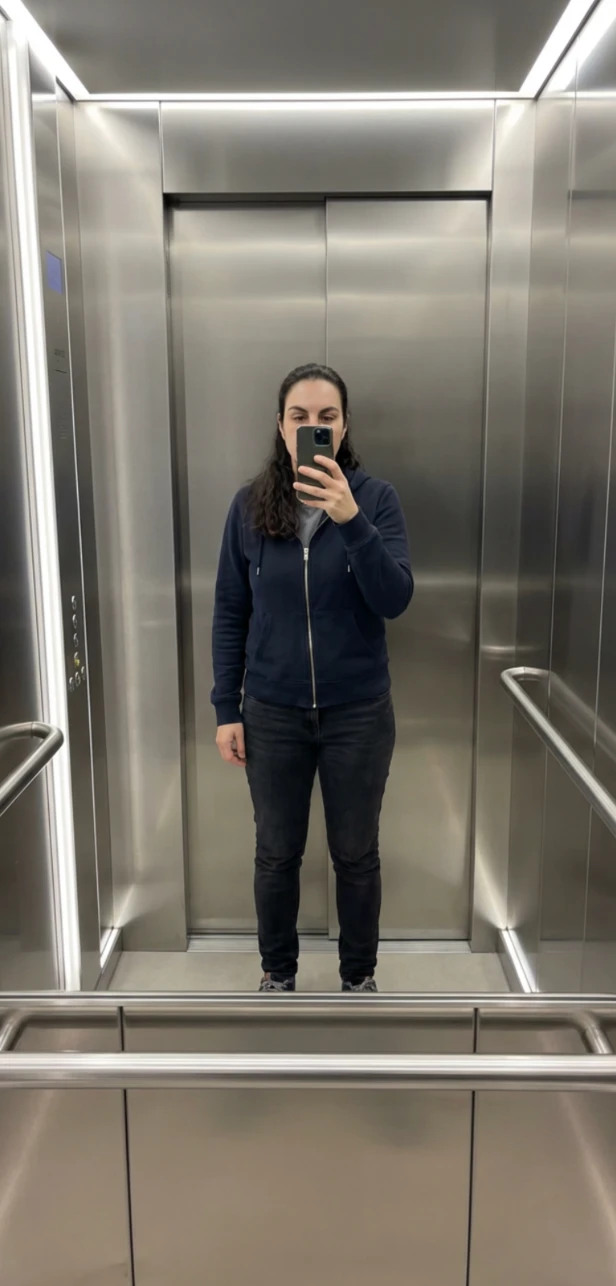
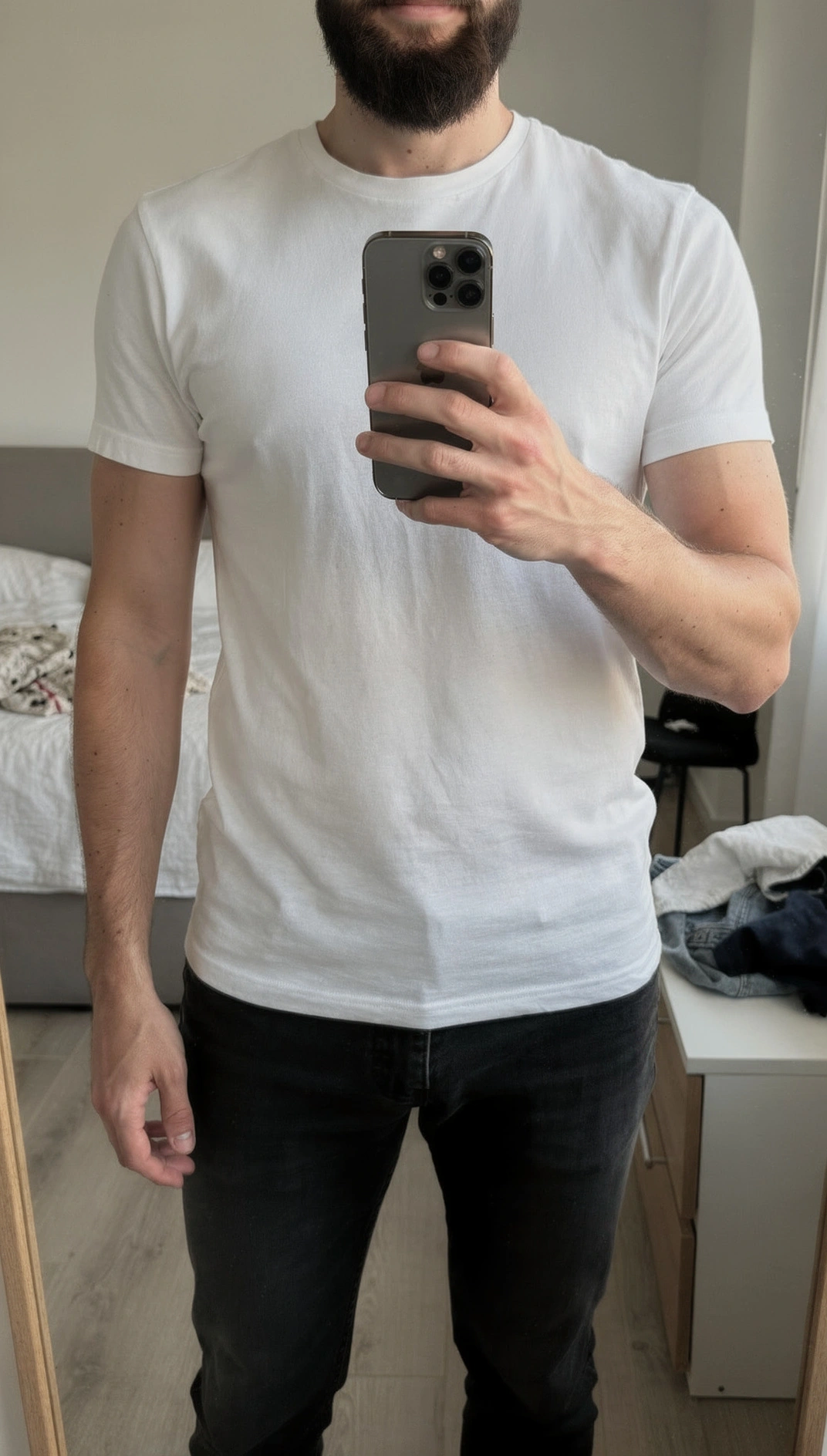
Stand facing the camera, head to feet in frame, against a plain wall in even light. Wear something reasonably fitted — the AI reads your proportions best when clothes aren't hiding them.
Prop your phone on a shelf, ask a friend, or use a mirror. A relaxed, straight-on pose beats a dramatic angle. This is the one photo everything else is built on, so it's worth thirty extra seconds.
02
Upload it — snap or pick.
In the app, add your photo: shoot it live in the moment, or pick the best full-body shot from your camera roll. Clottr will let you know if the framing or lighting will hold back the result, so you can retake before committing.
A mirror selfie is fine here too, as long as it's full-body and clear. One photo is all you need — you're not uploading a new one for every item.
03
Clottr builds your model.
From that one photo, the AI re-renders you into a clean studio pose, keeping your body shape and proportions as the photo shows them. That pose image is your body model: the canonical version of you that every try-on is fitted to, and the core of your Style DNA. It's a picture, not a set of measurements.
Your own face is preserved in every result, so the previews look like you, not a stand-in model. It takes a moment to prepare, then it's ready for good.
04
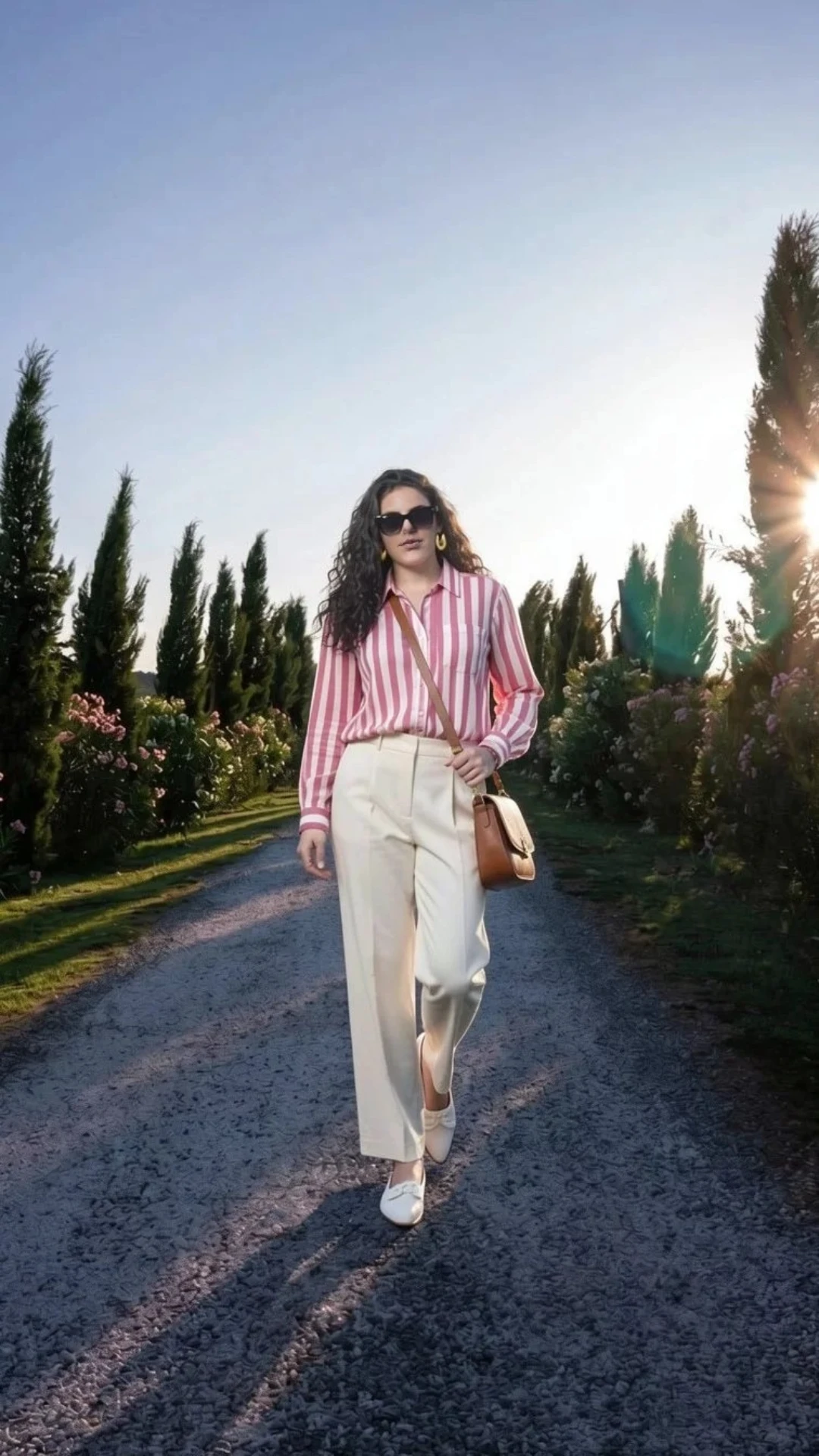
See your first try-on.
Now pick anything — a piece from your closet, an item from a store, a full outfit on the canvas — and see it on you in high quality. That's the payoff for the one photo you just set up.
Changed your hair, your weight, or just want a sharper shot? Update the photo anytime, and if you save more than one pose you can pick which is your primary.
One selfie. Every outfit, on you.
Join early. Discounted for life.
Tips & gotchas
What makes a try-on look like you.
Full body beats a headshot.
The AI needs to see your proportions head to feet. A cropped or waist-up photo forces it to guess the rest, and the fit suffers. Get your shoes in the frame.
Fitted clothes, plain background.
A baggy hoodie hides your shape; a busy background confuses the cutout. A plain wall and something reasonably close-fitting give the cleanest read — you're not modeling, you're calibrating.
Even light, no harsh shadow.
Face a window or stand under soft overhead light. Strong side-shadow or a backlit silhouette makes it harder for the AI to separate you from the background.
If a render looks off, run it again.
Try-on is generative, so occasionally a layer mixes or the face shifts. Your own face is preserved automatically, and a second attempt almost always fixes the rest. A better base photo means fewer retries.
Keep reading
Feature
Virtual Try-On
Everything your photo unlocks — see any item or full outfit on your own body.
Guide
Import your wardrobe from a rack
Fill your closet in one sitting, then try any of it on the model you just built.
Feature
Rate My Outfit
Snap a mirror selfie and get an honest, rules-based read on the look.
Blog
Top Virtual Try-On Apps in 2026
Why a single-selfie approach beats multi-photo and generic-model try-ons.
Frequently Asked Questions
How do I add my photo for virtual try-on?
Upload a single full-body selfie in the Clottr app — either snap it live or choose one from your camera roll. Clottr uses that one photo to render every future try-on, so you only set it up once.
What kind of selfie works best for try-on?
A full-body shot, facing the camera, in reasonably fitted clothes, against a plain wall in even light. Head-to-feet framing and a neutral pose give the AI the clearest read of your proportions — which makes every try-on look more like you.
Do I need a new photo every time I try something on?
No. You upload one selfie and Clottr reuses it for all future try-ons. You can update it whenever your look changes, but a single photo is all you need to get started.
Can I use a mirror selfie?
Yes. A mirror selfie works as long as it's full-body and well lit. A straight-on shot from a friend or a propped-up phone is slightly better because there's no phone covering part of you, but a clean mirror photo is perfectly fine.
Is my selfie kept private?
Yes. Your photo is stored securely and used only to generate your own try-on previews. You can update or delete it at any time, and deleting your data removes the pose and every render made from it.
What is my body model, and what does Clottr store?
Your body model is an image, not a 3D scan or a measurement profile: it's the clean studio pose Clottr renders from your selfie. We store the photo you upload, that pose image, and the try-ons you create from it. We don't create biometric templates such as a face print, and none of it is used to identify you or to train AI models.
Why does the try-on sometimes change my face slightly?
Try-on is AI-generated, so on rare renders the face or layering can come out a little off. Clottr preserves your own face in the result to keep it looking like you, and if a render misses, just run it again — accuracy is high and improving.