Field Guide № 09 · Profile photos
Plan your dating photos.
See each outfit on you in Clottr first, compare and frame it in Studio, then use the best try-on in your profile or shoot the real photo in that outfit and light. Either way, your profile shows you as you are.
01
Pick three outfits for one photo.
Start with one slot of the six-photo set: the headshot, the full-length photo, the activity, the group photo, the dressed-up one or the wild card. Each needs a different outfit, so plan them one at a time.
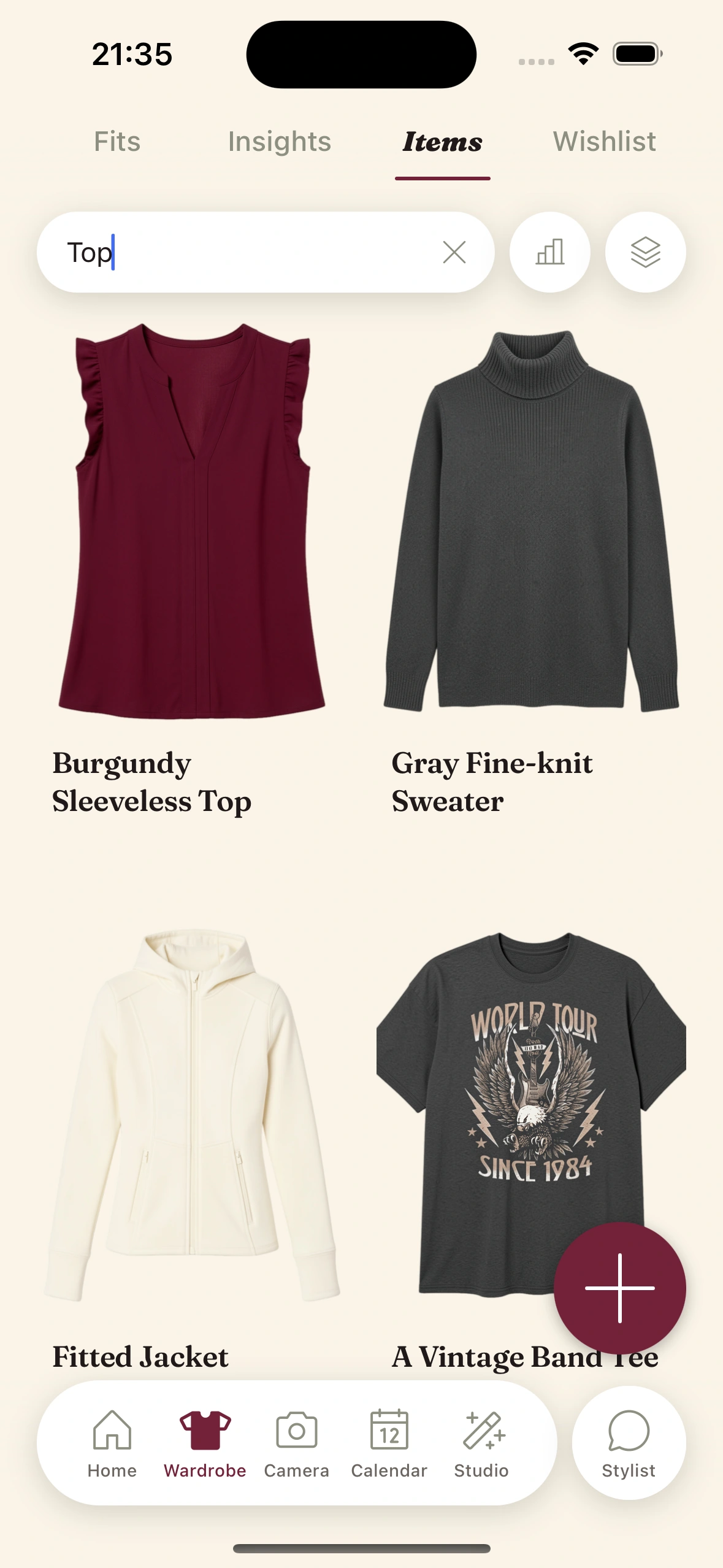
Filter your wardrobe by category, color or formality and pick three candidates for that slot. Choose clothes you actually wear: the outfit in the photo should be one you could wear on the date.
Which slot needs what is in what to wear in your dating profile photos.
02
Try all three on.
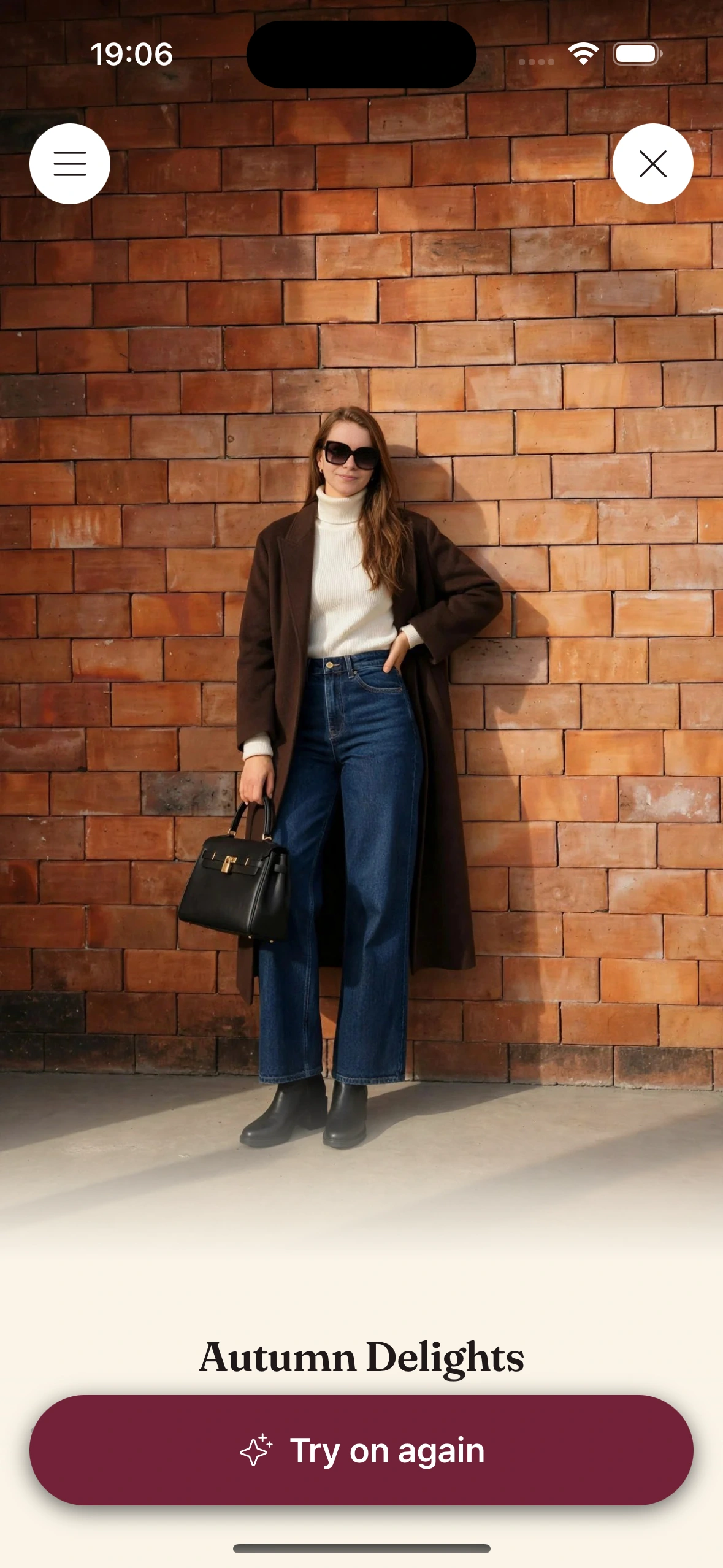
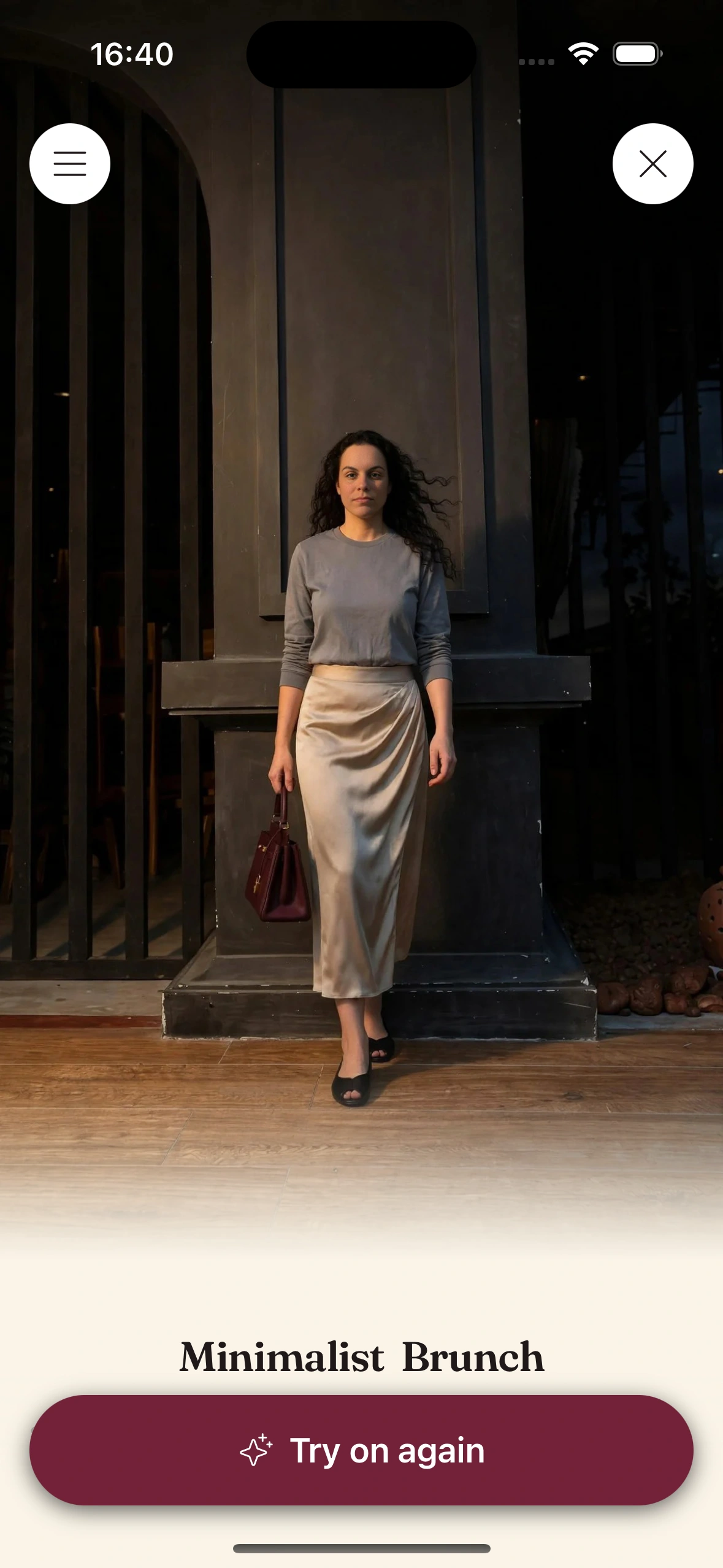
Build each candidate on the canvas and try it on. Virtual try-on renders the outfit on your own photo, and one photo covers every try-on, so three candidates take a few taps, not three outfit changes.
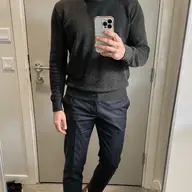
Look at the full length, not just the top half. A full-length photo shows proportion: where the jacket ends, where the trousers break, how the shoes finish the line.
The render is an approximation for judging the look, not the fit: it doesn't tell you your size or exactly how a garment will fit, and it can occasionally change the face a little or blend layered pieces. Running it again usually fixes that.
03
Compare two on one card.
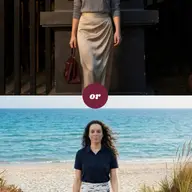
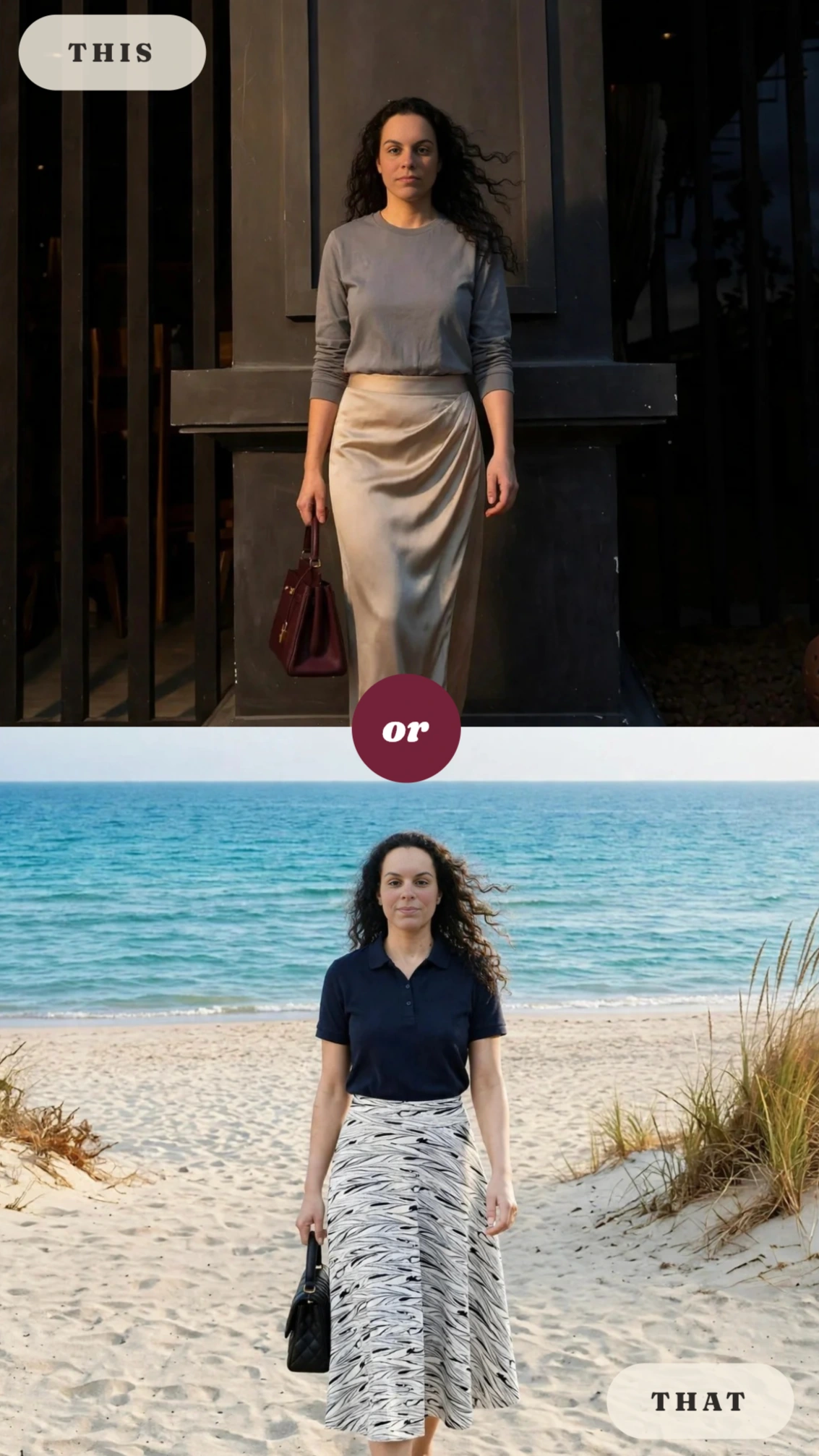
Choosing is easier in pairs. In Studio, the This or That template stacks two looks on one card, so you compare them at the same size and in one glance.
Compare three things: which colors stand out against the background without fighting your face, which silhouette works at full length, and which one looks like you on your best day. If a friend's opinion helps, send them the card.
04
Frame it as a finished picture.
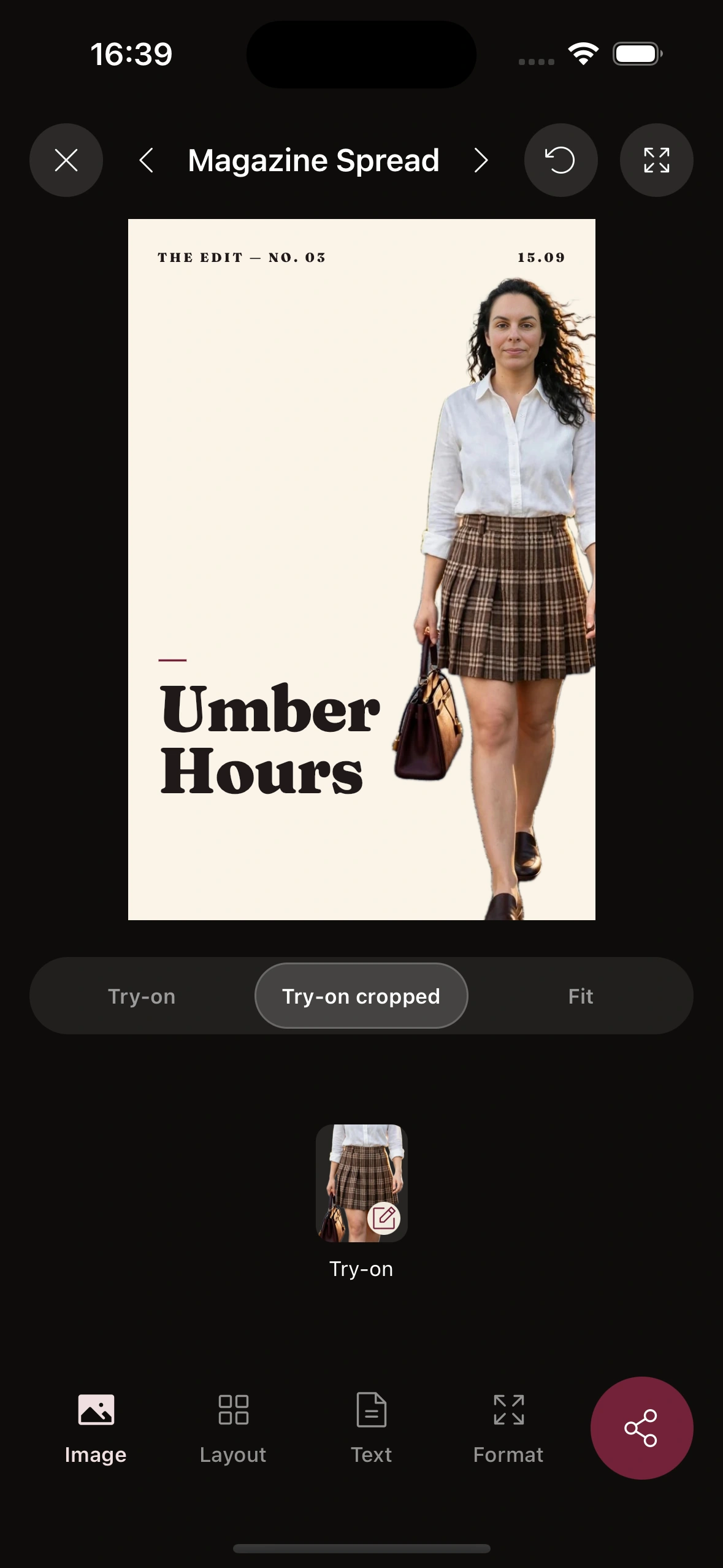
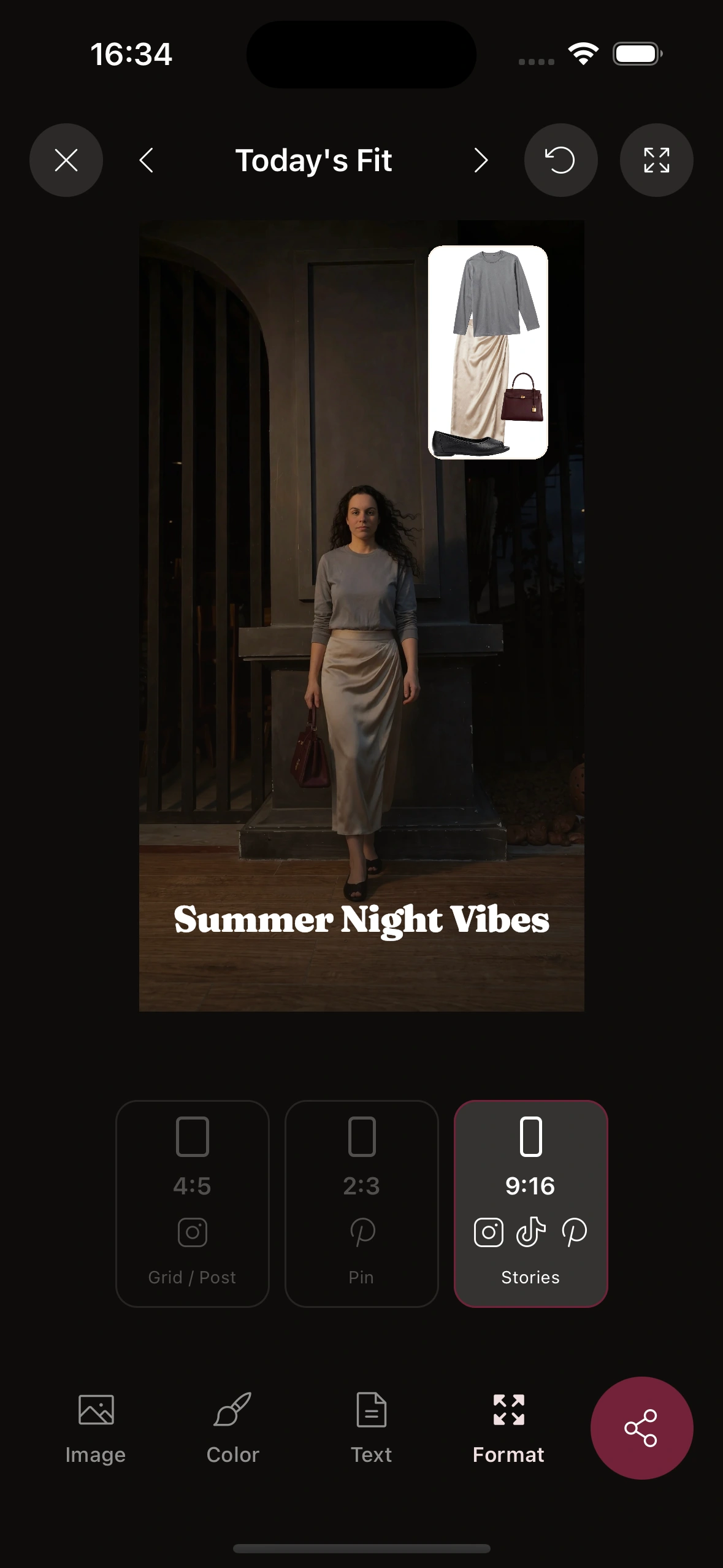
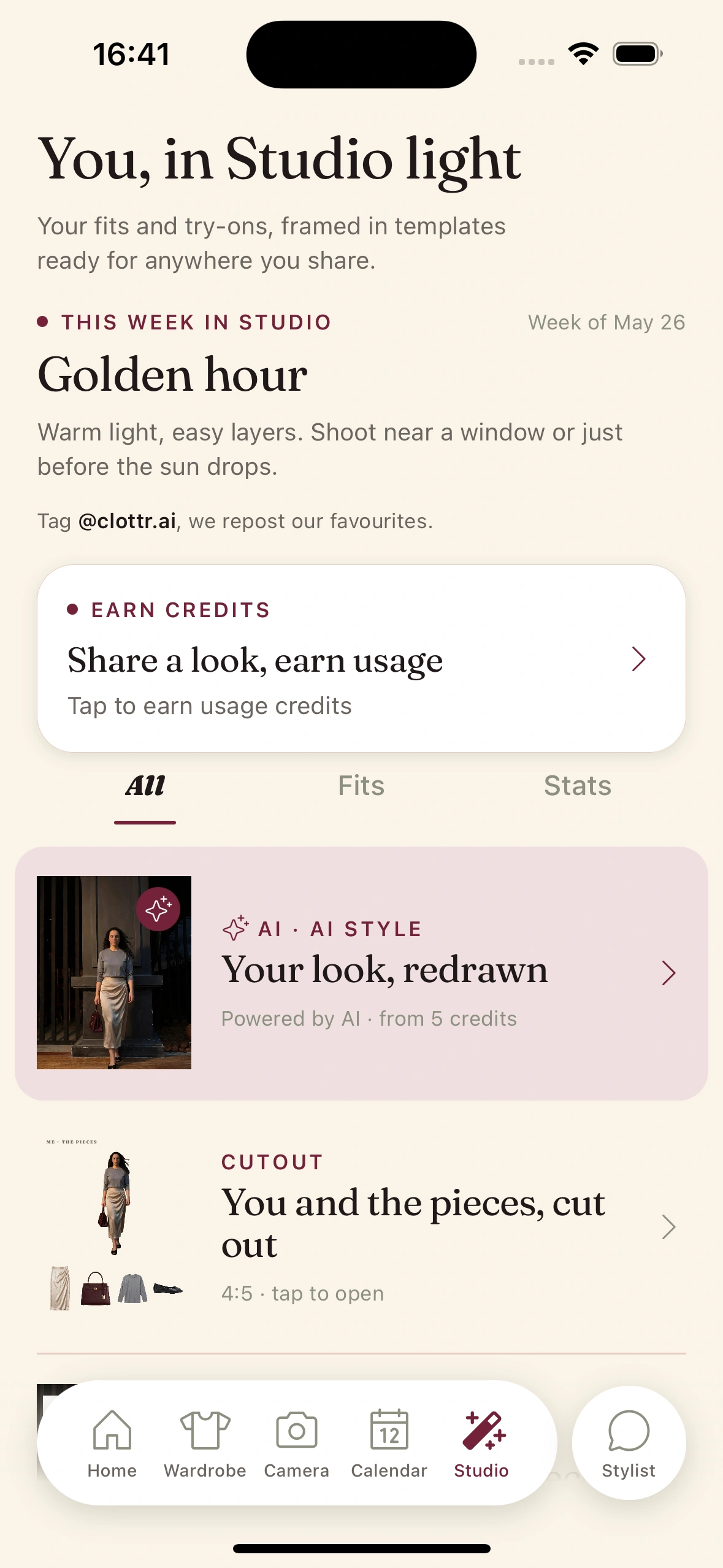
Put the winner in a Studio template to see it as a finished picture: the outfit, a background and a frame, as a 4:5 portrait.
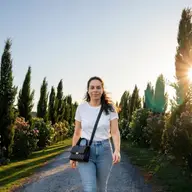
A weekly theme can come with a note on light and setting: Golden hour, for example, says to shoot near a window or just before the sun drops. That note is the start of your shot list.
05
Write the shot list.
From the framed render, write down what the real photo needs. Keep it to five lines:
- ·Outfit: every piece, shoes included.
- ·Background: a plain wall, greenery or a quiet street, whatever doesn't fight the colors.
- ·Light: a window, open shade or the hour before sunset.
- ·Framing: head and shoulders, or full length with space above your head and below your feet.
- ·Crop: 4:5.
06
Shoot it for real.
Put on the outfit and go to the light on your list. Face the window or stand in open shade, put the phone at chest height on a timer or hand it to a friend, and take three frames or a burst per outfit.
Hold the render next to the result. You're not trying to copy it exactly: you're checking that the colors, the proportions and the feel of the outfit came through. Shoot three outfits in one session and most of the set is done.
The full shooting guide is how to take dating photos by yourself.
07
Build the set.
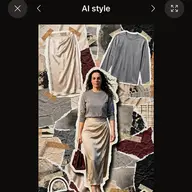
Pick the best image for each slot, real photo or try-on, and lead with a clear, recent photo of your face. Use the try-on image itself rather than a Studio card or an AI style, which read as graphics, not photos of you.
The apps are against fake profiles, not against AI as such: Hinge's rules prohibit AI-generated content used to mislead, Bumble's guidelines don't allow photos so edited that it isn't clear it's you, and Tinder, Hinge and Bumble offer verification that compares a selfie with your profile photos (Tinder, Hinge, Bumble; as of October 14, 2026). A try-on keeps your real face and shows clothes you own. Leave out any render where your face looks even slightly off: the person you meet checks too, the moment you walk in.
Dating apps are against fake profiles. A Clottr try-on is you, with your own face, in clothes you own.
What each app asks for, with links to its rules, is in what to wear in your dating profile photos.
Tips & gotchas
Before you shoot.
One slot, three outfits.
Don't plan the whole set at once. Pick a slot, compare three candidates, choose one, then move to the next slot.
Match the light, not the pixels.
The render shows the outfit in good light. Find that light for the real photo: a window, open shade, the hour before sunset. That matters more than the exact pose.
Shoot more than you need.
Three frames per outfit is a minimum. Blinks, wind and a strange shadow ruin more photos than bad outfits do.
Keep the edit honest.
Crop and exposure are fine. Changing your face or body is not, and it's the first thing that shows when you meet. More in do AI photos work on dating apps.
For men.
The usual photo traps are sunglasses in most shots, the same shirt in every slot and no full-length photo. Plan a different outfit for each slot, shoes included.
For women.
The usual photo traps are the group photo where nobody can tell which one you are and filters that don't match the person who arrives. Keep edits to crop and exposure.
Keep reading
Guide
What to wear in your dating profile photos
The six-photo set, colors that photograph well, and what each app asks for.
Blog
How to take dating photos by yourself
Light, angle, timer and three outfits in one afternoon.

Feature
Studio
Templates that frame your outfits and try-ons as finished pictures.
Blog
Do AI photos work on dating apps?
What Tinder, Hinge and Bumble say, and what AI is actually good for.
Frequently Asked Questions
Can I use a try-on render on Tinder?
Yes, if it shows you as you are. Tinder's community guidelines are against fake accounts and pretending to be someone you're not, and its Photo Verification compares a video selfie with your profile photos (links in step 7). A try-on keeps your real face and shows clothes you own. Use the try-on image itself, not a Studio card, and lead with a clear, recent photo of your face.
Will the real photo look like the render?
Close in color and proportion, not identical. The render is an approximation for judging the look, not the fit, and your real photo depends on the light, the pose and how the clothes sit that day. Use it as a reference for the outfit and the light, not as a target to match pixel by pixel.
How do I plan the headshot?
For a headshot, what matters is the color near your face. Compare two or three tops with This or That, pick the one that suits you, then shoot head and shoulders facing a window or in open shade.
Can I use a photo a friend took of me?
Yes. A real photo of you is exactly what dating apps want, and a friend usually gets better angles and more natural expressions than a timer. Just make sure you're the only person in your first photo.
See the shot before you take it.
Join early. Discounted for life.