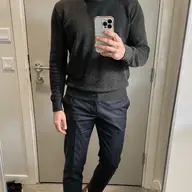
Inspiration, made wearable
That photo you saved?
Now it's an outfit you own.
Drop in a look you love — a Pinterest pin, a street-style shot, a screenshot — and Muse reverse-engineers the vibe into a full outfit, built only from clothes already in your closet.
Get Early Access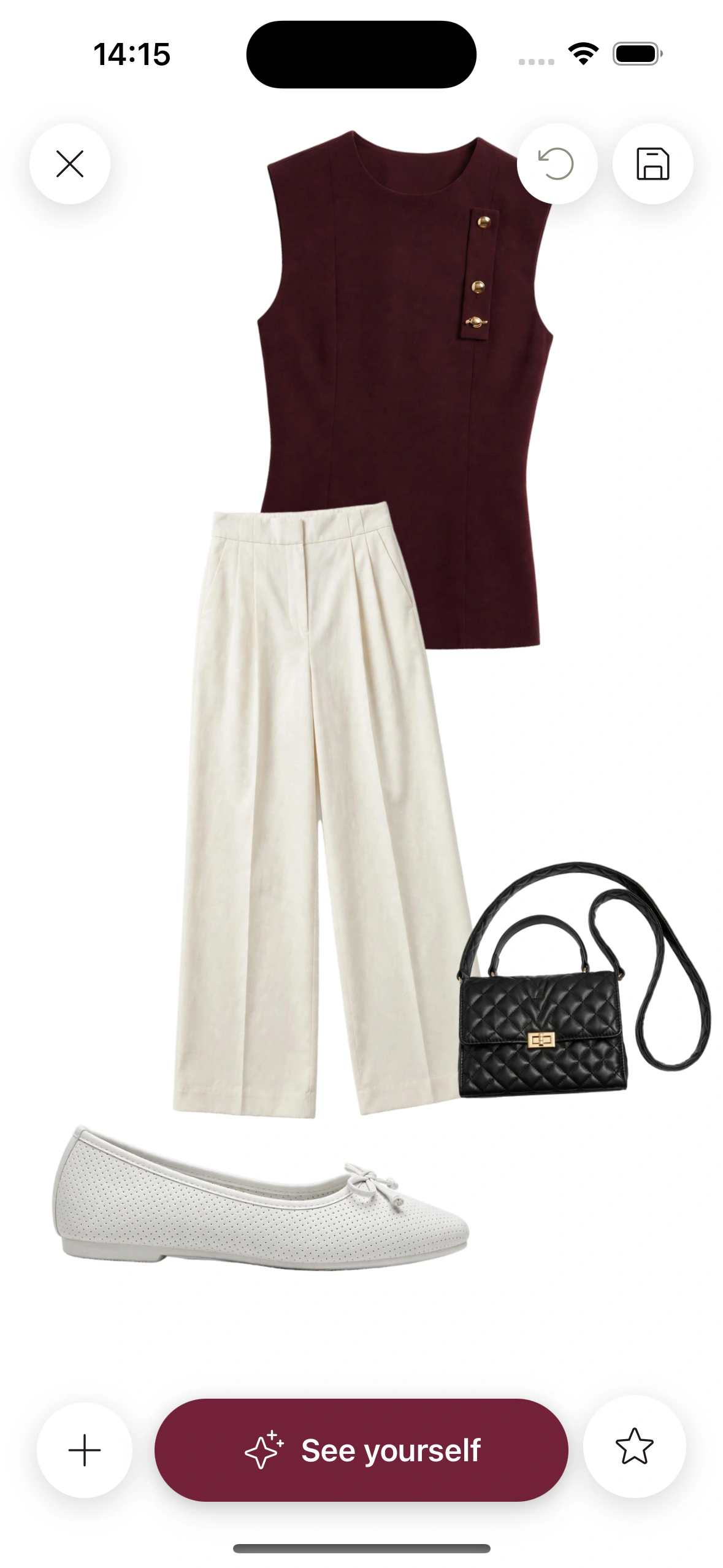
From saved pin to worn outfit
Drop the inspiration
Paste a Pinterest pin, upload a screenshot, or share any photo that captures the mood you are after. One image is all Muse needs to get started.
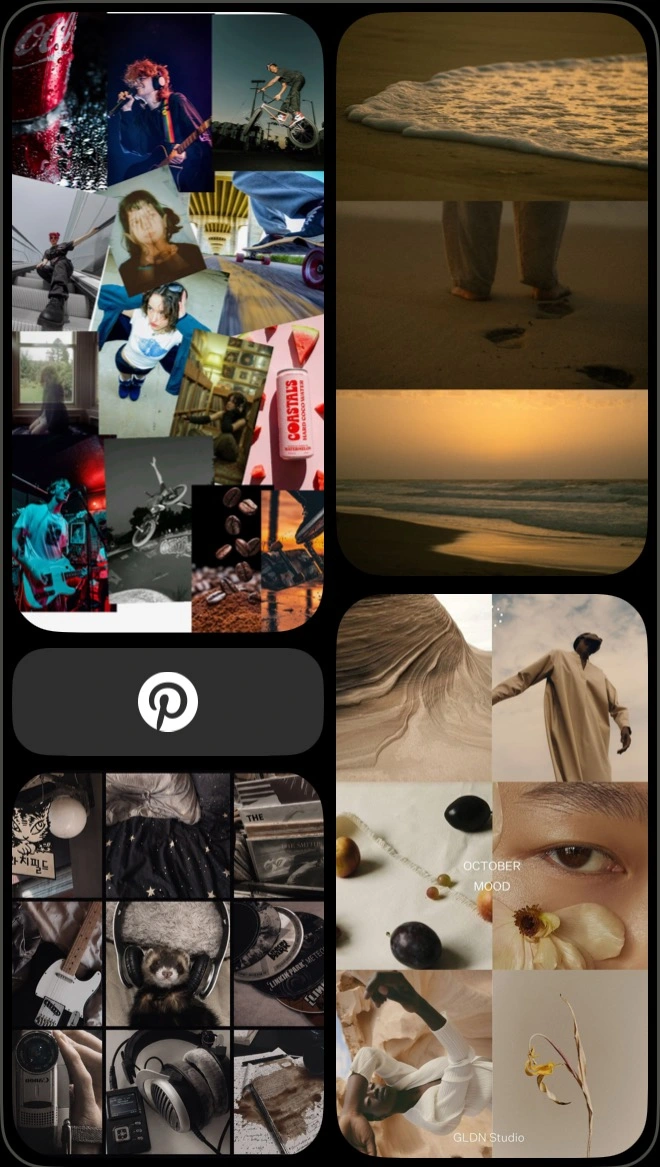
Muse reads the vibe
It decodes the parts that actually travel — color story, silhouette, proportion, formality, texture — and ignores the specific people, brands, and items in the frame.
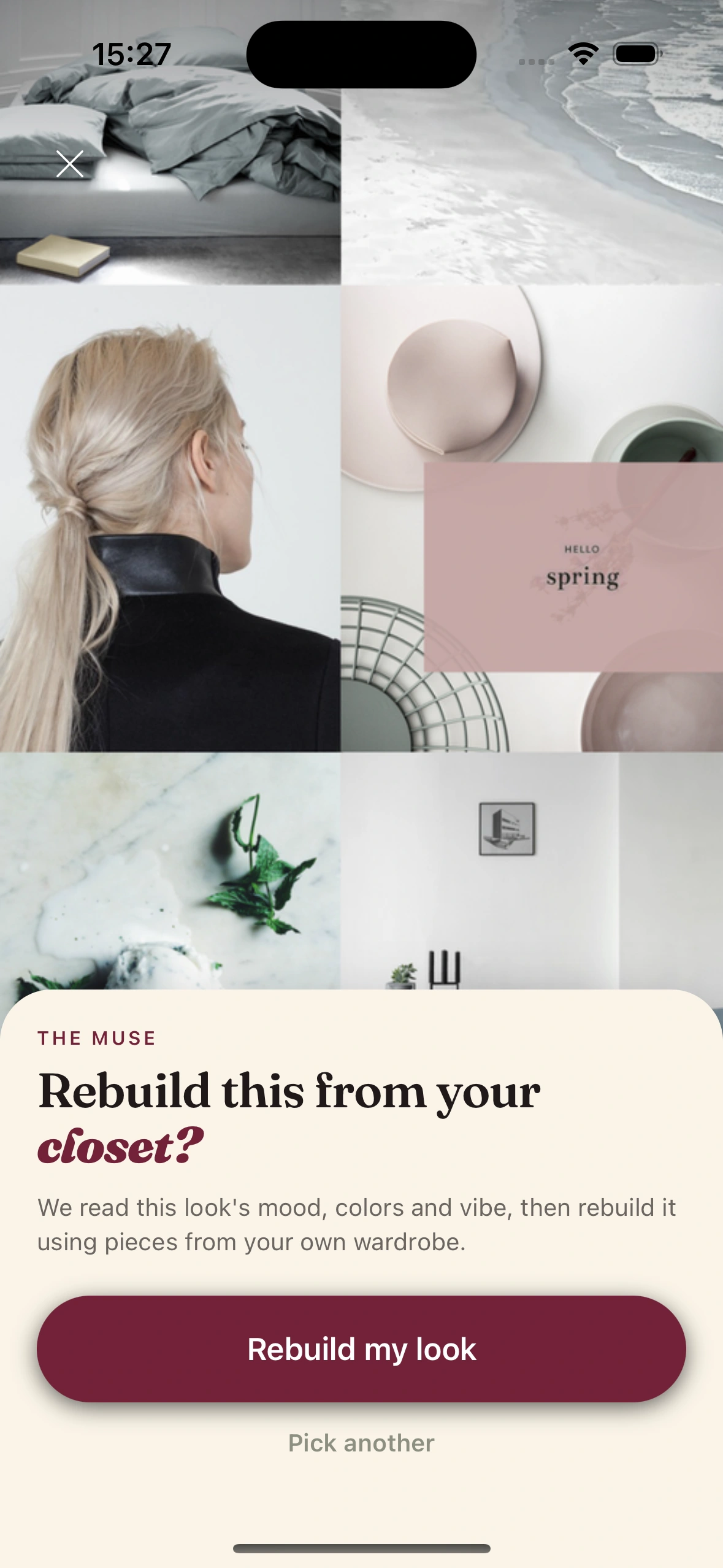
Your outfit, your closet
Muse assembles a complete look that hits the same mood using pieces you already own — then you can tweak it on the canvas or send it to try-on.
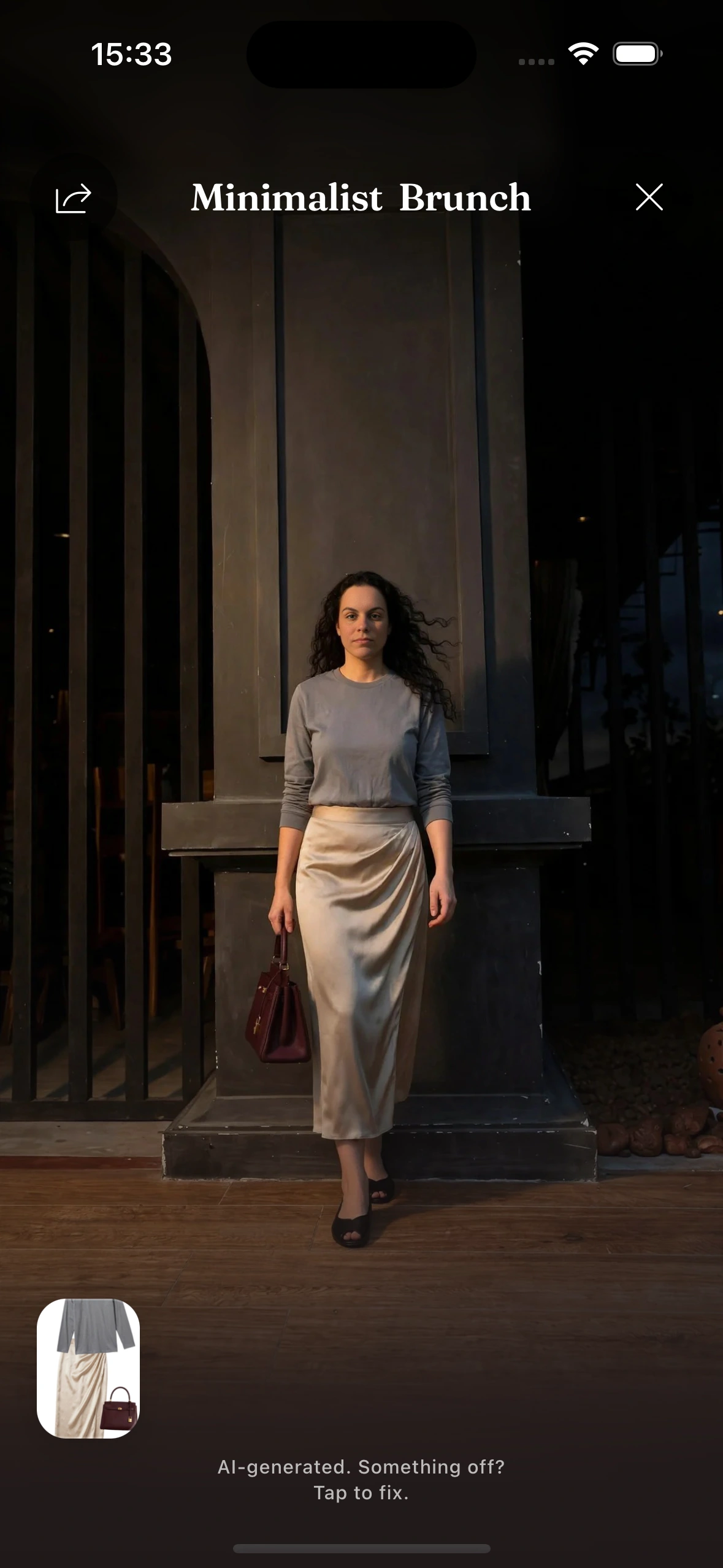
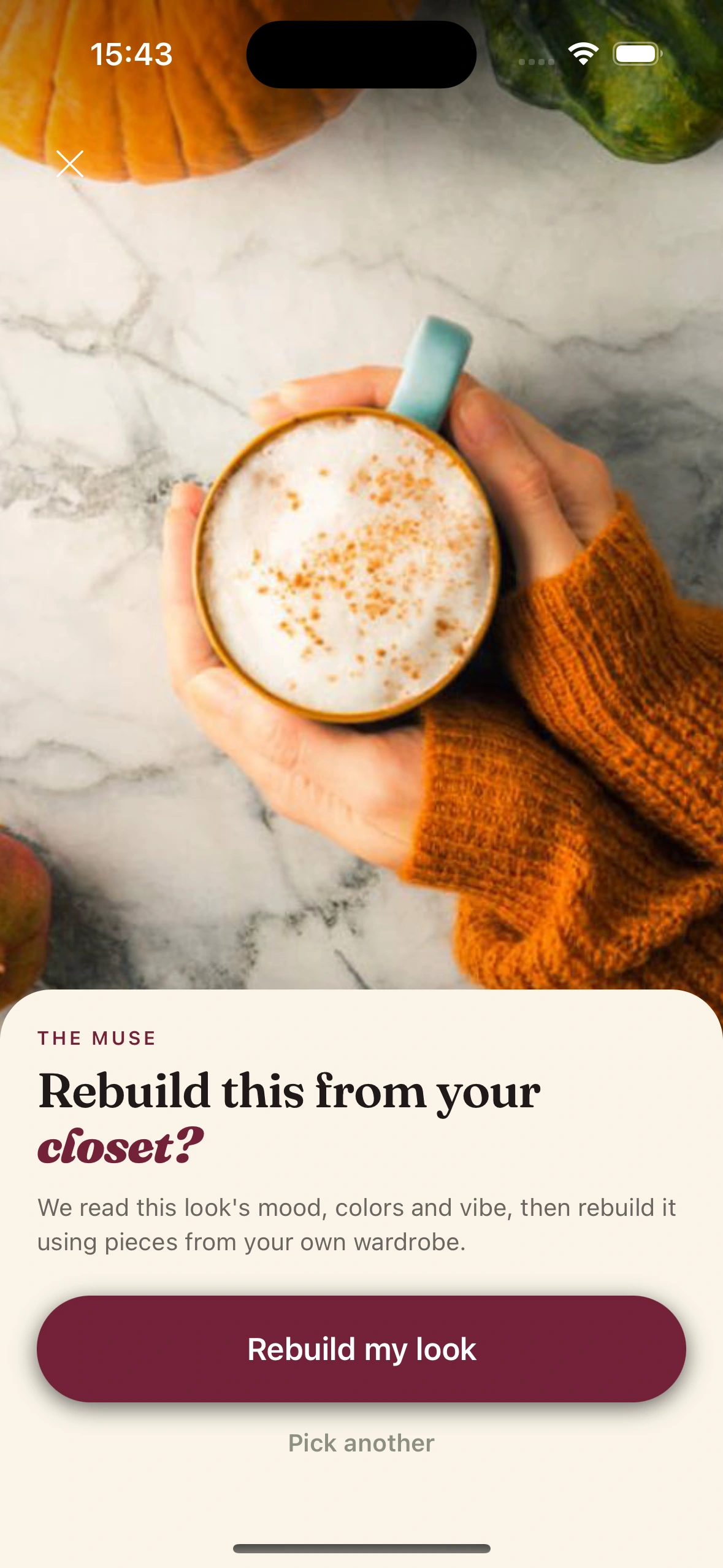
It reads the mood, never copies the models
Most "shop the look" tools try to sell you the exact jacket in the photo. Muse does the opposite. It treats the image as a reference for feeling, not a shopping list.
So a moody, oversized, monochrome pin becomes your oversized pieces in your darkest neutrals. A breezy coastal shot becomes your linen and your lighter tones. The vibe carries over; the wardrobe stays yours.
- ·Color story
- ·Silhouette & proportion
- ·Formality level
- ·Texture & fabric
- ·Layering
- ·Overall mood
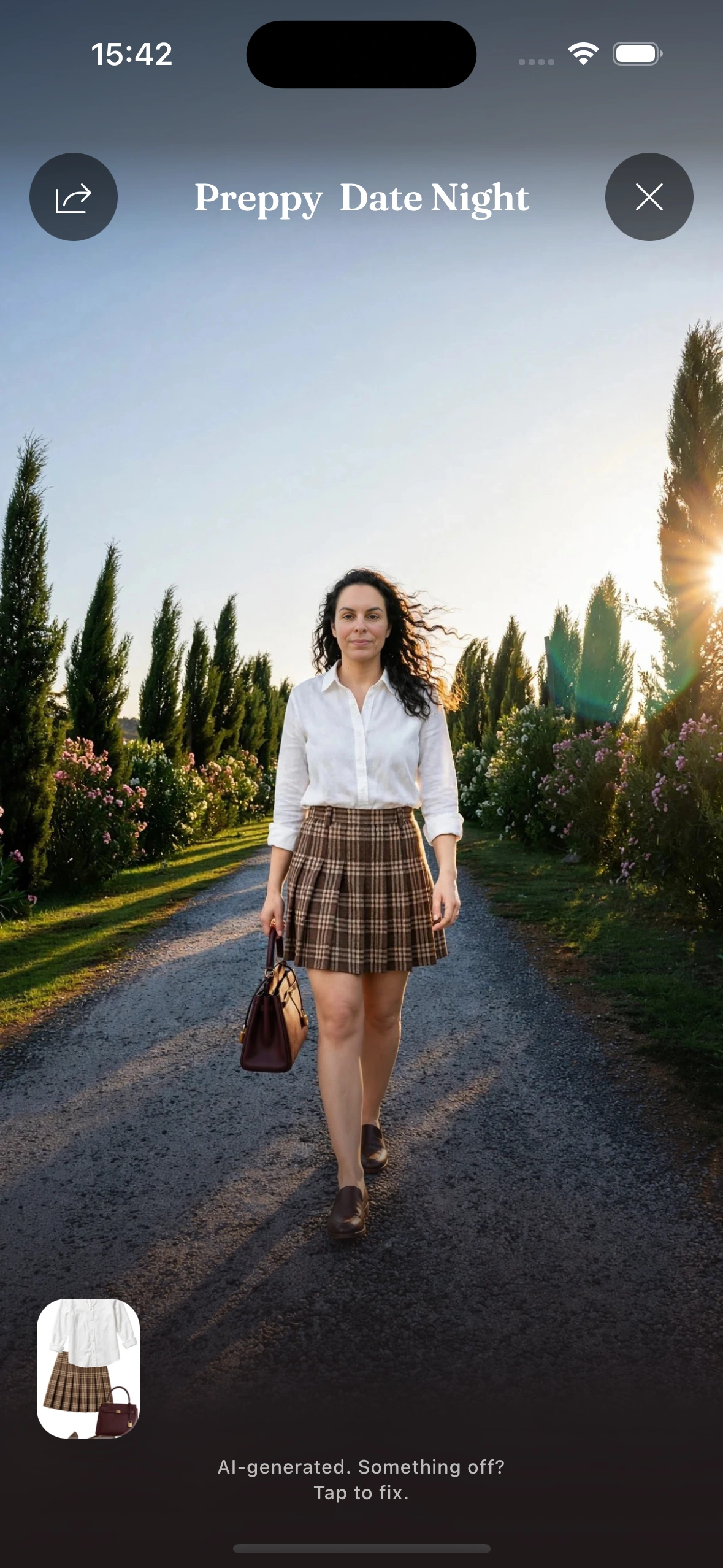
See the recreation on you
A recreated outfit is not just a grid of thumbnails. Send any Muse look straight to Virtual Try-On and see it rendered on your own saved pose before you commit to wearing it.
Like where it is heading but want to push it further? Open it on the canvas, swap a piece, and Muse keeps the look coherent — every version still passes the same styling rules as your daily fits.
Frequently Asked Questions
Can I recreate an outfit from a photo using my own clothes?
Yes. Drop any inspiration photo into Muse and it builds a matching look entirely from clothes already in your Clottr wardrobe. It reads the vibe of the image rather than trying to source the exact items in it.
How do I turn a Pinterest board into outfits?
Save or screenshot the pin you like, then paste or upload it into Muse. Clottr decodes the color, silhouette, and formality of the pin and recreates that feeling using pieces you own — one image at a time.
Does Muse copy the person or brand in the inspiration image?
No. Muse deliberately ignores the specific people, faces, and branded items in a photo. It only reads style signals — color, proportion, texture, and formality — so nothing is copied and the result is always built from your closet.
What if I do not own anything close to the inspiration?
Muse works with what you have, so it gets you as close as your wardrobe allows and is honest when a piece is a stretch. It can also flag the gap, so you know exactly what would complete the look before you buy anything.
Can I try on the outfit Muse creates?
Yes. Any look Muse builds can be sent to Virtual Try-On and rendered on your saved pose, or opened on the canvas to swap pieces. Every edit still passes Clottr's styling rules, so it stays wearable.
Explore more

AI Outfit Planner
Daily outfits from your own closet, weather- and calendar-aware.
Virtual Try-On
See any Muse look rendered on your saved pose before you wear it.
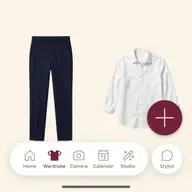
Digital Wardrobe
The catalogued closet Muse pulls from to recreate any vibe.
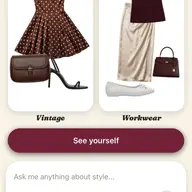
AI Stylist
Describe a look in words and get it built from your wardrobe.
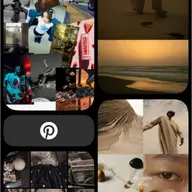
How to Dress Any Decade From Your Own Closet
The series: 70s, 80s, 90s and Y2K looks from clothes you already own.
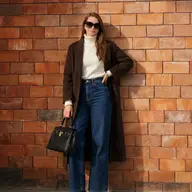
How to Dress 70s With Normal Clothes: 5 Easy Tricks
Flares, earth tones and a tuck, with a section for men.
Turn your inspiration into an outfit.
Join early. Discounted for life.