Field Guide № 02 · Mornings
Set up your daily fit.
Five small choices, then a styled outfit lands in your inbox every morning — weather-checked, calendar-aware, picked from your own closet.
01
Log enough wardrobe.
Open the Wardrobe tab and tap the camera. Photograph at least 30 items — the things you actually reach for, plus the pieces you wish you reached for more often.
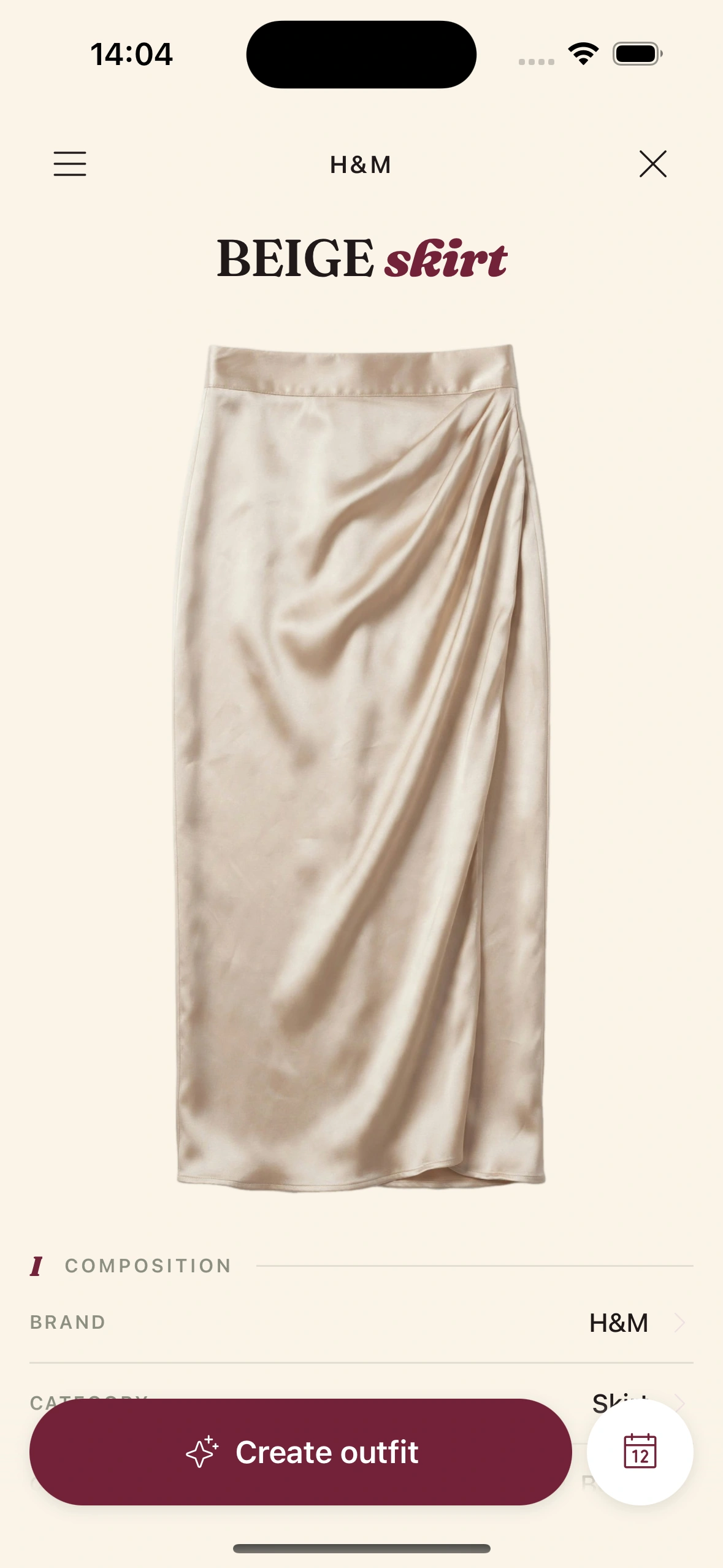
The Clottr camera does the heavy lifting: it removes the background, tags the category, color, material, season, and formality automatically. You just point and shoot. Hangers, floor, against a wall — anywhere with reasonable light.
02
Tell it your style.
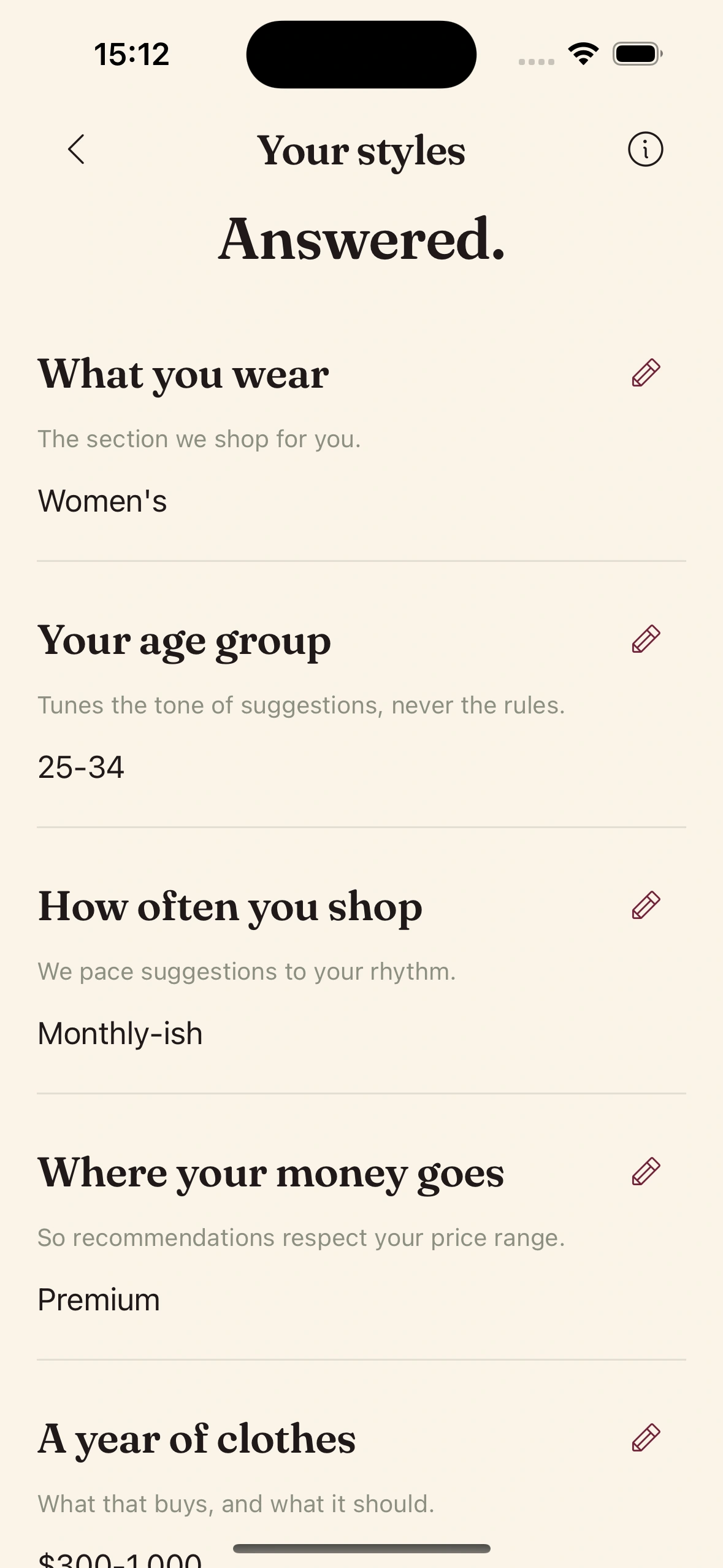
In Profile → Style Preferences, set your formality range (how casual to how formal you actually go), your color leanings, the fabrics you avoid, the fits you prefer.
Five minutes here saves the AI two weeks of guessing. The more honest you are about what you don't wear (the linen suit, the bright red), the better the daily fit becomes.
03
Pick the time and the channels.
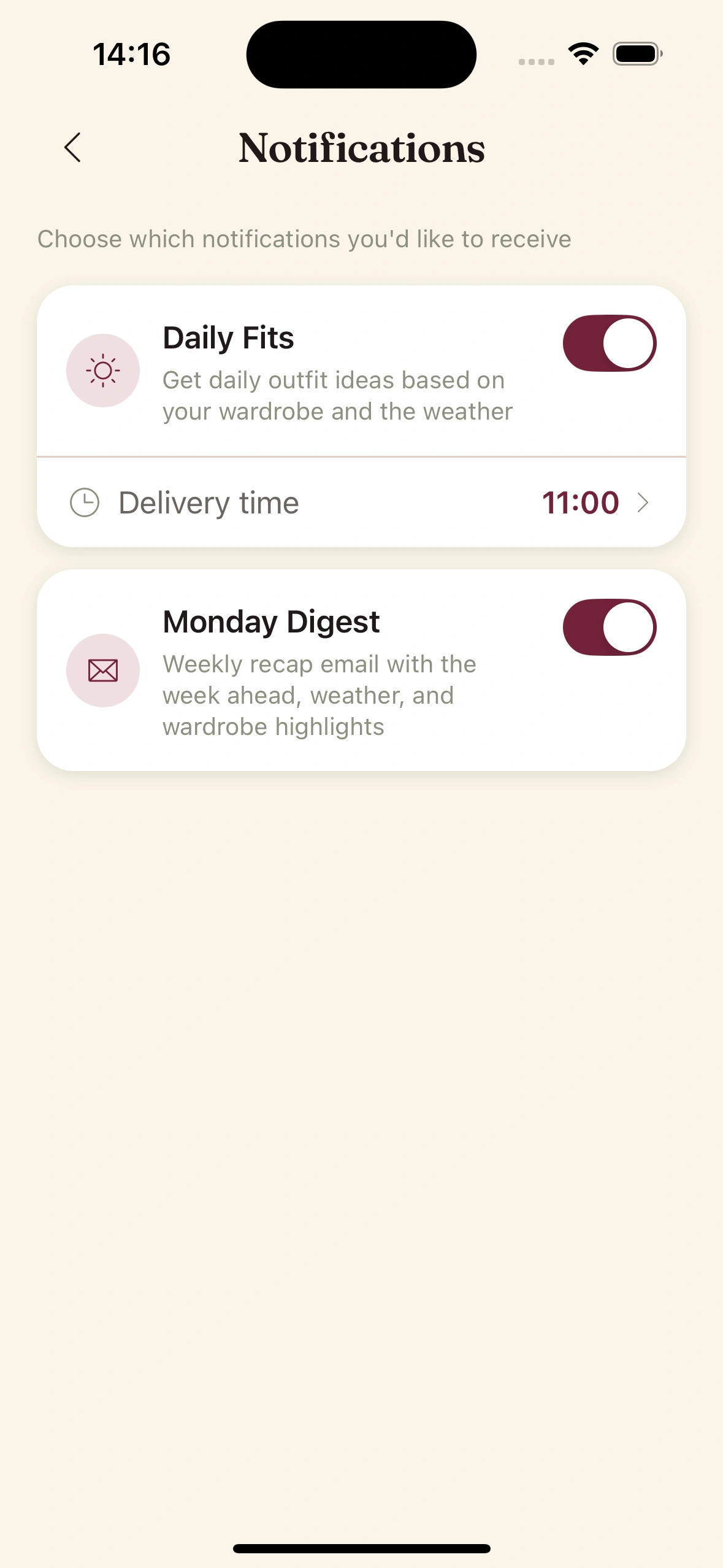
In Notifications, set your ready-time — the moment you want the daily fit to arrive. Default is 7:30am.
Then choose how it lands: email, push notification, or both. Email is calmer and arrives in your inbox alongside the rest of your morning reading. Push is faster if you decide what you're wearing in the bathroom mirror.
04
Connect your calendar.
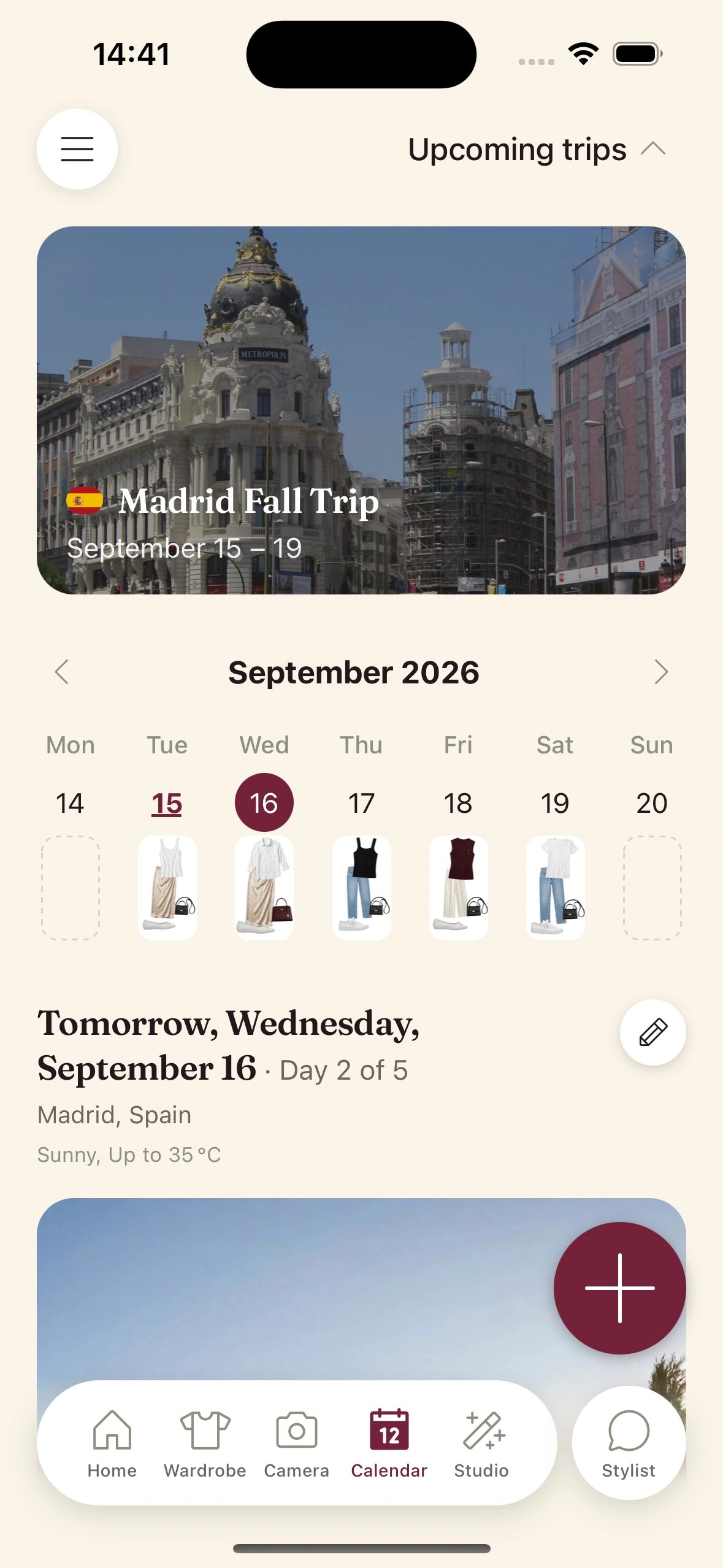
This is the single highest-leverage move. Grant calendar permissions and the AI knows the 9am is on Zoom, the 7pm is a wedding rehearsal, and the Saturday afternoon is a hike. Each event shifts the day's outfit toward the right formality and activity profile.
Permissions are local — the event details never leave your device. The AI only sees enough to tag the day.
05
Mark what you wore.
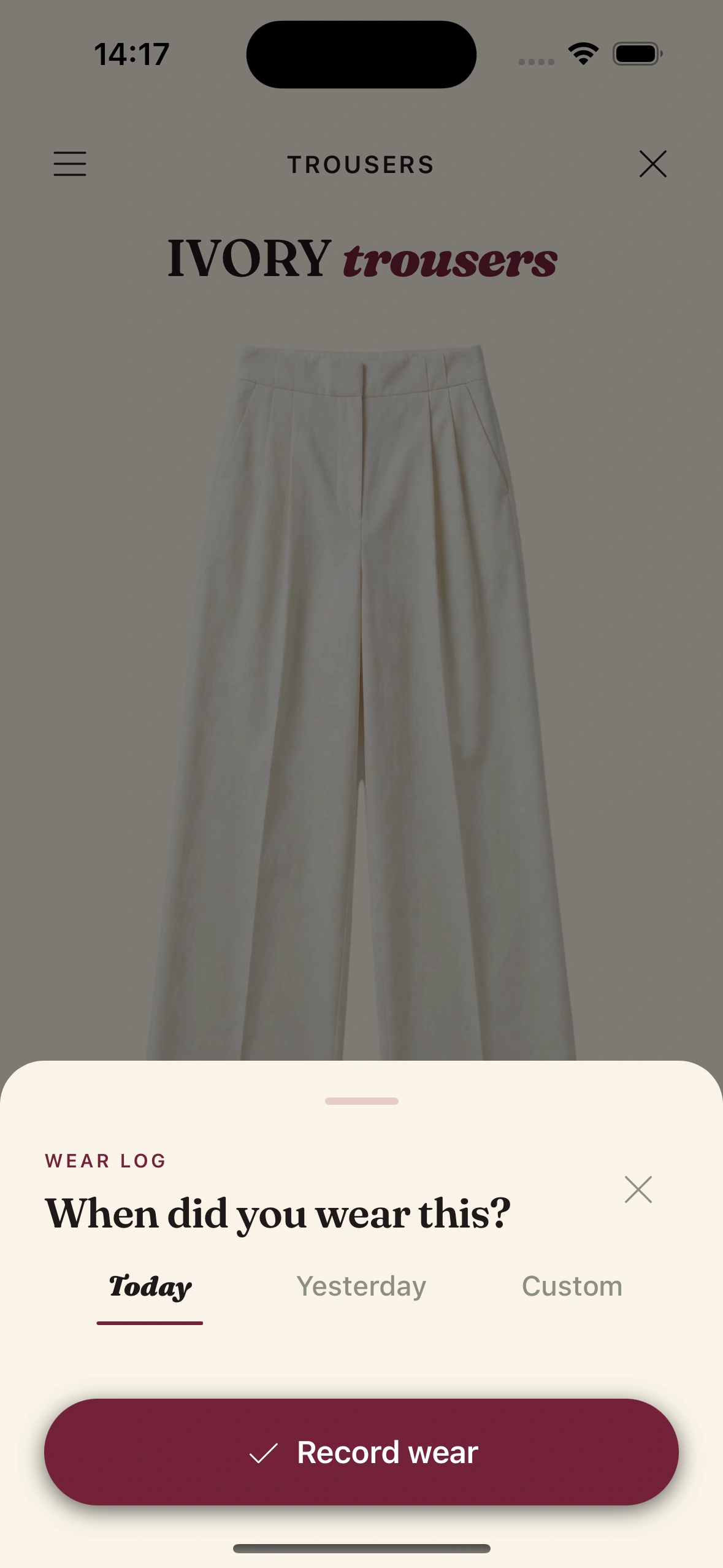
Every evening, one tap on the fit you actually put on. The AI uses that signal to learn what you do and don't reach for — and the recommendations stop being generic by week three.
If you wore something other than the suggested fit, log it manually. The system gets sharper either way.
Wake up to an outfit, not a question.
Join early. Discounted for life.
Tips & gotchas
What separates a good daily fit from a great one.
Don't skip the boring pieces.
Log your basics — the white tees, the dark socks, the staple jeans. The AI builds outfits around anchors, and anchors need backups. A wardrobe that's only your favorite 12 things will repeat itself.
Set the ready-time honestly.
If you actually wake at 6:15 and start thinking about clothes in the shower, set ready-time to 5:45. The email will be there when you reach for your phone.
Give it three weeks before you judge it.
Week one is the AI meeting you cold. Week three is the AI knowing your rotation. Don't disable the daily fit on day five because it picked the wrong shirt — feedback from your daily logs is what fixes that.
Use the alternates.
Each email has two or three alternates. Tap one and the system learns your mood profile. Avoid the alternates and the recommendations stay in the same lane forever.
Keep reading

Blog
The morning newsletter from your closet
What the daily fit email actually looks like, why it works, and how to make yours sharp.
Guide
Plan a trip with Clottr
The same engine, scaled to ten days of forecasts and a packing list.

Feature
The Outfit Planner
The seven-dimension scoring system the daily fit is built on.

Launch issue
Issue 01 — The Lineup
Every feature in the new Clottr app, in one editorial tour.
Frequently Asked Questions
When does the daily fit arrive?
The default ready-time is 7:30am in your local timezone. You can set any time you like - the email is composed 60-90 minutes earlier so the weather data is fresh when it lands.
What if I get the email but don't open the app for a few days?
The AI keeps sending. If you skip marking fits as worn, the recommendations stay generic but still useful - weather and calendar still drive the picks. The system gets noticeably sharper once you start logging.
Can I get the daily fit on weekends too?
Yes - the daily fit runs every day by default. You can pause weekends, set a different ready-time for Saturdays and Sundays, or turn off specific days entirely in settings.
Does Clottr need my calendar to work?
No. The daily fit works on weather and your style profile alone. Calendar access makes recommendations meaningfully better because the AI can match formality to events - but it's optional.
What if I don't like the fit it suggests?
Tap the alternates in the email or open the app to swipe. Each daily recommendation comes with two or three alternates built on a different anchor piece. If none of them work, open the canvas and remix manually - the system learns from overrides.
How many wardrobe items do I really need?
30 items is the minimum for the recommendations to stay varied. 50-60 is the sweet spot. Beyond that the AI has plenty to work with and the recommendations stop repeating themselves even across a busy week.