
I subscribe to seventeen newsletters. I open four. The one I open every single day, before email, before group chats, before I’ve spoken to another human, is the one from my closet.
It arrives at 7:30am. The subject line is the date. The body is one outfit. Below that, three more options if I don’t love the first. At the bottom, a closing italic line in a serif font that always makes me feel slightly less mortal about the day ahead.
This is Clottr’s daily fit email. It’s the thing the outfit planner exists to deliver, and after six months of it landing in my inbox I think it might be the most useful piece of mail I get. Here’s what’s in it, why it works, and how to set up your own.
What actually arrives every morning

The email is short. That’s the first thing to know — it’s not a digest, it’s a single styled recommendation with the option to swipe. It’s structured like the Monday digest format Clottr also sends weekly, but compressed to one day.
The sections, in order:
Today’s forecast. Three lines. High, low, condition, a sentence that tells me what to dress for. Not just “18°C, partly cloudy” but “Mid-morning sun, cool wind, dry into the evening — bring a layer you can shed by lunch.” It’s the weather information in the voice of a friend who’s already been outside.
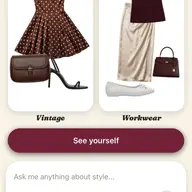
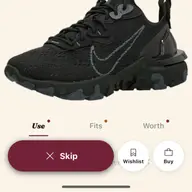
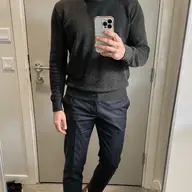
Your fit. The outfit, rendered. Top, bottom, shoes, outer layer, accessories. Each piece is a thumbnail from my own wardrobe. Underneath: a short paragraph explaining why — what the AI saw on my calendar, what it picked from my closet, what it ruled out.
“You have a client call at 11 and dinner with friends at 8 — Tuesday wants the navy chore coat over the oat-colored sweater you haven’t worn in three weeks. Slacks instead of jeans (the call is on video). Boots, because the forecast tips to rain after 6.”
That paragraph is the secret. It’s not just a fit, it’s the reasoning. I learned more about how to dress myself by reading those reasons over six months than I did from a decade of trying.
Alternates. Two or three. Same logic, different aesthetic. Different anchor piece, different mood. If I’m feeling neutral I tap the first. If I want to feel like a different person, I tap the third.
What’s coming up. A two-line preview of tomorrow’s expected weather and whether the calendar requires anything specific. Useful for laundry decisions.
One closing italic line. Always serif, always a beat. Some days it’s a small piece of styling advice. Some days it’s just a sentence that lands. “Wear the green one. You always look better in green than you think.”
Why a newsletter works when a notification doesn’t
Push notifications stress me out. Emails I can read on my own time, on my own device, while the kettle is going. The daily fit email lives in the rhythm I already have — coffee, scroll, breathe — and slots into it without demanding anything.
The other thing: the email is editorial. There’s a voice. It’s been written, not just generated. The closing italic line, the explanation paragraph, the warm “what’s coming up” note — they make the email feel like it was sent by a person who likes me. That’s a small thing and a huge thing. I don’t open emails from machines. I open this one because it doesn’t read like one.
Under the hood, of course, it is a machine. It’s the same AI that runs the outfit planner, the same seven-dimension scoring, the same weather and calendar lookups. The trick was making it write the result instead of dumping it in JSON. Same data, different delivery.
What it costs me to keep getting it
Almost nothing. Once my wardrobe is in the app, the email just keeps coming. The work I do is small:
- I mark which fits I actually wore (one tap when I get home). The AI uses that to learn what I do and don’t put on.
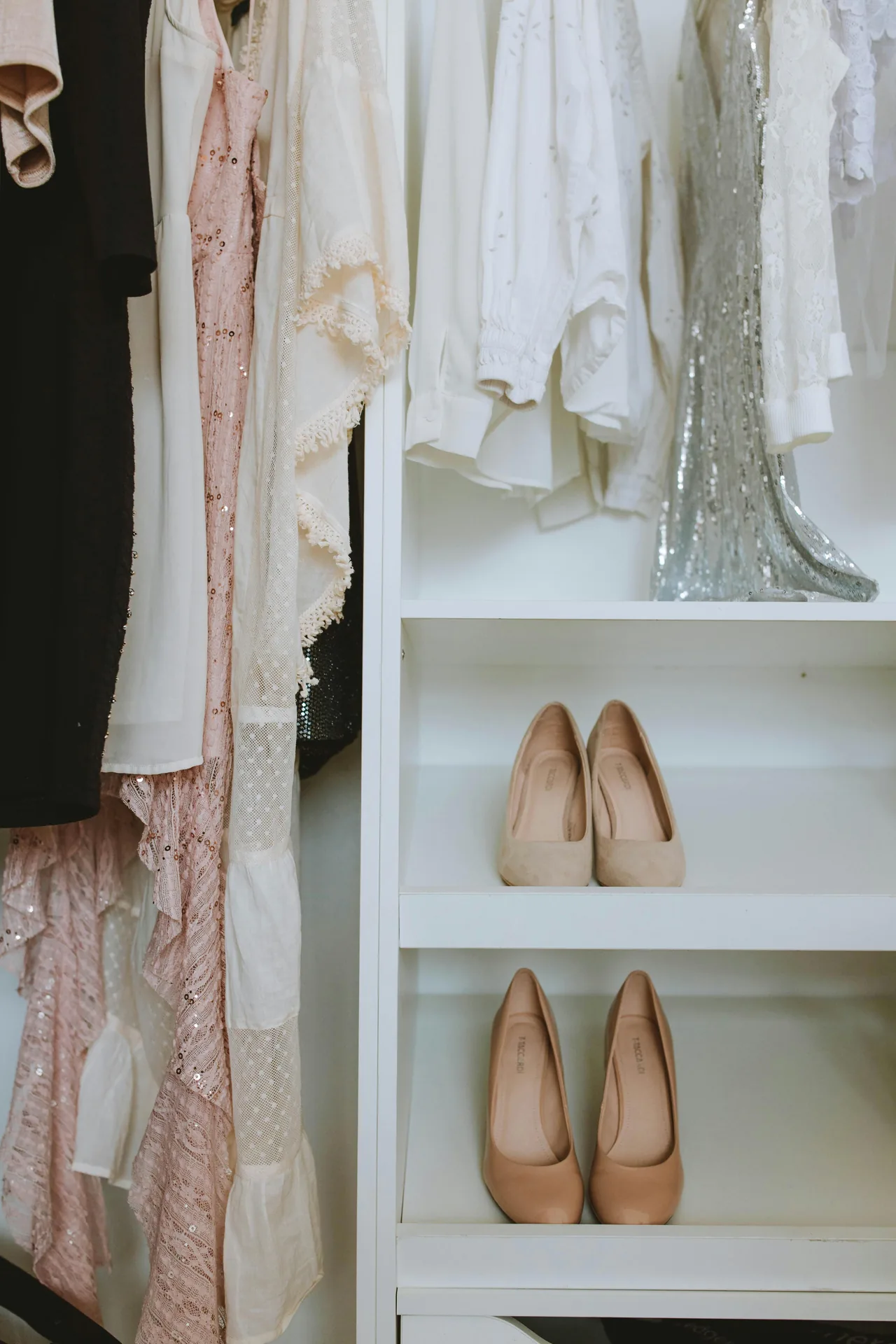
- I add new pieces when I buy them. The Clottr camera does the heavy lifting — point, shoot, it segments and tags.
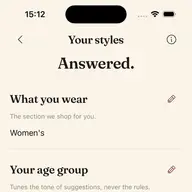
- I occasionally update my style preferences when something has changed. New job. New climate. New trying-to-look-five-years-older phase.
The system gets sharper the more I do those three things. After three weeks of marking-as-worn it noticed I never actually wear the gray hoodie I claim to love and quietly stopped suggesting it. After two months it figured out that I dress one notch more formal on Wednesdays (board meetings) and one notch more relaxed on Fridays without me having to tell it.
What the email isn’t
It is not a shopping email. It does not try to sell me anything. The fit it suggests is always from my own closet — that’s the whole premise. If I genuinely have a wardrobe gap (a black dinner jacket I keep needing and never own), Clottr will mention it once, gently, in the closing line. Then it stops. I respect that.
It is not a beauty newsletter. No skincare tips. No “trend of the week” filler.
It is not daily content marketing dressed up as a fit. It’s just the fit, with the reasoning, in five readable paragraphs.
How to make yours actually good
If you sign up for the daily fit email and the first week feels generic, that’s normal. The AI is meeting you cold. You can speed up the calibration:
-
Add at least 30 wardrobe items before turning the email on. Anything less and the AI is recommending from a tiny pool and will repeat itself. Aim for the realistic 40–60 things you actually wear in a season.
-
Set your ready-time. The default is 7:30am. The email composes the outfit ~90 minutes before so the weather data is fresh. If you wake up at 6 and decide your day in the shower, set it to 5:45 and the email lands when you need it.
-
Connect your calendar. This is the single highest-leverage move. Without it, the AI guesses your day. With it, it knows the 9am is a Zoom and the 7pm is a wedding rehearsal and tailors accordingly. Calendar permissions are local on device — the events never leave.
-
Mark what you actually wore. Every evening, one tap on the fit you put on. The AI’s recommendations stop being generic by week three.
-
Adjust the closing line vibe if it grates. Some people love the italic closing quote. Some find it twee. You can dial the tone — practical, warm, blunt — in settings.
The bigger thing
I think the reason this works is that getting dressed isn’t a choice you should be making with a tired brain at 7:42am. It’s a choice that benefits from being made the night before by something rested and well-informed — in this case, an AI with access to the weather, your calendar, and an inventory of your closet that’s more complete than your own mental model.
I used to think a “personal stylist” was something rich people had. The version I have now isn’t a person, it’s an email at 7:30. But it’s done the same job for me. I dress better. I waste less time. I open more newsletters from machines than I’d ever admit.
This one I open every day.
Want to set up your own daily fit email? Read our step-by-step setup guide or learn about the outfit planner behind it. For the bigger picture, see the daily-decision system that works without an app and Issue 01 — The Lineup, our full launch tour.