


Field Guide № 03 · At checkout
Run a Should I Buy analysis.
The fastest way to know whether a piece belongs in your wardrobe — before you've spent the money to find out the slow way.
01
Open Should I Buy.
Tap the Should I Buy tile on the Home tab, or hit the + button in the Wardrobe and pick "analyze a purchase." If you have the browser extension, the same flow lives in your toolbar on any product page.
The instinct to skip this step is strong. Run it anyway. It takes ninety seconds.
02
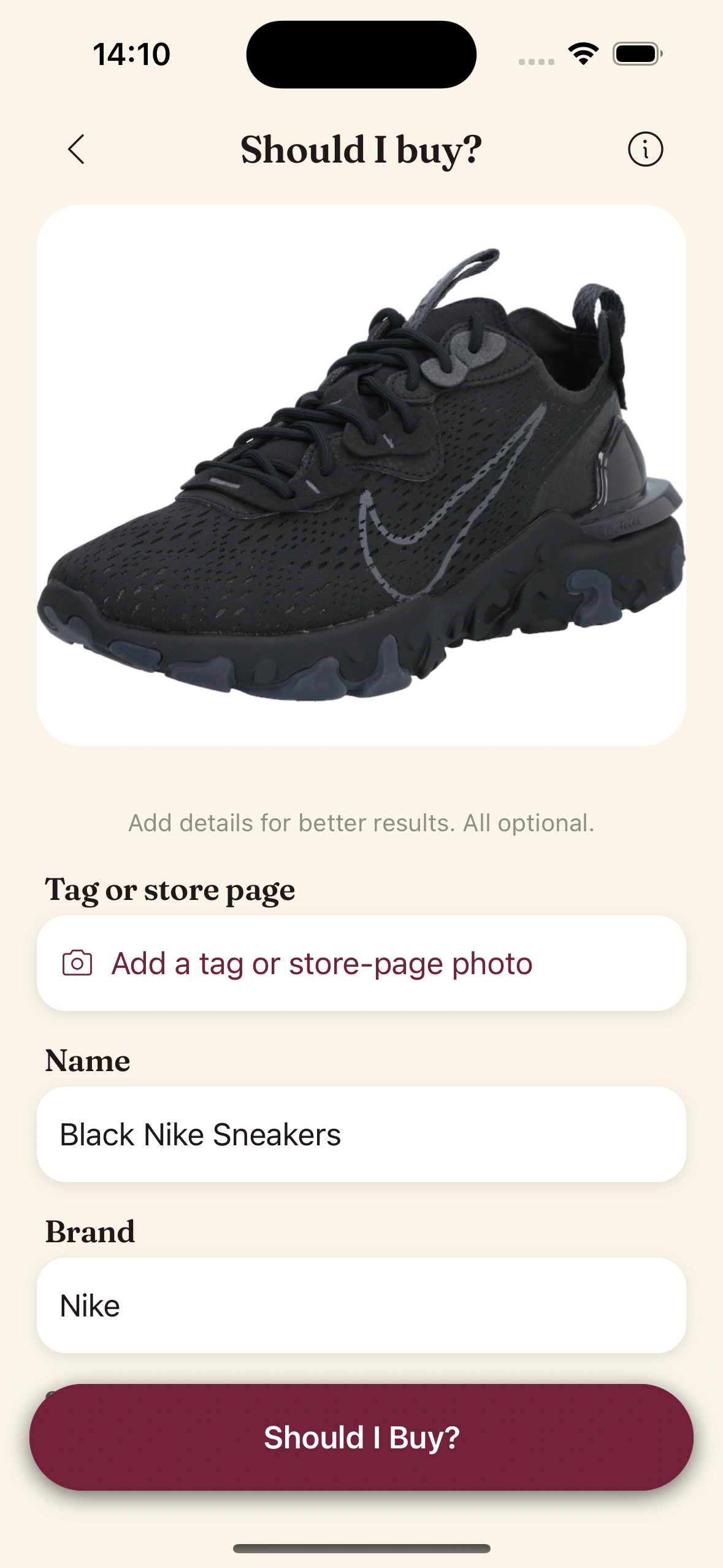
Hand over the candidate.
Three ways in:
- ·Paste a product URL from any retailer.
- ·Upload a photo (screenshot, ad, in-store snap).
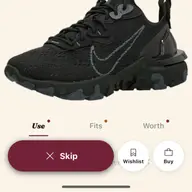
- ·Pick from an existing wishlist item.
The AI extracts the structured details — category, color, material, fit, formality, season, brand, price — in seconds.
03
Look at the duplicate check.
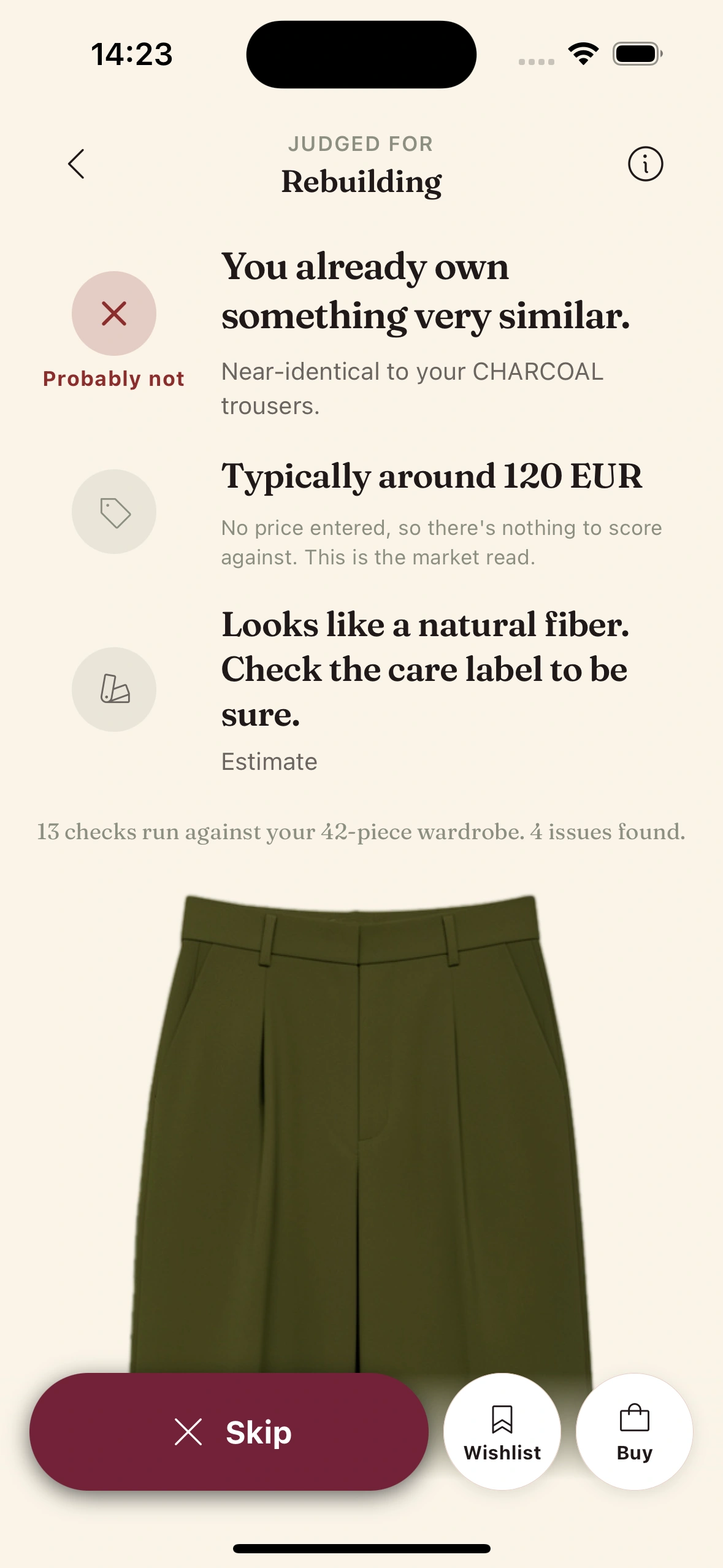
The AI surfaces up to three pieces in your wardrobe that are closest to the candidate — not just by keyword, but by vector similarity in clothing space. Two black knit sweaters of the same weight register as duplicates. A black knit and a black t-shirt do not.
Each match shows a similarity percentage and the existing piece's wear count and CPW. If the closest piece is 92% similar and you've worn it 14 times in six months, the candidate probably doesn't earn a place.
04
Read the verdict.
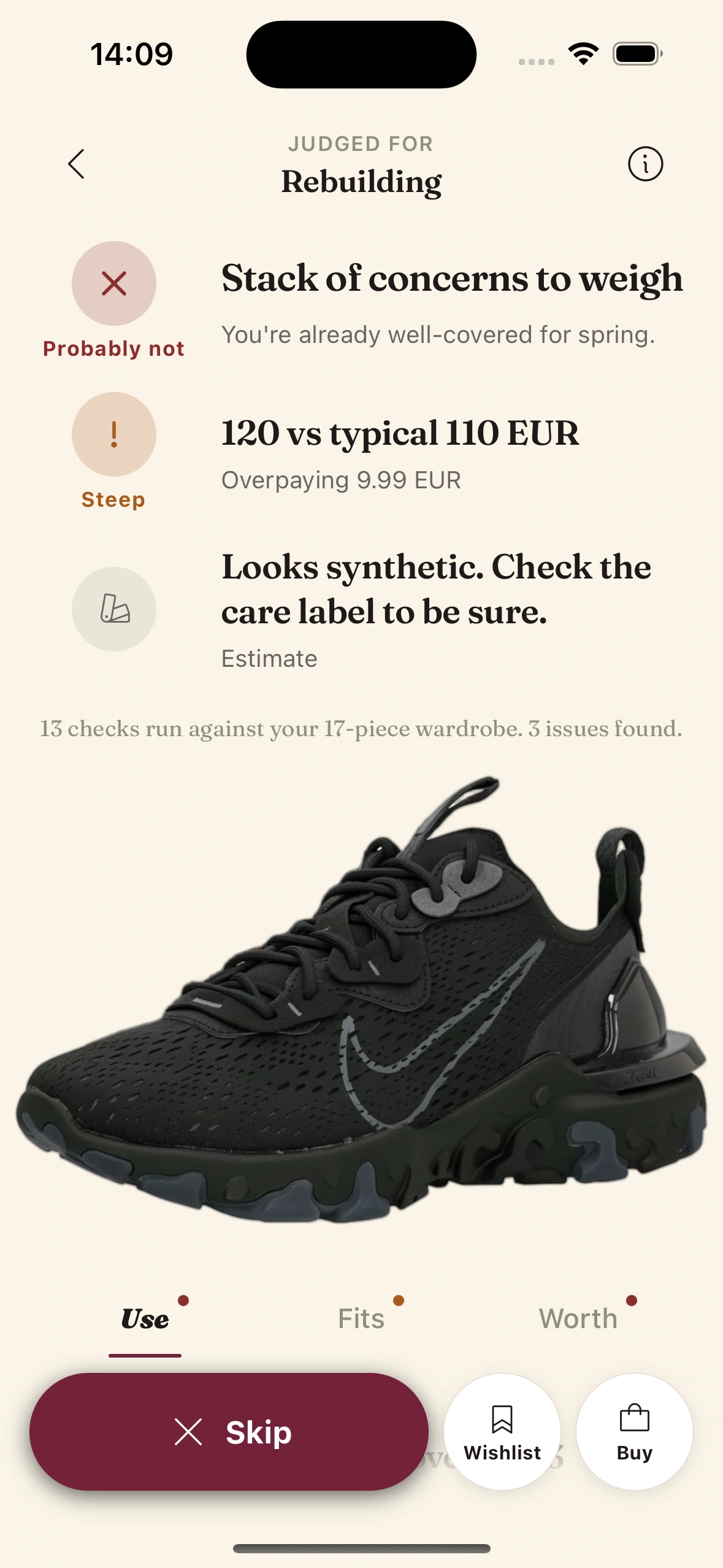
The AI composes a short paragraph that combines duplicate findings, gap analysis, and a cost-per-wear projection.
"This is a near-duplicate of the camel chore coat you already own (worn 22 times in six months — CPW $3.18). It's more formal, but your calendar has only two formal days in the next 90. CPW projection: $42.85 across the season. Recommend: skip, unless the new role brings more formal days."
Treat it as a forecast, not a command. The verdict gives you the reasoning. The decision stays yours.
05
Save it, buy it, or close the tab.
Three ways out:
- ·Save to Wishlist — revisit later, the verdict stays attached.
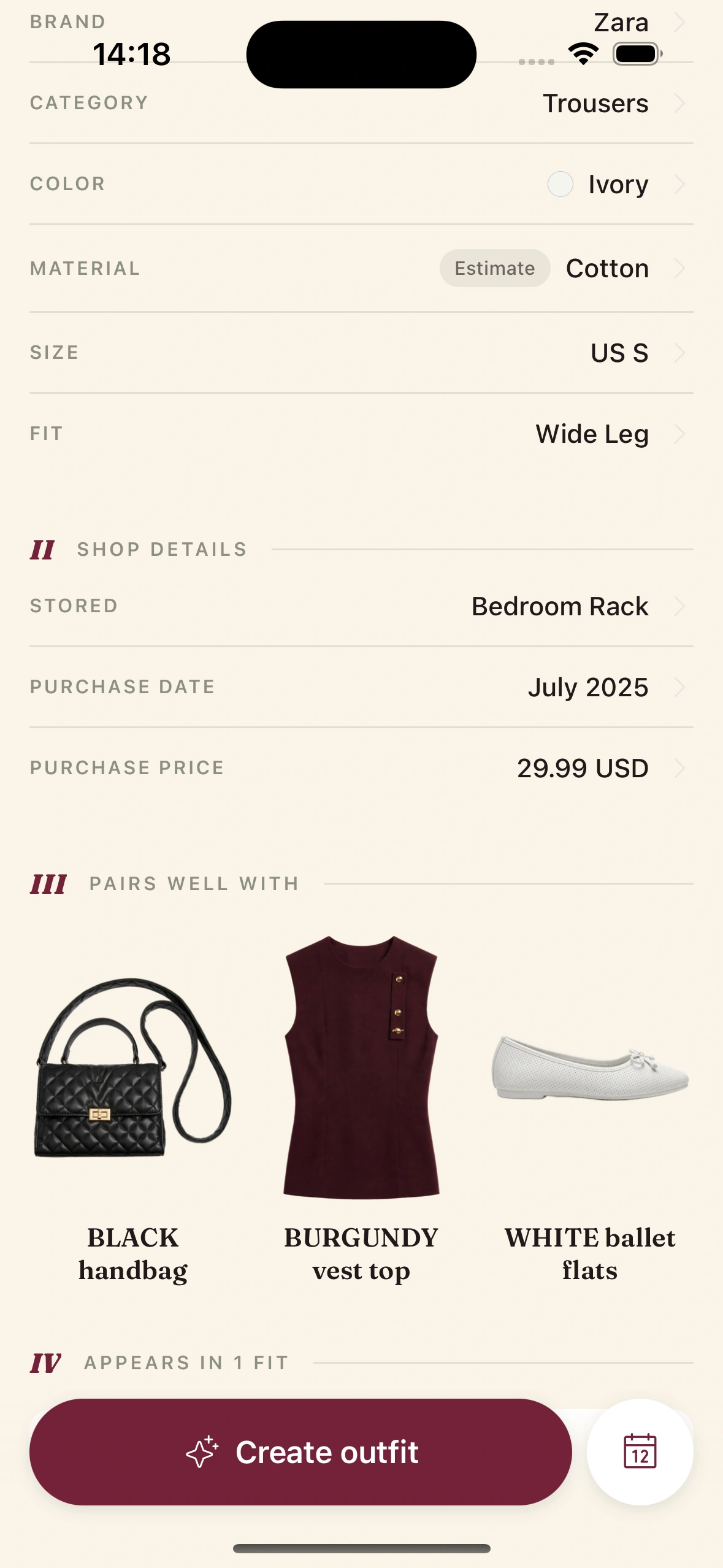
- ·Add to Wardrobe — if you're buying, log it now so the AI knows.
- ·Close the tab — and feel slightly richer.
Over time, you'll start anticipating the verdict before you tap. That's the real prize — knowing your own closet well enough that the AI starts agreeing with you instead of correcting you.
Tips & gotchas
How to get the most out of the verdict.
Run it before you check the price.
The verdict should be about whether the piece belongs in your wardrobe. The price is a separate question. If you check price first, you'll override the verdict every time something's on sale.
Override on taste. Not on hope.
If the AI is wrong about how something looks on you — override. If it's saying skip because you have three of these already and you're rationalizing that this one is different — sit with it for a day and run the analysis again. The AI's verdict won't change.
Use it most on impulse buys.
The biggest wins are at midnight on a Tuesday, scrolling a sale you wandered into. That's when the AI's neutrality is most useful and your judgment is most compromised.
Read the reasoning, not just the verb.
Skip versus buy is the headline. The paragraph underneath teaches you something about your closet you didn't know. After a few months you'll start to anticipate the verdict — and shop better even when you're not running the analysis.
Keep reading

Blog
Make the AI tell you no
A full breakdown of how the Should I Buy verdict works, with real examples.
Guide
Read your wardrobe insights
The weekly recap that shows you where your wardrobe is over-bought and under-worn.
Feature
Stop Shopping Regret
The full pitch for the AI that tells you no.

Launch issue
Issue 01 — The Lineup
Every feature in the new Clottr app, in one editorial tour.
Frequently Asked Questions
Does Should I Buy work for every retailer?
The link parser handles every major retailer and most independent stores. If a URL doesn't parse cleanly, fall back to the photo upload - take a screenshot of the product image and the AI does the rest from the picture.
How accurate is the cost-per-wear projection?
Accuracy improves with logged data: the more wears Clottr has recorded for similar pieces in your wardrobe, the closer the projection tracks how you actually dress. For a brand-new user with no wear data, the projection is based on category averages and your style profile and should be treated as directional rather than precise. We don't publish an accuracy figure yet: early access hasn't run long enough to measure one honestly.
What does the verdict look like?
A short paragraph. Something like: 'You already own three black knits in this weight. The closest one has been worn 14 times with a CPW of $2.85. The candidate adds no occasion coverage. Recommend: skip.' No score, no stars - just the reasoning in plain English.
Can I run Should I Buy on multiple items in one shopping cart?
Yes. Add each item to your wishlist and the Should I Buy analysis runs across the full cart, including how the items interact with each other. Two new white tees in one cart get flagged as duplicates of each other, not just of your existing wardrobe.
Does the AI know about sales or limited stock?
No. The verdict is wardrobe-driven, not market-driven. It doesn't know that the item is 40% off or that there are only two left in your size. Those are signals for you to weigh - the AI tells you whether the item belongs in your closet on the merits.
What happens to the candidate after I decide?
Skip and it disappears. Save to wishlist and it sits there with the verdict attached, so you can revisit later. Add to wardrobe (after buying) and it joins your real closet, and the AI starts using it in daily fits, trip plans, and future Should I Buy comparisons.
Decide better at checkout.
Join early. Discounted for life.