
Studio
Your outfit,
as a cover.
Compose shareable outfit cards from templates, apply AI art styles to a photo, and post looks that feel intentional — no design app required.
Get Early Access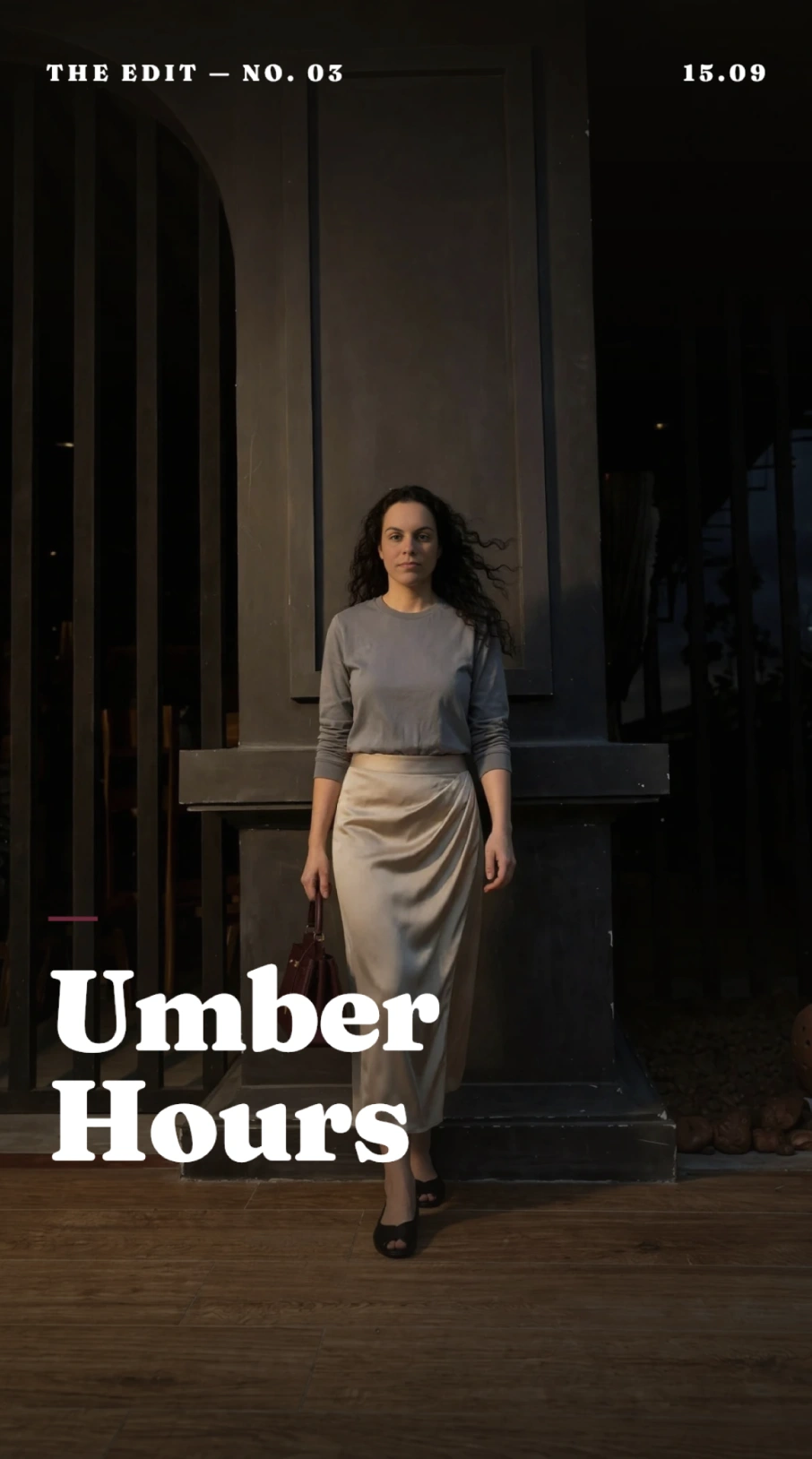
From outfit to post in three steps
Start from a template
Studio opens on a canvas of ready-made layouts — polaroid stacks, editorial covers, clean cutout grids. Each template handles the type, spacing, and composition so you never fight with a design tool.
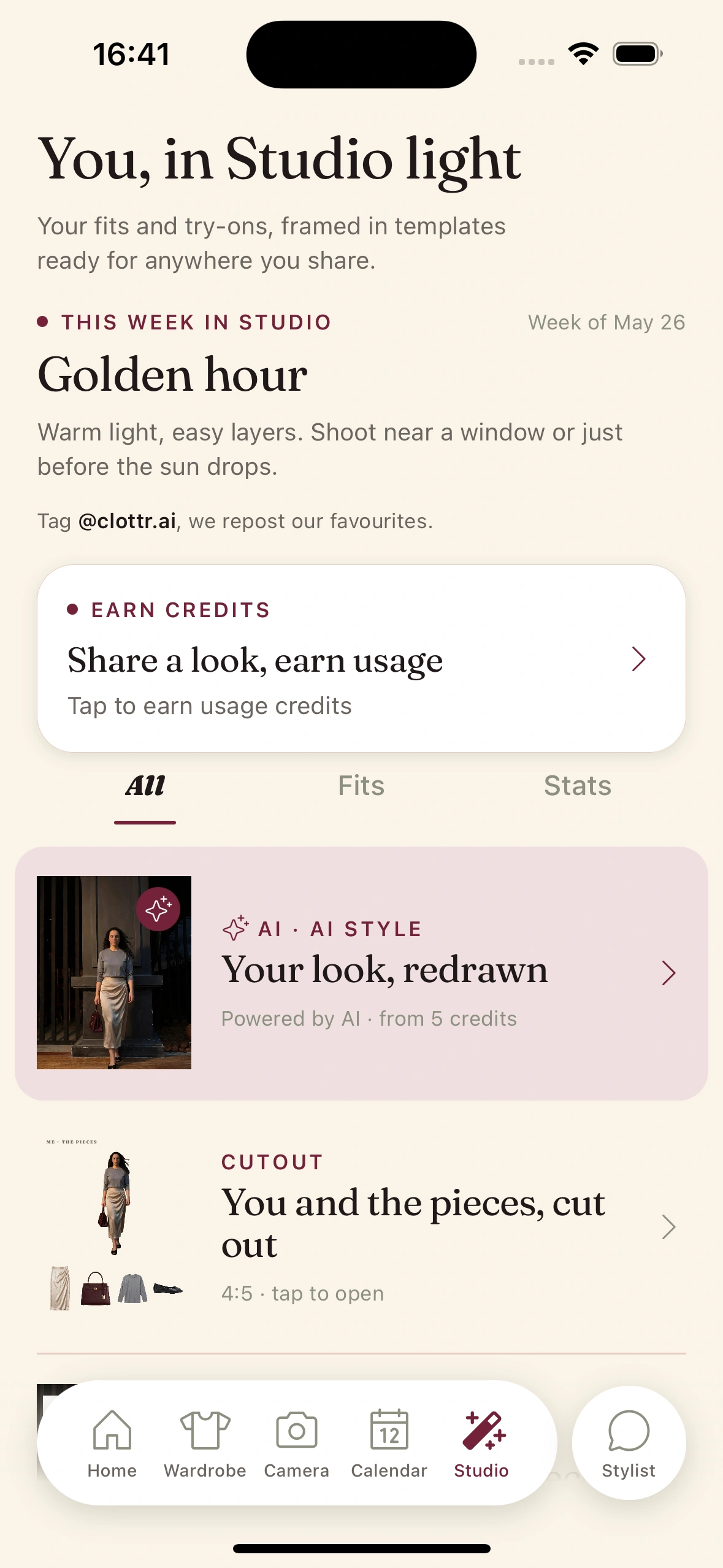
Style it your way
Drop an outfit in straight from your wardrobe as clean cutouts, or start from a photo and apply an AI art style. Recolor the background, rearrange pieces, and tweak until the card reads right.
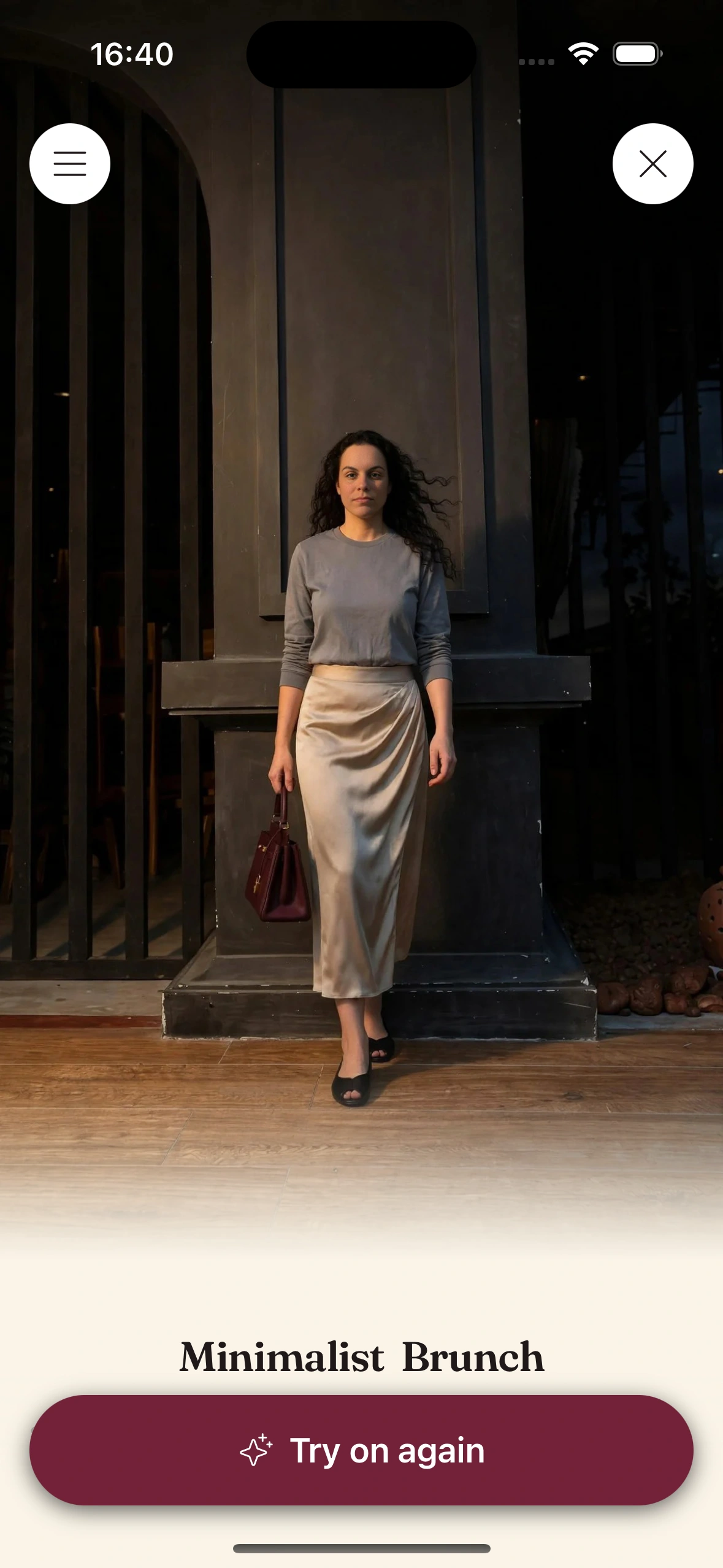
Post it
Export the finished card at social dimensions and share it wherever you post. No screenshots, no cropping — the graphic comes out sized and framed to look intentional.
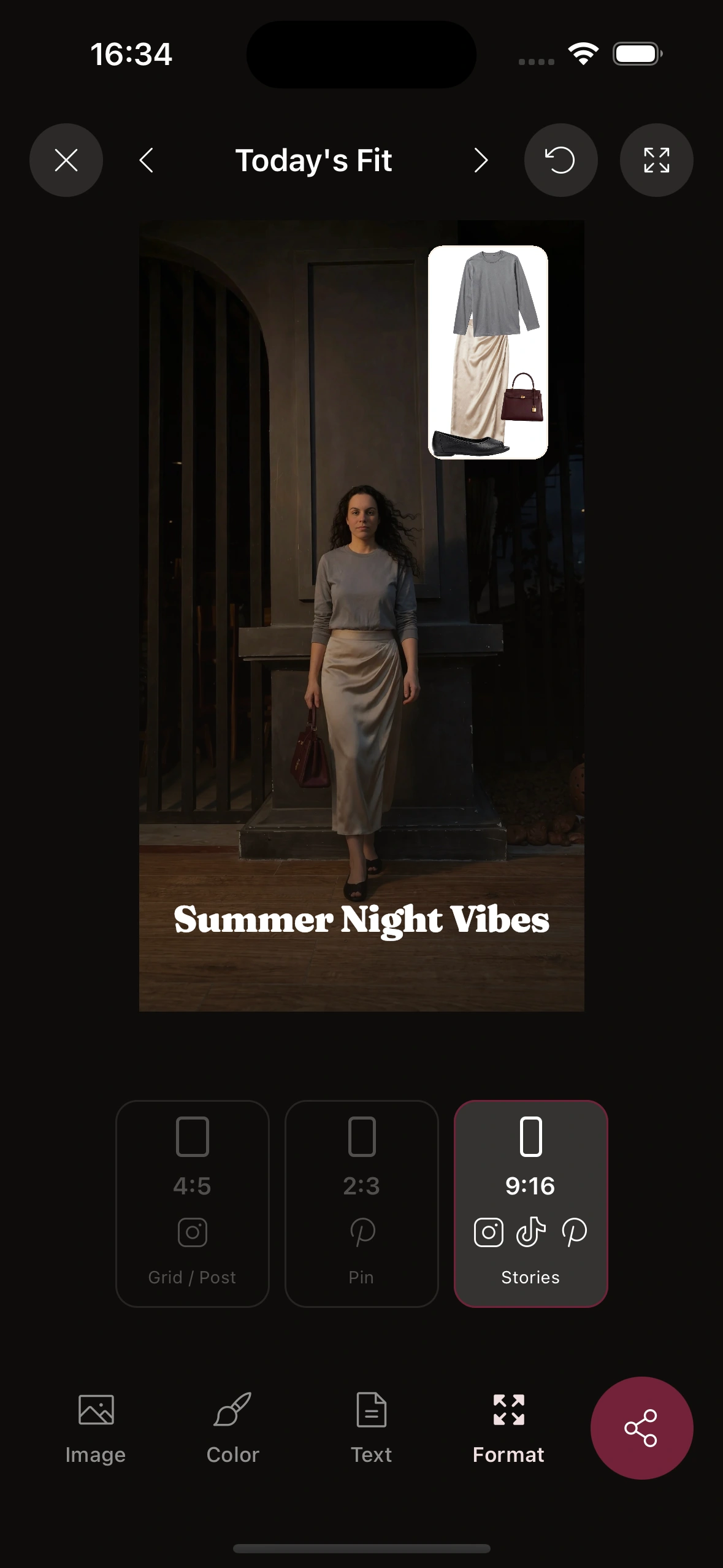
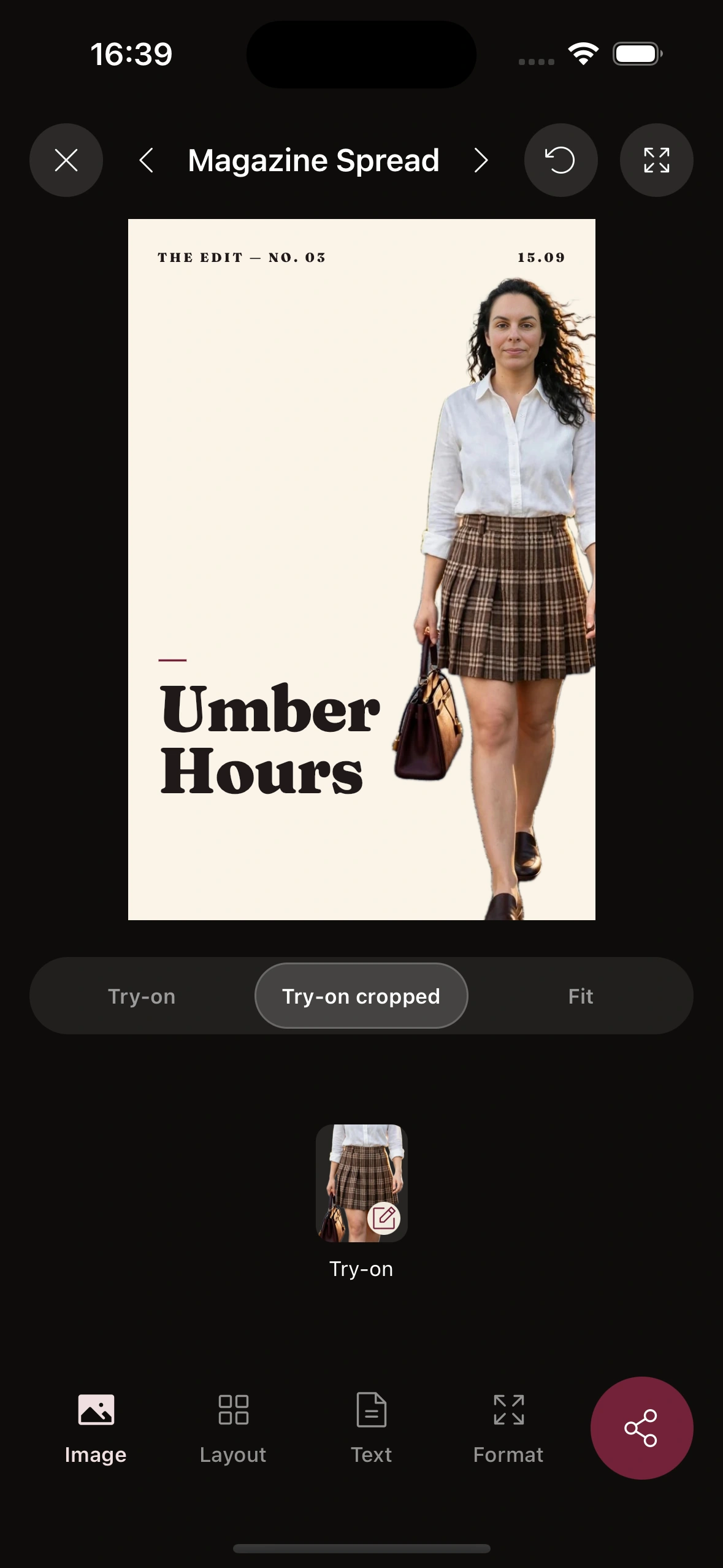
Templates that do the layout for you
Studio is an on-device composer, not a blank canvas that leaves you guessing. Pick a template and it drops your outfit in as clean cutouts, aligns everything to a grid, and sets the type — so a post takes a minute, not an evening in a design app.
The look isn't frozen. Swap pieces, recolor the background, move things around, and switch between polaroid, editorial, and cutout treatments until it matches the mood you're after.
- ·Polaroid stacks
- ·Editorial covers
- ·Cutout grids
- ·Wardrobe cutouts
- ·Background colors
- ·Fresh weekly themes
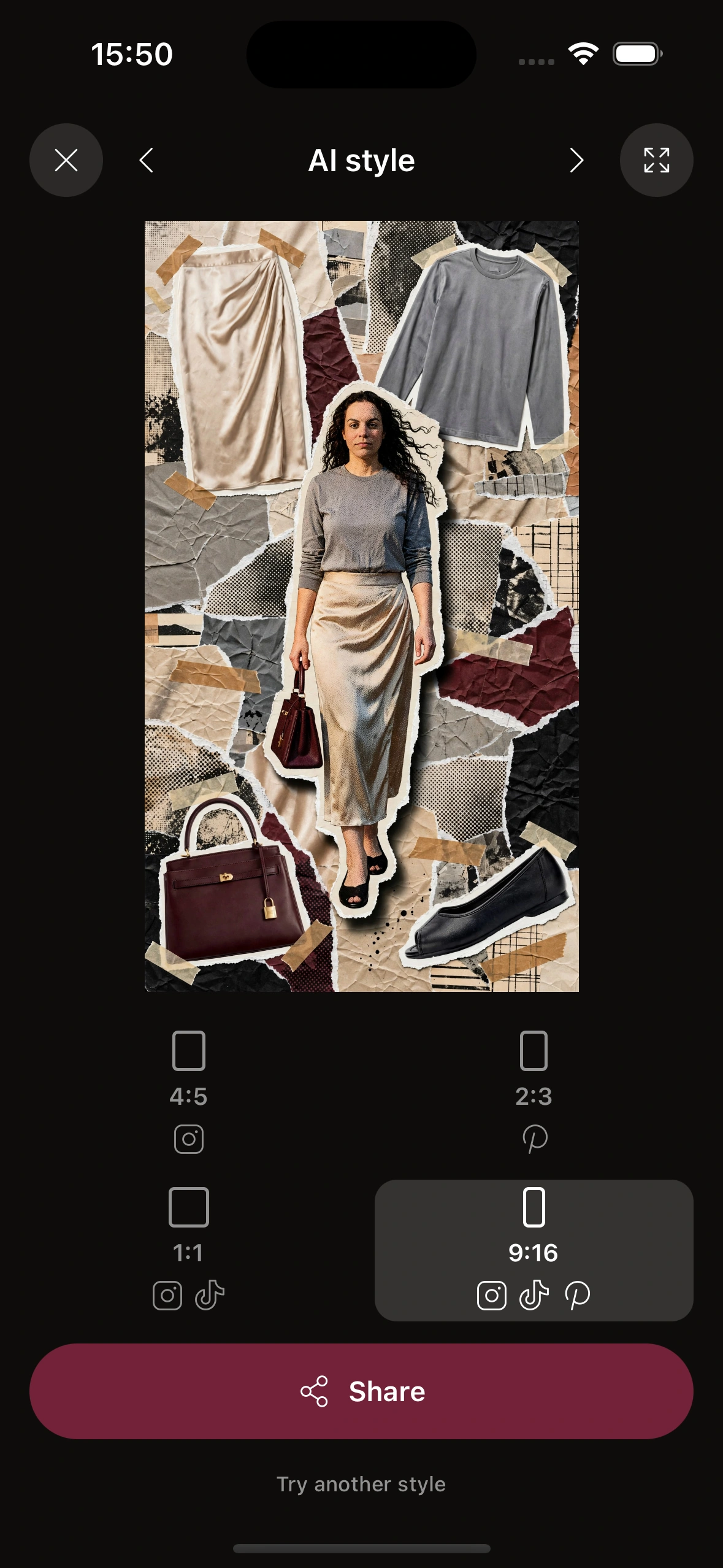
AI art styles, applied to your photo
Start from a real photo of your outfit and turn it into something with a point of view — an editorial magazine cover, an illustrated poster, a painterly treatment. The AI restyles the image while keeping the outfit recognizable.
New themes land every week, so the templates and art styles stay current with what people are actually posting. Your looks get a fresh format to live in without you chasing trends.
Frequently Asked Questions
How do I make an outfit collage?
Open Studio, pick a template, and drop in an outfit from your wardrobe or a photo. Clottr lays out the cutouts, type, and spacing for you, then you rearrange, recolor the background, and export a finished card — no design software needed.
Can I apply an AI art style to my outfit photo?
Yes. Start from a photo of your look and Studio can restyle it into an editorial cover, an illustrated poster, or a painterly treatment while keeping the outfit recognizable. It turns a plain snapshot into a graphic worth posting.
How do I make a shareable outfit card for Instagram?
Compose the card in Studio and export it at social dimensions. The graphic comes out already sized and framed, so you can post it straight to Instagram, TikTok, or anywhere else without screenshotting or cropping.
Are there new templates and themes every week?
Yes. Studio refreshes with new templates and art-style themes on a weekly cadence, so your outfit cards stay current with what's trending instead of using the same three layouts forever.
Do I need design skills or Photoshop to use Studio?
No. The templates handle the composition, and everything happens on your phone. If you can pick a look and tap to swap a background color, you can make a polished fashion graphic — that's the whole point of Studio.
Explore more
Virtual Try-On
See any item on you first, then bring the rendered look straight into Studio.
Digital Wardrobe
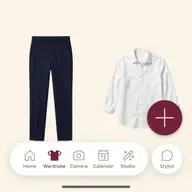
Every piece as a clean cutout — the raw material Studio composes your cards from.
Wardrobe Insights
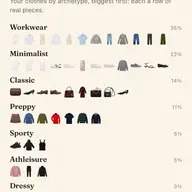
Your closet by the numbers, written like editorial and made to share.

The Lineup
Issue 01 — a full tour of every feature inside the Clottr app.
Make something worth posting.
Join early. Discounted for life.