
Short answer: yes, if they show you as you are. Tinder, Hinge and Bumble are against fake profiles and misleading photos, not against AI as such, and Hinge says outright that AI images are fine as long as they don’t misrepresent you. What gets you in trouble is a face, a body or a life that isn’t yours, because all three apps can check your photos against a selfie, and the person across the table checks them against you in the first second.
I build an app that renders people in their own clothes, so I have an obvious interest in this question. That’s exactly why I want the line drawn clearly. For the wider picture (what to wear, how to shoot it, the date itself), see the dating style guide.
What each app says
What follows sums up each app’s own pages as of October 14, 2026, in my words; the links go to the source. These rules change, so read the current version before you upload.
Tinder
Tinder doesn’t publish a separate rule for AI photos that I could find. What it does publish:
- Its community guidelines ask you not to create a fake account or pretend to be someone you’re not.
- Photo Verification compares a short video selfie with your profile photos.
- In many regions, a profile needs a photo that clearly shows your face, or it’s hidden.
None of that is about AI as such. All of it is about being the person your photos say you are.
Hinge
Hinge is the most explicit of the three, and the clearest about AI:
- Its prohibited content rules don’t allow fake identities or AI-generated content used to mislead others.
- Its AI principles say that if you include generative AI images in your profile, they shouldn’t misrepresent you or your intentions.
- Its community guidelines require at least one photo that clearly shows your face.
- Selfie Verification compares a video selfie with your profile photos.
Bumble
- Its community guidelines require at least one photo that shows only you with your full face clearly visible, and don’t allow photos so distorted or edited that it can’t be clearly determined that you’re the person in them.
- Its rules on inauthentic profiles cover artificially generated or enhanced photos used to deceive.
- Photo verification checks a selfie against your profile photos.
Where the line is
The rules don’t ask how an image was made. They ask whether it shows you. Here’s how I read them:
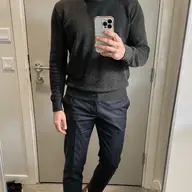
- Fine: a try-on of you, with your own face, in a jacket you own. It shows you as you’d turn up.
- Fine: a real photo, cropped and brightened a little.
- Not fine: a face that isn’t quite yours. Smoothed skin, a sharper jawline, a slimmer or broader body: that’s what “misrepresent” means, whether a filter or an AI did it.
- Not fine: a headshot generated from scratch, or a photo of you somewhere you’ve never been.
The selfie, and then the person
Notice what the three apps have in common: verification compares a selfie with your profile photos. That’s the apps’ version of a question every date asks without saying it out loud. Is this the person from the photos?
A try-on keeps your real face, so it can answer yes. An image that improves your face can’t, and the second check is the one that matters: nobody remembers a profile photo for long, but everybody remembers the moment the person who walked in didn’t quite match it. So lead with a clear, recent photo of your face, and if a render changes your face even a little (it occasionally happens, and running it again usually fixes it), leave that one out.
What AI is good for in dating photos
- The outfit. Seeing three of your own outfits on you, side by side, before you get changed three times.
- The color. Checking which of your tops works near your face, and which disappears.
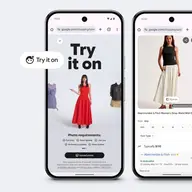
- The photo itself. A try-on of an outfit you own, on your own photo, is a fair picture of how you’d turn up in it.
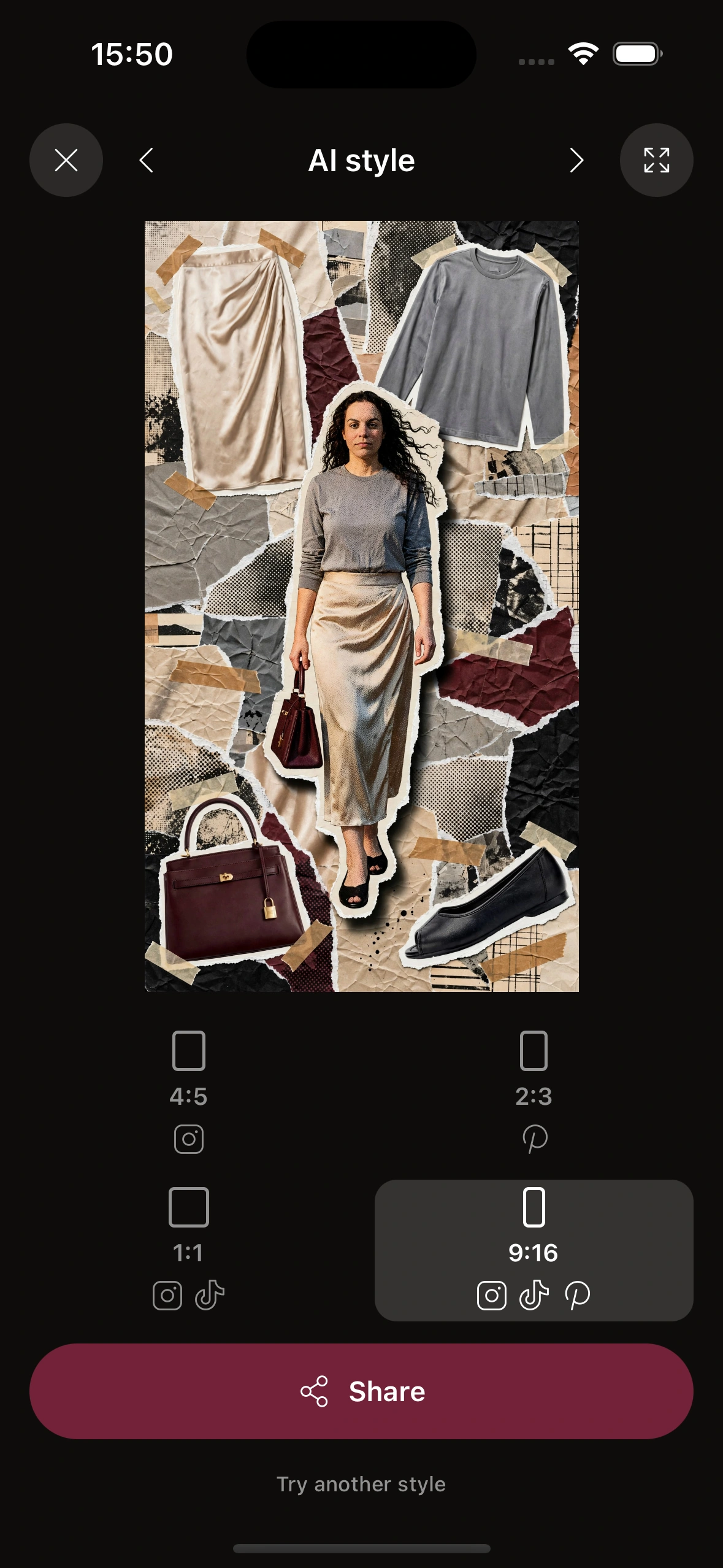
What it’s not for is changing you. Studio’s AI style, which redraws your look in an art style (a torn-paper collage, for example), is great for Instagram, but on a dating profile it reads as a graphic, not a photo of you. Use the try-on image itself.
Where Clottr stands
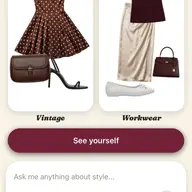
Clottr’s position fits on one line: dating apps are against fake profiles, and a Clottr try-on is you, with your own face, in clothes you own.
In practice, that means:
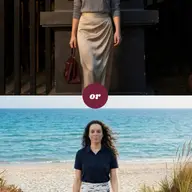
- Try outfits from your own closet on your own photo, and compare two on one This or That card.
- Use the best render in your set, or shoot the real photo in that outfit if you’d rather.
- Lead with a clear, recent photo of your face.
- Leave out any render where your face looks off.
- Edit real photos only for crop and exposure. Nothing that changes your face or body.
- Skip settings you’ve never been to.
The full walkthrough is in plan your dating photos with Studio.
Frequently asked questions
Can I use AI photos on Hinge?
Yes, if they don’t misrepresent you. Hinge’s AI principles say AI images in your profile shouldn’t misrepresent you or your intentions, and its rules prohibit AI-generated content used to mislead. A try-on of you in your own clothes, with your own face, fits that. A face or a body that isn’t yours doesn’t.
Does Tinder allow AI photos?
Tinder publishes no separate rule for AI photos that I could find. Its community guidelines are against fake accounts and pretending to be someone you’re not, and Photo Verification compares a video selfie with your profile photos. An image with your own face shows you as you are; one that changes your face works against you either way.
Are AI headshots allowed on Bumble?
Not if they misrepresent you. Bumble’s guidelines don’t allow photos so distorted or edited that it can’t be clearly determined that it’s you, and its inauthentic-profile rules cover artificially generated or enhanced photos used to deceive. A headshot generated from scratch is a bad bet; a try-on or a photo that keeps your own face is the safe choice.
Is a photo with an AI background allowed?
None of the three publishes a rule just for backgrounds that I could find; their rules are about misrepresenting you. A neutral or everyday setting is fine. A yacht or a landmark you’ve never been to says something untrue about your life, so skip those.
Can I use Clottr try-on images in my dating profile?
Yes. A try-on keeps your real face and shows you in clothes you own, so it shows you as you’d turn up, and the apps’ rules are against fake profiles, not against that. Lead with a clear, recent photo of your face, and leave out any render where your face looks off.
Build your profile from your own closet: follow plan your dating photos with Studio, then put the best try-ons and photos in your profile.