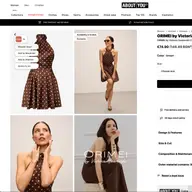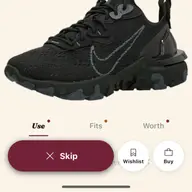


The last time I packed for a ten-day trip on my own, I came home having worn 41% of what I brought. I know the number because I counted, like a person with a problem. Three sweaters untouched. Two shirts still folded. A second pair of dress shoes that lived in the suitcase the entire time and flew home in the same plastic bag I’d packed them in.
This time I let Clottr’s trip planner pack me. Lisbon and Porto, late spring, with a one-day jump up to the Douro Valley where the forecast said it might rain. Ten days, three different dress codes (gallery openings, hike, dinner with friends I hadn’t seen in two years and wanted to not look like a wreck for), and a 22kg checked-bag allowance I was determined not to use.
This is what the AI did, what I learned, and what I’d tell you to do differently if you’ve never trusted an algorithm with your suitcase.
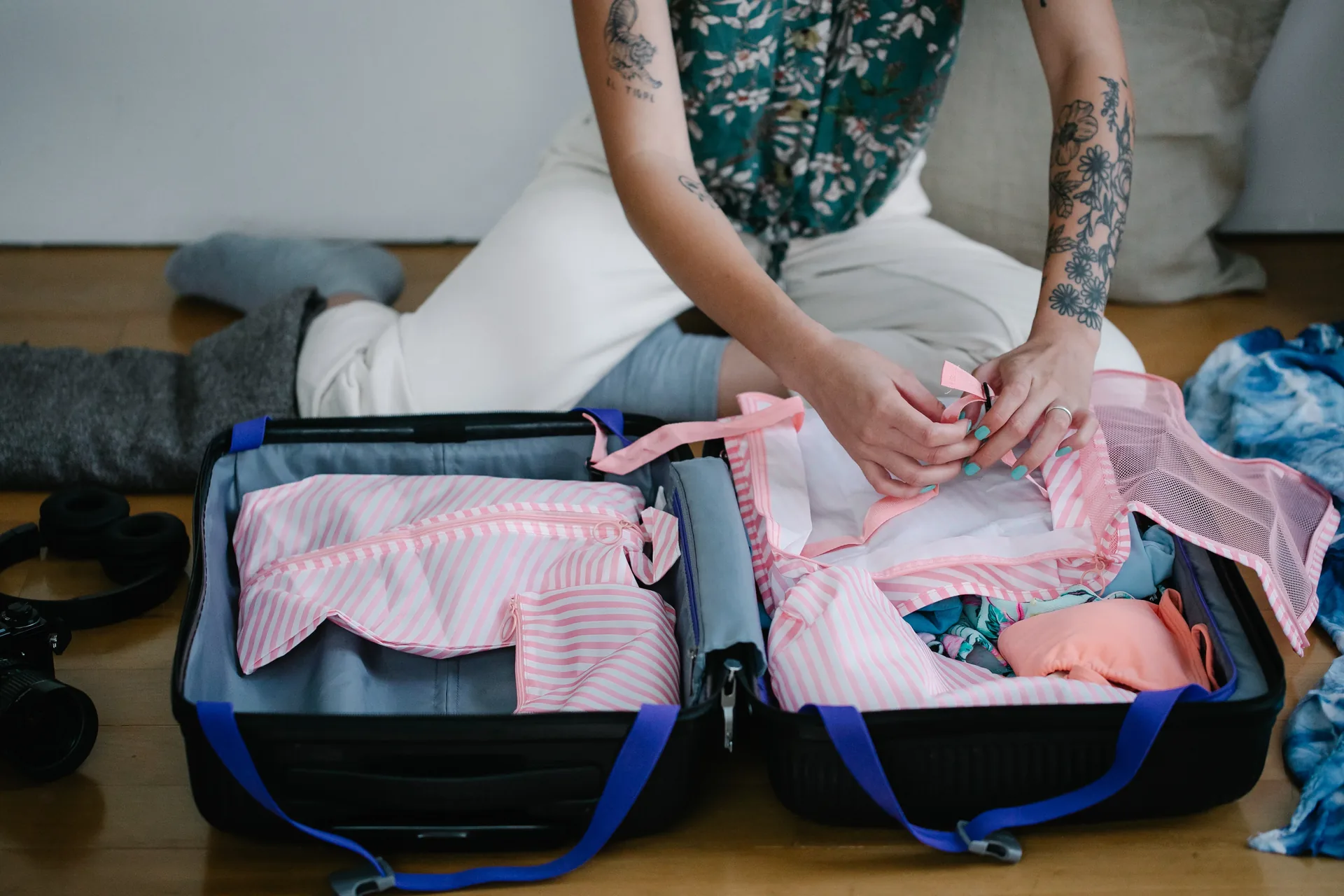
The setup: ten minutes, not ten lists
The planner asks for the destination, the date range, and the trip’s overall vibe: work, leisure, mixed, active, formal. You can also bolt on specific events: dinner at 8pm on the 14th, a hike on the 16th. I added three: a gallery opening Tuesday night, the Douro hike Thursday, and dinner on the last evening that I quietly wanted to be the best-dressed person at.
Then it pulls a ten-day forecast for each city on the itinerary. This is the part that turns a packing list from a guess into a real plan. The trip planner doesn’t see “Portugal in May” as one weather. It sees Lisbon at 22°C with afternoon sun, Porto at 17°C with morning fog, and the Douro at 14°C and probably wet. Different cities, different fabrics.
What the planner actually generates
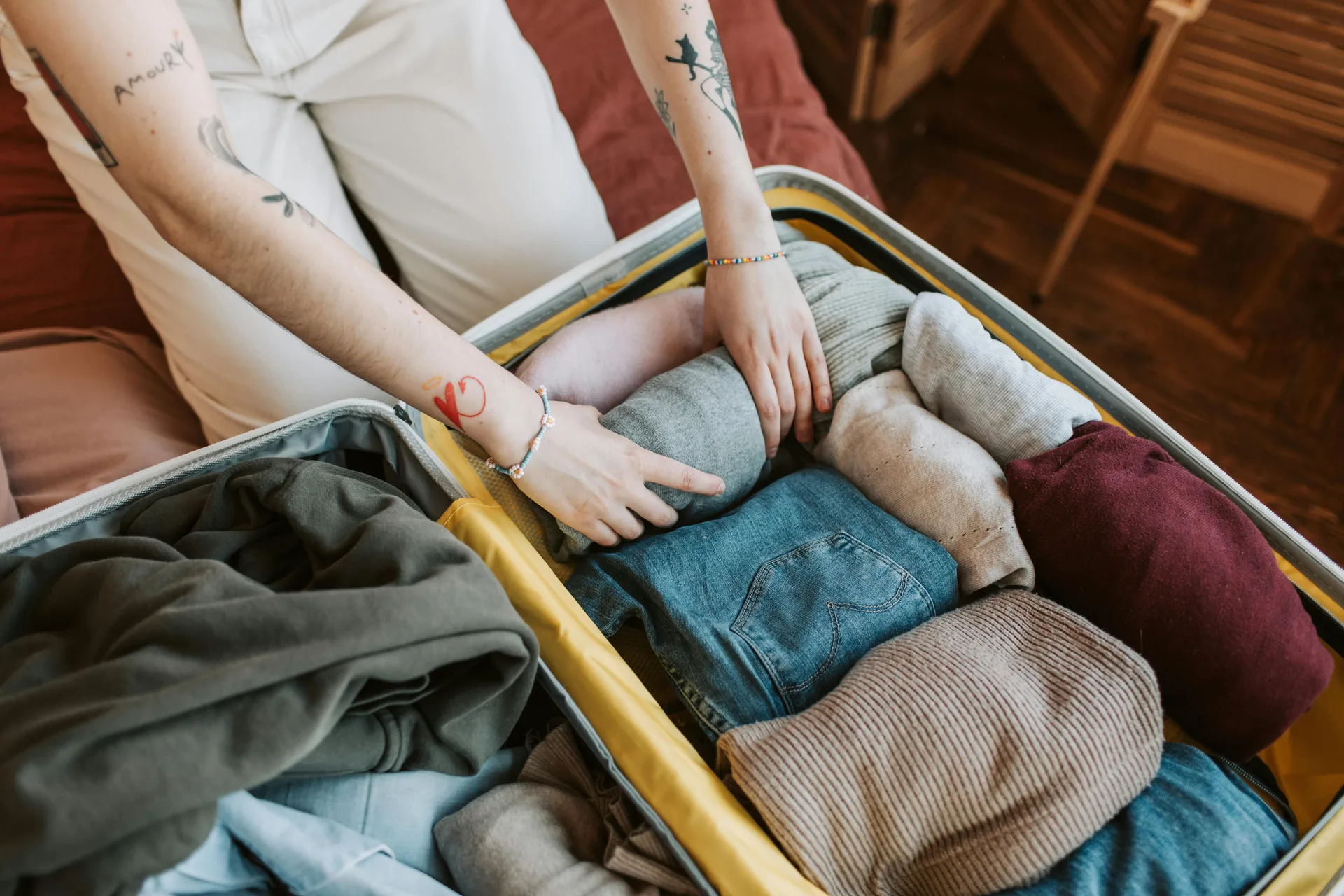
For each day of the trip, you get a complete outfit recommendation built from your wardrobe, same seven-dimension scoring as the daily outfit planner, but layered with the forecast for that exact city on that exact day. Then it composes the union of those outfits into a packing list. If three days call for the navy chinos, you pack the chinos once. If a single rainy hike calls for the technical shell, you pack the shell.
A few things surprised me:
- It picked one transitional jacket, a chore coat in unstructured cotton for nine of the ten days. The hike got a separate shell. That was it. Two outer layers for ten days.
- It refused to suggest the white sneakers for the Douro day. (“Forecast: 80% chance of rain. Substituted leather boots already in your wardrobe.”)
- It quietly noticed I’d worn the same pair of jeans for the previous three logged days and added a second pair to the packing list. I’d have packed one and resented myself by day four.
- For the gallery night and the last-night dinner, it picked overlapping anchors: same chinos, same shoes, different tops, different jackets. The dress code shifted from creative-casual to dialed-up dinner without making me pack two full suits.
The total: one carry-on. Two pairs of shoes, both worn. Three sweaters, all worn. One outer layer plus a packable shell. Three tops on rotation, plus the dinner shirt. Two pairs of pants. Pajamas. A swimsuit I requested manually because the planner doesn’t know I sometimes find a pool.
The forecast pivot, mid-trip
On day five the Douro forecast flipped from “probably wet” to “definitely sunny and warmer than expected.” The planner noticed and rebuilt that day’s outfit before I opened the app. Linen overshirt instead of the shell. Sneakers instead of boots, since the trail had dried.
I’d never have done that update on my own. I’d have packed for the original forecast and worn the wrong thing.
This is the bit that I think most travel-packing apps miss. A packing list isn’t a static artifact you generate the night before you fly. It’s a plan that should keep updating while the trip is happening. Clottr keeps doing that — checking the forecast every morning, re-suggesting if the conditions shift, flagging anything in the suitcase that’s now wrong for the day. Quietly, in the background, while I drank coffee.
What I wore: 100% of it
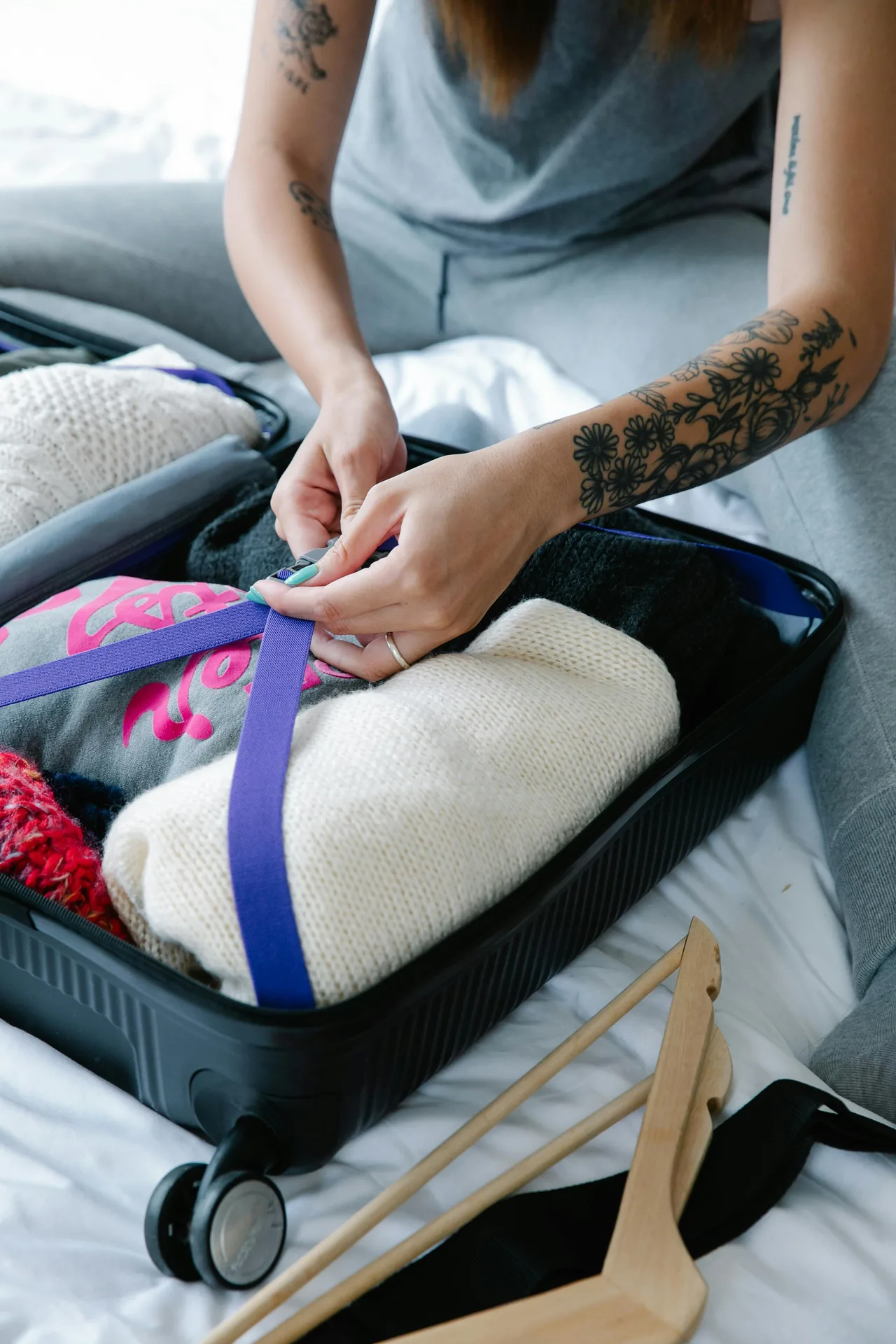
I came home and counted again. I wore everything. The chore coat got nine days. The shell got one. The dinner shirt got the gallery and the dinner. The “extra” pair of jeans got two outings. Not a single piece flew round-trip unused.
It’s a small thing. But for someone who has spent a decade overpacking on the assumption that maybe I’ll need it, watching the AI confidently say “no, you won’t” — and being right — felt like getting a new superpower. Or like having a friend who’s actually good at this.
What the planner gets wrong (and how I worked with it)
Honesty section. The trip planner is good, not magic.
It doesn’t know about your luggage constraint unless you tell it. By default it’ll cheerfully suggest 12 outfits for a 10-day trip and call the packing list ‘optimized’. If you’re trying to carry on, set the trip vibe to “minimalist” or manually cap the number of pieces you want. It respects the cap and starts compressing.
It doesn’t know about vibes. It knew Tuesday night was a gallery opening because I told it. It didn’t know the gallery is one of those white-walled places where everyone wears black, so it kept trying to suggest the cream chore coat. I overrode that one manually. Five seconds, done.
It doesn’t pack non-clothing for you. No toothbrush list. No “did you charge the camera.” The trip planner is a wardrobe tool. Use a separate checklist for the rest, or get over it like I have.
And occasionally it nudges you toward a piece you don’t love. The first draft suggested an orange linen shirt I’d added to my closet on a whim and never worn. I trusted it. Wore it on day three in Porto, with the chore coat, in 18°C overcast. Got two compliments. So sometimes its taste is better than mine.
What I’d tell you to do differently
If you’ve never trusted an AI with a packing list:
-
Log your wardrobe accurately before the trip. The planner can only pick from what it knows you own. Add your travel basics — the jacket you’d actually take, the shoes that survived last trip — and tag the season and weather range so the AI can reason about them. Ten minutes of setup pays for itself.
-
Tell the planner about your events. Don’t expect it to guess that Tuesday is fancy. Add the gallery, the dinner, the meeting. Each event tilts the day’s outfit toward the right formality.
-
Lock in the bag size. Carry-on or checked, say it. The planner respects it.
-
Override what feels wrong. It’s not a hostage situation. Swap one piece per outfit if you want. The AI re-balances around your override and keeps the rest of the days coherent.
-
Look at the packing list, not the daily fits, when you actually pack. The list is the union. Once it’s in the bag, you can let the daily fits guide you in real time while you’re there — same way the daily outfit planner works at home.
The bigger thing
Travel is one of those things where bad outfit decisions compound. You can recover from a bad outfit at home by changing in five minutes. On a trip you wear it all day, in photos, in front of people you came to see. Getting dressed well on the road matters more than getting dressed well at home, and most of us do the opposite.
Pre-deciding the wardrobe with an AI sounds like overkill until you’ve done it once. Then you can’t imagine going back to standing over a suitcase with three jackets and a forecast you skimmed.
For the next trip I’m doing the same thing — earlier, even. The trip planner is good enough now that I’m planning the wardrobe before I book the hotel.
Want to set up your first trip in the app? Read our step-by-step trip planning guide or learn about the daily outfit planner it’s built on. If you want the every-morning version of this same idea, here’s how the daily fit email works. And for the full launch tour, see Issue 01 — The Lineup.