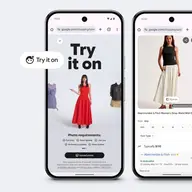

Virtual try-on is good at showing color, style and proportion on your own body. It is not a size predictor, it can’t show exact fit or fabric feel, and lighting is an approximation.
That’s the honest answer, and I say it as someone who builds a try-on app. So weigh this accordingly. The rest of this post is the detail: what try-on gets right, where it slips, which clothes it struggles with, and how to use it for a purchase that actually matters.
People ask me some version of “is it BS?” a lot. Fair question. Most of us remember the old filters that pasted a flat shirt over your torso like a sticker. Modern try-on is a different thing. It is still not a fitting room.
What virtual try-on gets right
Try-on answers one question well: does this look right on me? It handles three parts of that.
Color against your skin and hair. This is the big one. A camel coat that glows on the model can wash you out. A cobalt sweater you’d never pick might be the best thing you wear all year. Seeing the color next to your own face and hair tells you far more than a product photo can.
Silhouette and proportion. Whether a midi or a mini works on you. Whether a high waist or a low one does. Whether a cropped jacket cuts you in a good place or an odd one. The clothes are rendered on your own photo, so you judge the proportions on your body, not on a model. Exact lengths are approximate: where a hem really lands depends on the size you order.
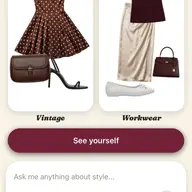
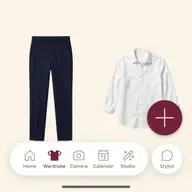
How pieces work together. You rarely wear one item alone. In Clottr you can build a full outfit on the canvas (tops, bottoms, shoes, accessories) and see the whole look on you. A skirt that seems great on its own can clash with every top you own. Better to learn that before checkout.
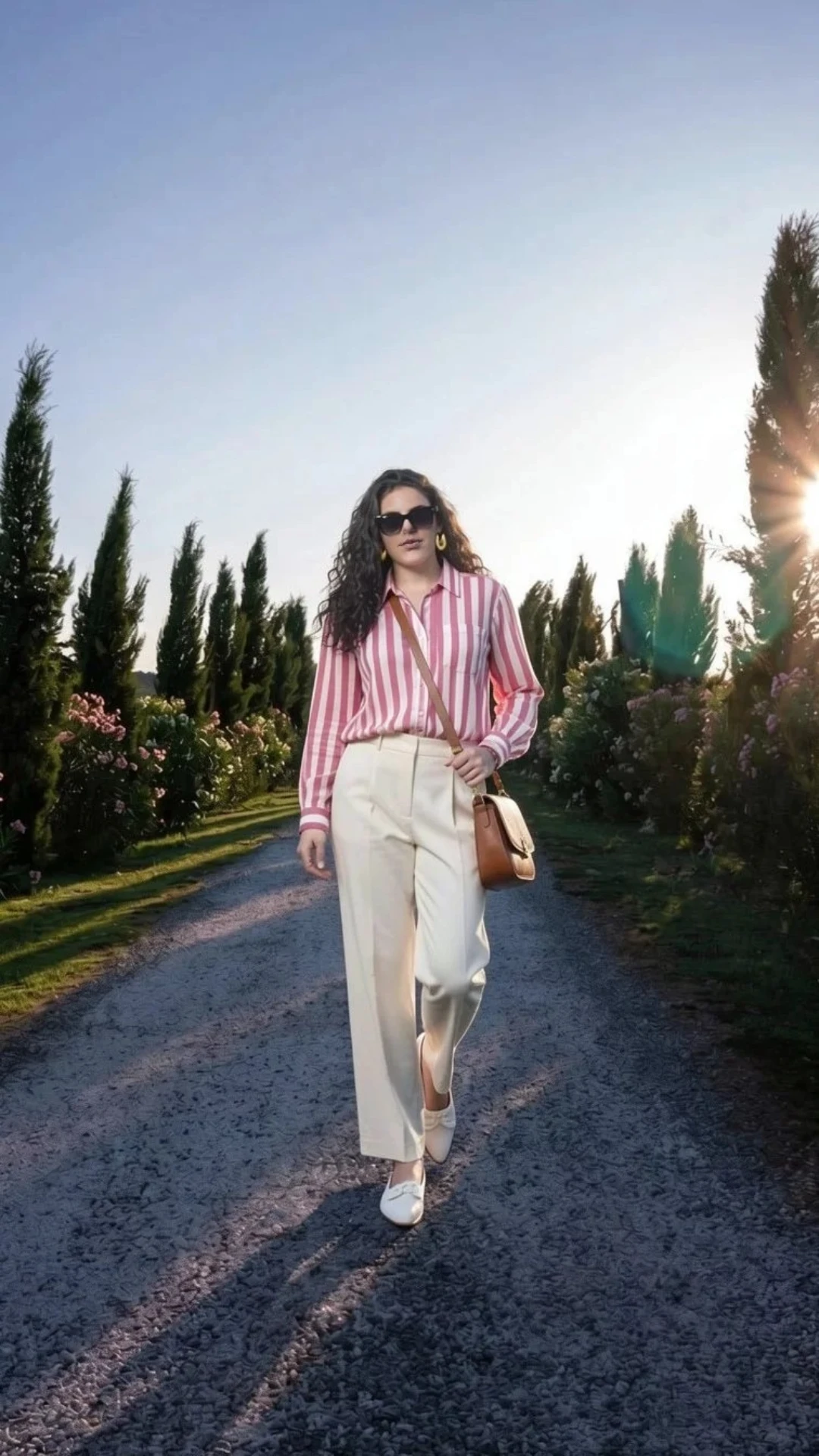
That one is a full outfit. Glasses, sunglasses, earrings and necklaces render on the same photo as your clothes, so you judge them on you, not in isolation on a product page.
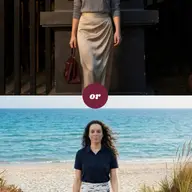
It’s also good at the “this or that” moment: try on both outfits, look at the two renders, pick one.
What it gets wrong
This is the part I’d want to read first, so here it is without the gloss.
First, the render itself. Try-on is generative AI. Once in a while a render changes the face a little, or blends two layered pieces into one. Clottr preserves your own face in each result to keep it looking like you, and running the try-on again usually fixes the rest.
Second, and more important, the things it can’t show at all:
- Size. It won’t tell you whether you’re a medium or a large. It doesn’t predict your size.
- Exact fit. Whether the shoulders pull, the waist gaps or the sleeves come up a touch short.
- Stretch and fabric weight. A render can’t tell you that the knit is thin, the denim is stiff or the lining itches.
- Movement. How a piece moves when you walk, sit down or reach for something. A render is a still image.
- Lighting. The light in the render is not the light in your room, your office or the restaurant. Colors shift under warm bulbs and office lighting. So does your skin.
Glasses get the same caveat. The frames render on your photo, but scale is approximate. You’ll see whether the shape and color suit you, not whether the frame is the right width for your face.
Here’s how I think about all of this. Try-on is an approximation for judging the look, not the fit. It shows how a piece’s color, style and proportions come together on your body. Everything that depends on the physical garment (size, fit, stretch, weight, feel) is still between you, the size chart and the return policy. Our terms say the same thing in lawyer language: renders are approximations, not a promise of how something will fit or look in person. I just think it belongs on the front page too.
The hard cases
Some clothes are harder to render than others. These are where results are less reliable:
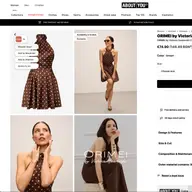
- Busy patterns. Small prints, fine stripes and dense florals are harder to render exactly. Judge the overall effect (is this print too loud for me?), not whether every motif is in the right place.
- Layering. A shirt under a sweater under a coat is where pieces sometimes blend. If the layers merge, run it again, or try the look with fewer layers first.
- Sheer fabrics. Chiffon, mesh and lace depend on what’s underneath and on the light. The render gives you the idea, not the exact transparency.
- Unusual poses. A photo where you’re turned sideways, sitting or mid-stride gives the AI less to work with. Standing straight and facing the camera gives the cleanest result.
- Shoes. Shoes are small in a full-body frame. You’ll see their color and shape against the outfit, which is the useful part. Check stitching, sole and heel details on the product page.
The advice is the same for all five. Start from a plain photo. Run it again if something looks off. Judge the look, not the detail.
How to get better results
The photo matters most. Every clothing try-on is built on it, so a good one pays off every single time.
- One full-body photo, head to feet in the frame.
- Facing the camera, standing straight.
- A plain wall behind you.
- Even light: face a window or stand under soft overhead light, with no harsh side shadow.
- Reasonably fitted clothes, so your proportions are easy to read.
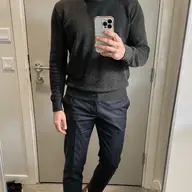
A mirror selfie works, as long as it’s full-body and well lit.
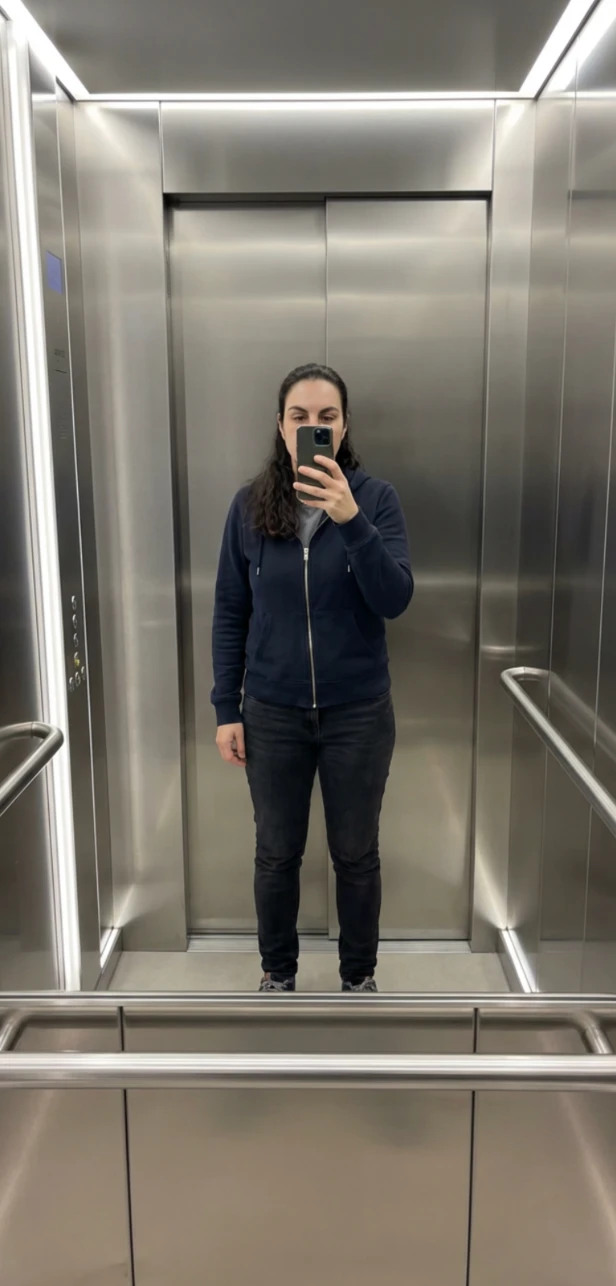
Not a studio. Doesn’t need to be. Clottr turns that photo into a clean studio pose (your body model) and uses it for every clothing try-on after that (glasses, earrings and necklaces too). You set it up once and can update it anytime. The full walkthrough is in the try-on photo guide.
Quality first, speed next
We made a choice early: quality over speed. A render that doesn’t look like you tells you nothing about the jacket, however soon it arrives.
So that’s where Clottr stands: high-quality try-ons today, with instant speed coming soon. Speed is the easier thing to put on a billboard. Quality is what makes the answer worth having. We did them in that order on purpose.
When to trust it for a big purchase
A wedding dress. A suit. A good winter coat. The stakes are higher, so split the job in two.
Use try-on to judge the look and to shortlist. Color against your skin, the silhouette and proportions on your body, whether it works with the shoes and bag you already own. Go from ten candidates to two or three.
Use everything else for size and fit. Read the store’s size chart. Book a fitting where there is one (for a wedding dress or a tailored suit, there should be). Check the return policy before you buy, not after.
| The question | Where to get the answer |
|---|---|
| Does this color work with my skin and hair? | Virtual try-on |
| Is the silhouette right on me? | Virtual try-on |
| Does it go with what I already own? | Virtual try-on, with the full outfit on the canvas |
| Which size should I order? | The store’s size chart |
| Will it fit my shoulders, waist and hips? | A fitting, or a good return policy |
| How does the fabric feel and move? | The real garment, in person |
Try-on narrows the field. The fitting room closes the deal.
Clottr is coming soon for iOS and Android, with a companion browser extension, and the waitlist is open.
Frequently asked questions
Does virtual try-on show the right size?
No. Virtual try-on shows how a piece’s color, style and proportions look on your body, but it doesn’t predict your size or tell you exactly how a garment will fit. Use the store’s size chart for size, and check the return policy before you buy.
Why does a virtual try-on look different in person?
Because a render is an approximation. The lighting in the render isn’t the lighting in your room, and a still image can’t show fabric weight, stretch or how a piece moves. Use the render to judge the look and the real garment to judge the feel.
Can I trust virtual try-on for a wedding dress?
Trust it for the look, not the fit. Try-on is a good way to compare colors, necklines and silhouettes on your own photo and cut a long list down to a few. Size, fit and alterations still come from a proper fitting with the shop.
How long does a virtual try-on take?
Clottr puts quality first, not the stopwatch: high-quality try-ons today, with instant speed coming soon.
Can I run a try-on again if something looks off?
Yes. A render can occasionally change the face a little or blend layered pieces, and running it again usually fixes that. A clear, full-body photo against a plain wall means fewer retries. The try-on photo guide shows how to take one.
Is my photo private?
Yes, within clear limits. Clottr stores your selfie, the pose image made from it and your try-ons. It creates no biometric templates and does not identify you, and your photos are never used to train AI (its AI providers are contractually barred from it too). Moderation is automated: a person looks at a specific image only if it’s reported as breaching the Terms, if you send it to support, or if the law requires it. “Delete my data” in Profile settings removes your data from active systems immediately, and encrypted backups are purged within 30 days. The details are in the privacy policy.
Try it on your own photo: pick the piece you’ve been on the fence about and judge the look, not the size, with virtual try-on.
New to try-on? Start with the try-on photo guide, because the photo does most of the work. To see how the apps compare, read our roundup of the top virtual try-on apps in 2026. And for everything the feature does, here’s how virtual try-on works in Clottr.